Loading amazing tracks...
The Ultimate
PolyTrack Collection
Latest PolyTrack Codes
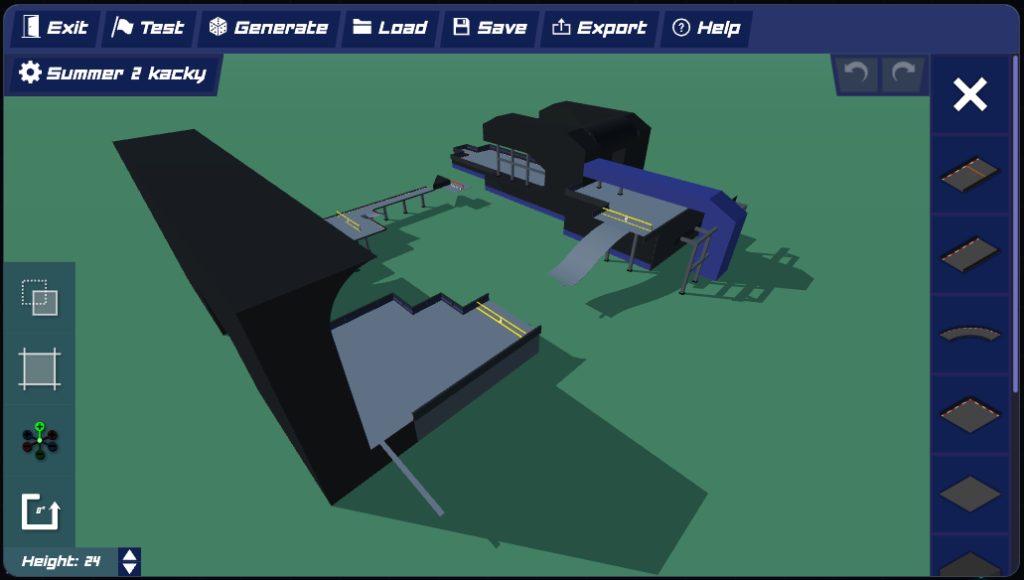
Expert
Community Track #196: Summer 2 kacky
u/Dry_Morning21660
0
VerticalCommunityKacky
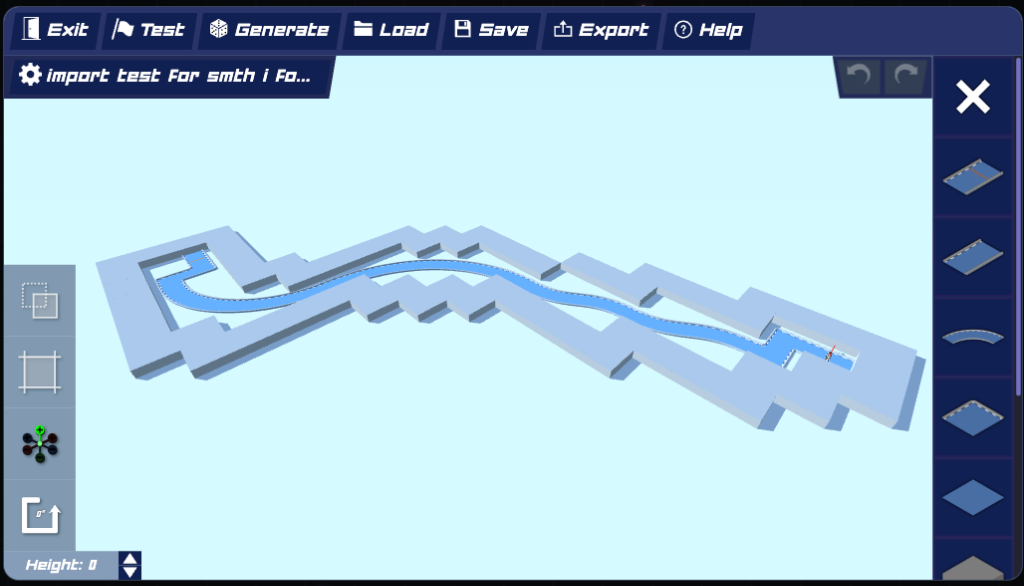
Hard
Community Track #194: Short Track
u/Odd-Manufacturer2435
0
ShortTechnicalCommunity
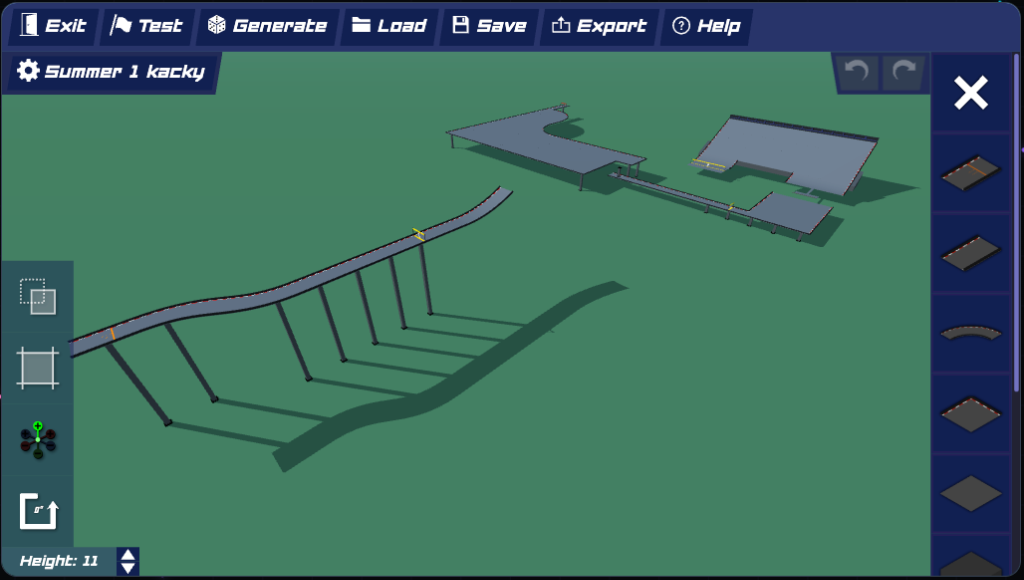
Expert
Community Track #195: Summer 1 kacky
u/Dry_Morning21660
0
CommunityKackyReddit
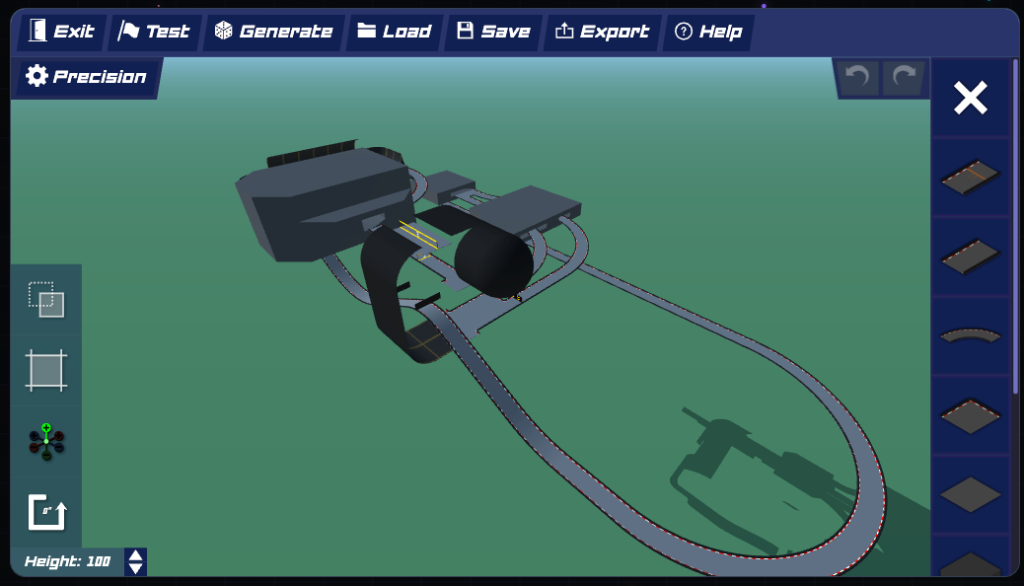
Expert
Community Track #193: Precision
u/That-Ad-1290
0
TechnicalPrecisionCommunity
Hard
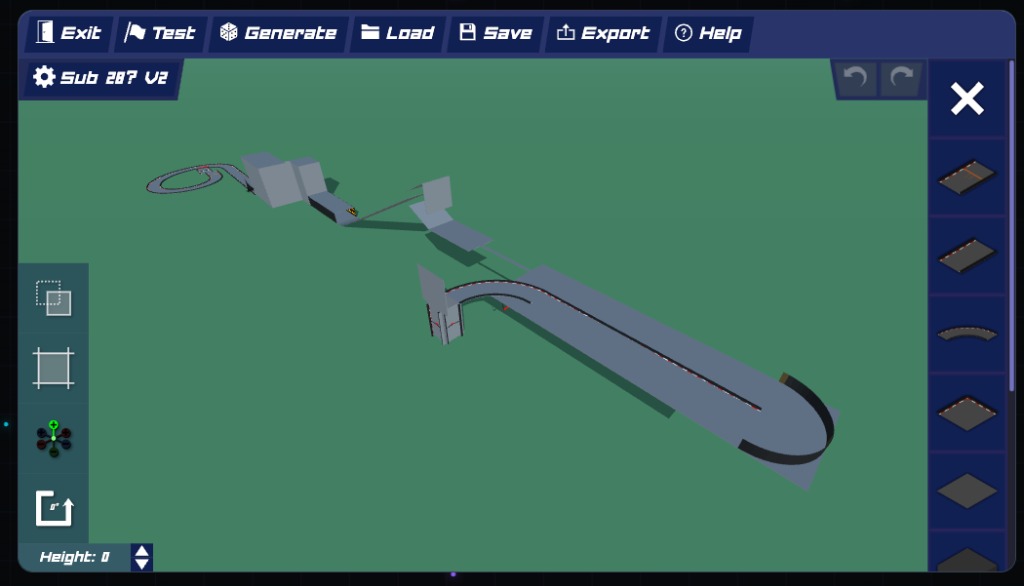
Community Track #192: Sub28 ?V2
u/Some_Class_8607
0
SpeedCommunityJumps
Medium
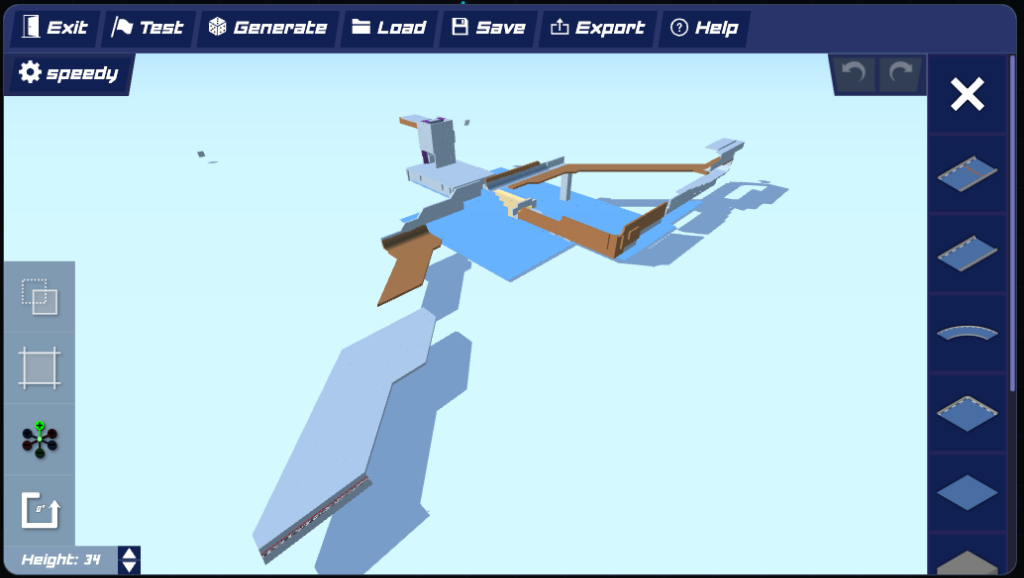
Community Track #191: Speedy
Harbodious
0
SpeedCommunityJumps
Most Popular Tracks
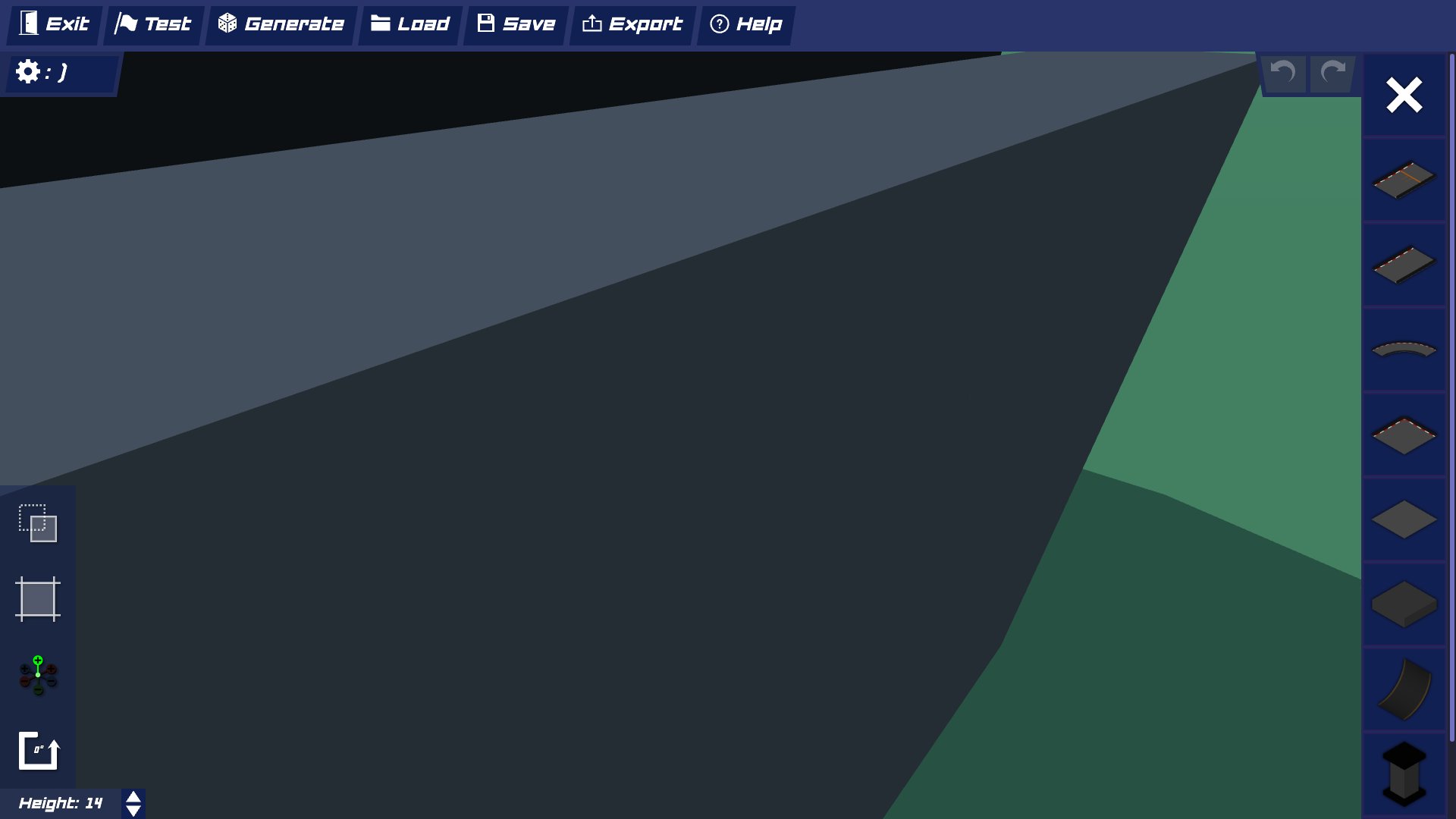
Impossible
Community Track #52
Community
5,431
PrecisionCommunityImported
Medium
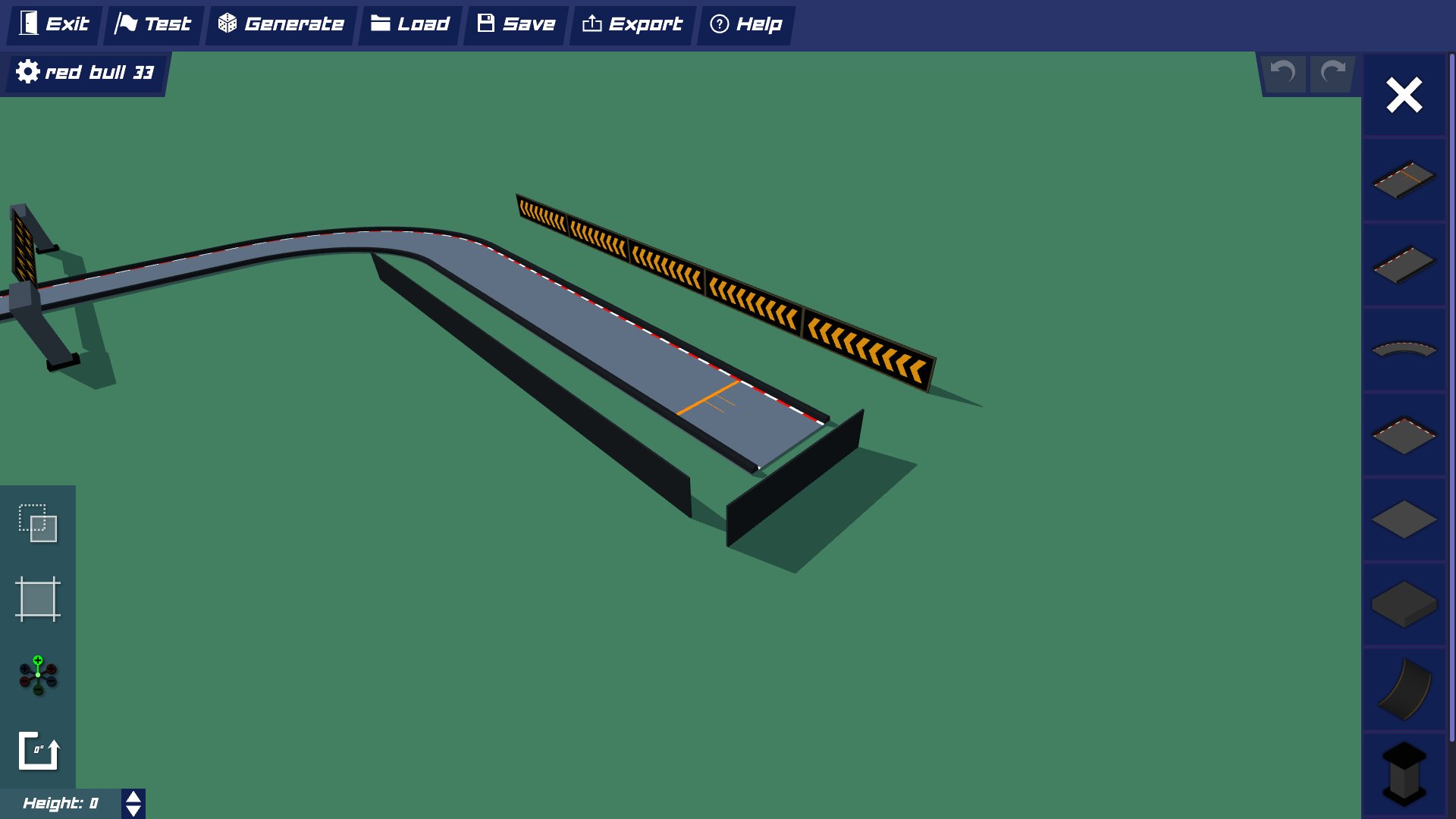
Community Track #51
Community
5,425
SpeedrunTime TrialTutorial
Impossible
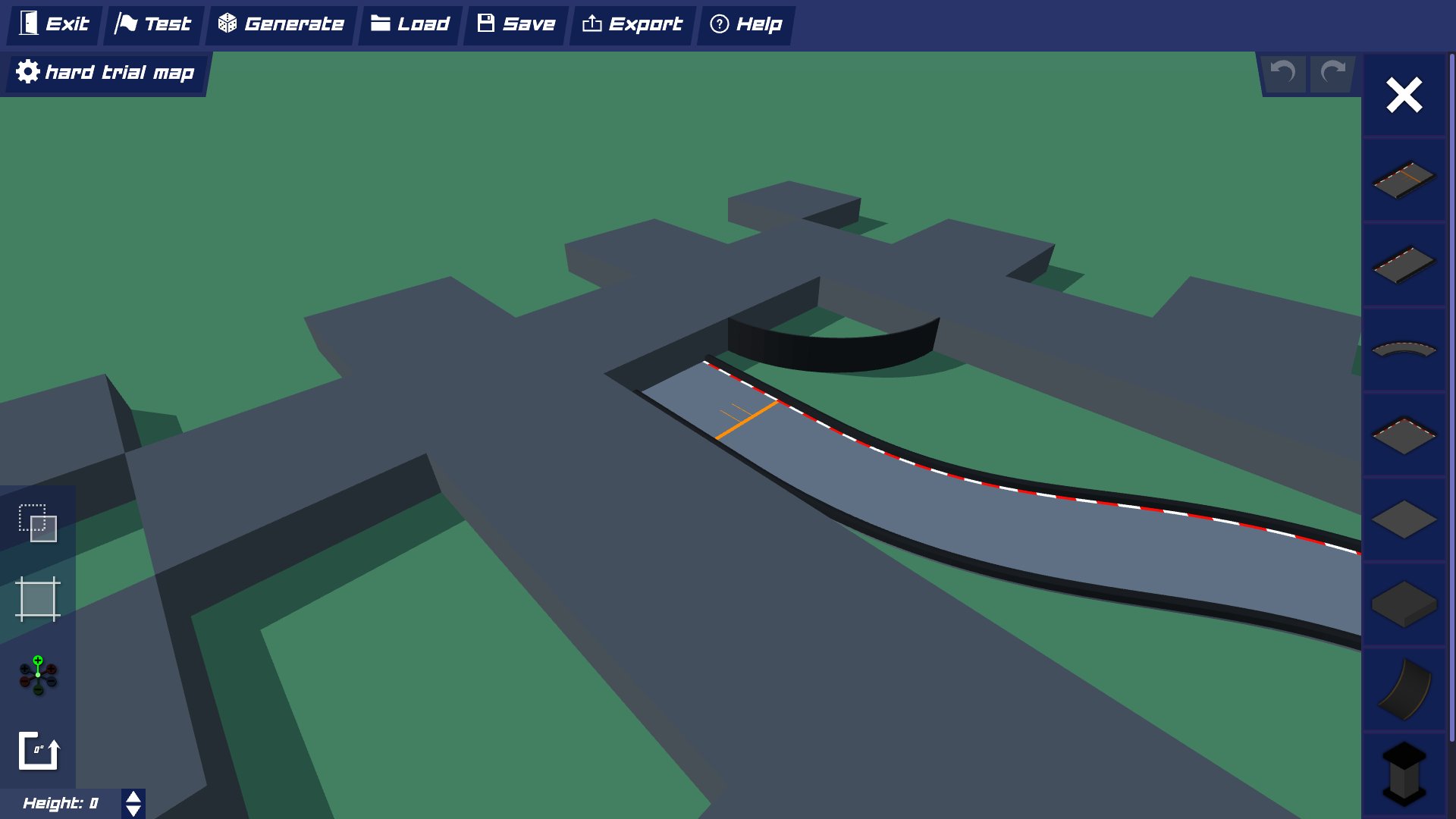
Community Track #81
Community
5,423
SpeedrunTime TrialTutorial
Easy
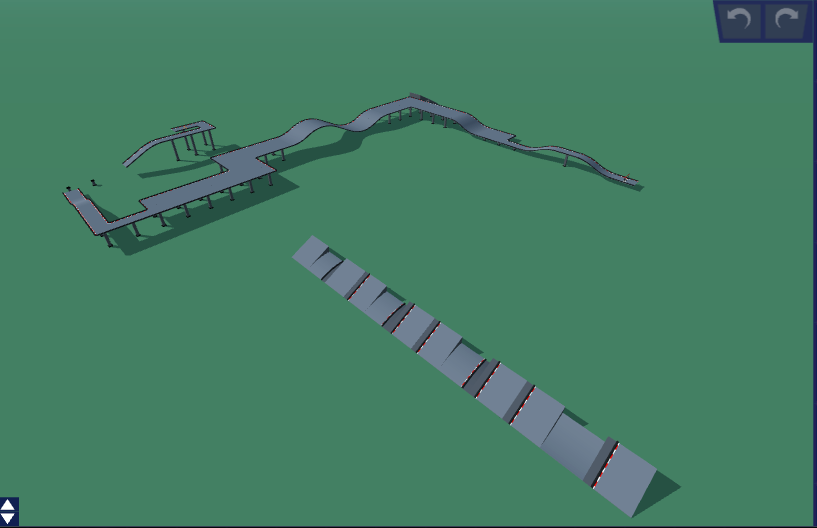
Community Track #99
Community
5,404
SpeedrunTime TrialClassic
Medium
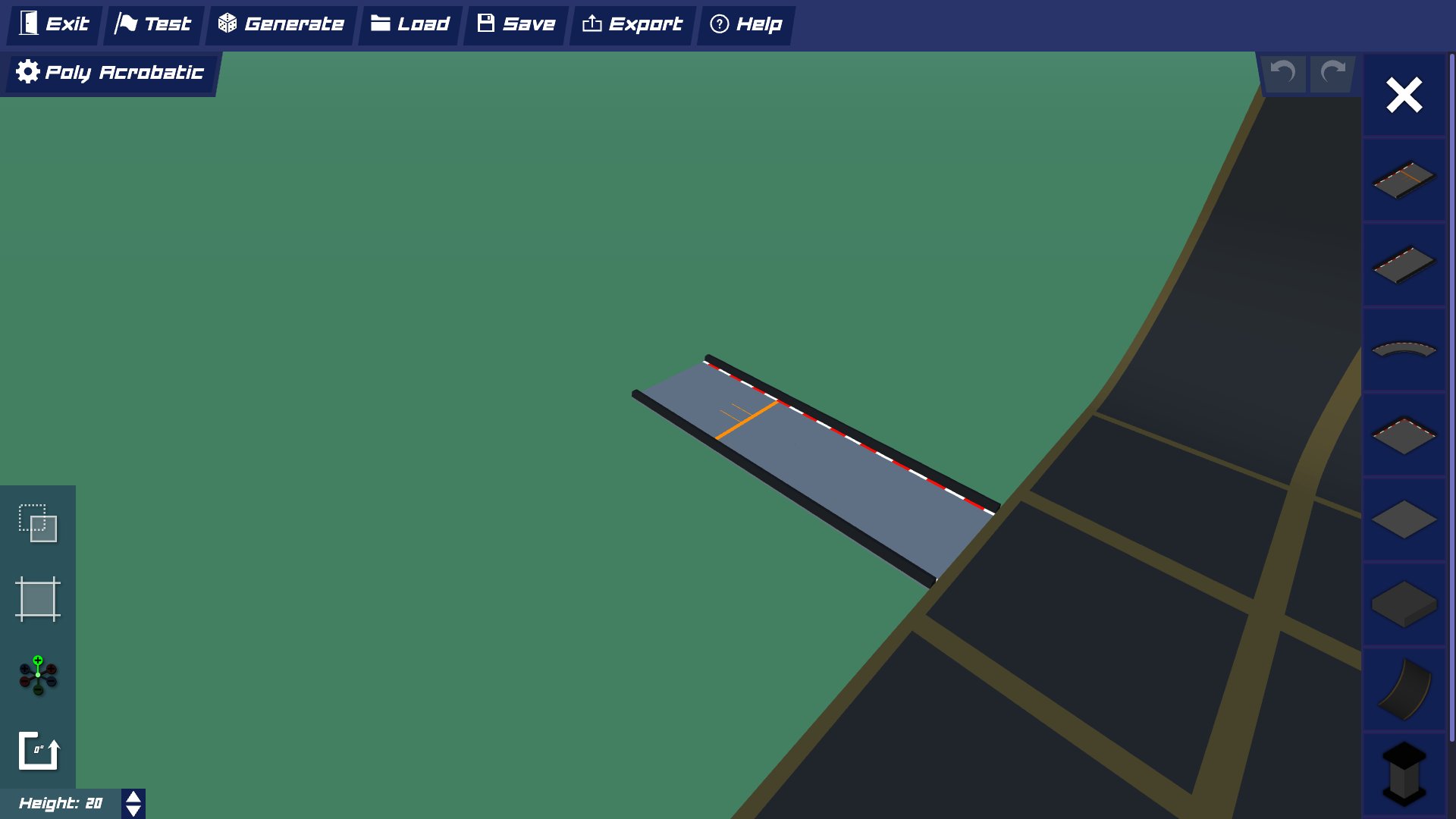
Oops
Community
5,389
SpeedrunTime TrialClassic
Medium
Community Track #101
Community
5,382
SpeedrunTime TrialClassic
What is PolyTrack?
PolyTrack is an exciting browser-based 3D racing game that combines the thrill of high-speed driving with unlimited creative freedom. Unlike traditional racing games, PolyTrack empowers players to design, build, and share their own custom race tracks using an intuitive in-game editor.
The game features smooth physics-based gameplay, stunning low-poly graphics, and a vibrant community of creators who constantly push the boundaries of track design. From simple beginner-friendly courses to mind-bending expert challenges with loops, jumps, and impossible geometry, PolyTrack offers endless variety and replayability.
Browser-Based
Play instantly in your browser - no downloads or installations required
Physics-Based
Realistic driving physics that rewards skill and precision
Community-Driven
Thousands of player-created tracks shared daily
What are PolyTrack Codes?
PolyTrack codes are special text strings that contain all the information needed to recreate custom tracks. When you create a track in PolyTrack's editor, the game generates a unique code that encodes the track's layout, obstacles, checkpoints, and visual elements.
Think of track codes as DNA for custom maps - they're compact, shareable, and can be copied and pasted to instantly import amazing creations from other players. This code-based sharing system makes it incredibly easy to discover and play thousands of community-created tracks without any complex file transfers or mod installations.
How Track Codes Work
- 1Browse our collection and find a track that interests you
- 2Click the "Copy Code" button to copy the track code to your clipboard
- 3Open PolyTrack in your browser and navigate to the track editor
- 4Paste the code into the import field and hit enter - the track loads instantly!
Why Choose PolyTrackCodes.com?
The most comprehensive and trusted source for PolyTrack custom track codes
Largest Collection
Over 180 hand-picked custom tracks, from beginner-friendly to expert-level challenges. New tracks added daily by our active community.
Instant Access
One-click copy buttons make it effortless to grab any track code. No registration, no waiting, no ads blocking your experience.
Quality Verified
Every track is tested and verified to work correctly. We filter out broken or low-quality submissions to ensure the best experience.
Smart Organization
Advanced filtering by difficulty, category, popularity, and recency. Powerful search helps you find exactly what you're looking for.
Community Ratings
See what other players think before you play. Ratings and download counts help you discover the most popular creations.
Active Community
Join thousands of players and creators sharing their passion. Submit your own tracks and get featured on our platform.
Frequently Asked Questions
Everything you need to know about PolyTrack codes
How do I use a PolyTrack code?
Using a PolyTrack code is simple: 1) Find a track you like on our website and click the 'Copy Code' button. 2) Open PolyTrack in your browser (usually at polytrack.io or through your school's unblocked games). 3) Click on the track editor/import option in the game menu. 4) Paste the code into the import field and press Enter. 5) The track will load instantly and you can start playing!
Are these codes safe to use?
Yes, absolutely! PolyTrack codes are completely safe. They only contain track layout data and cannot execute any harmful code or access your device. Every track on our platform is manually reviewed to ensure quality and safety. The codes are simply text strings that the game interprets to recreate the track design.
Do I need to create an account?
No account is required to browse and copy track codes! You can access our entire collection of 1000+ tracks completely free without registration. However, if you want to submit your own tracks or save favorites for later, we recommend creating a free account.
Can I submit my own tracks?
Absolutely! We love featuring community creations. To submit your track: 1) Create your track in PolyTrack's editor. 2) Export the track code from the game. 3) Visit our submit page at https://polytrackcodes.com/submit. 4) Fill out the submission form with your track details and code. 5) We'll review it and publish it within 24-48 hours.
Are all tracks completely free?
Yes! Every single track on PolyTrackCodes.com is 100% free to access and use. We believe in keeping the PolyTrack community open and accessible to everyone. There are no premium tracks, no paywalls, and no hidden fees.
How often are new tracks added?
We add new tracks daily! Our community is constantly creating and submitting amazing new content. Check the 'Latest Tracks' section on the homepage to see the most recent additions. You can also subscribe to our newsletter to get weekly updates on the best new tracks.
What difficulty level should beginners try?
If you're new to PolyTrack, we recommend starting with 'Easy' or 'Medium' difficulty tracks. These will help you learn the basic driving physics and controls, understand how checkpoints and track layouts work, and build confidence before tackling harder challenges. Once you're comfortable, try 'Hard' tracks, and eventually work your way up to 'Expert' and 'Impossible' challenges!
Can I play PolyTrack on mobile devices?
PolyTrack is primarily designed for desktop browsers and works best on computers. While some mobile browsers may support the game, the experience can be limited due to touch controls and performance constraints. For the best experience, we recommend playing on a desktop or laptop computer with a keyboard.
Can I play PolyTrack at school?
Many schools block gaming websites, but PolyTrack is often available through unblocked game sites. Check out our Play Unblocked page at https://polytrackcodes.com/play-unblocked for links to school-friendly versions. Always make sure to follow your school's internet usage policies!
Why isn't my track code working?
If a track code isn't working, try these troubleshooting steps: 1) Make sure you copied the entire code without any extra spaces or characters. 2) Verify you're using the latest version of PolyTrack. 3) Try pasting the code in a text editor first to check for formatting issues. 4) Clear your browser cache and try again. 5) If the issue persists, contact us through our contact page and we'll investigate.
Share Your Creations
Built an amazing track? Share it with thousands of players worldwide!
Submit Your Track