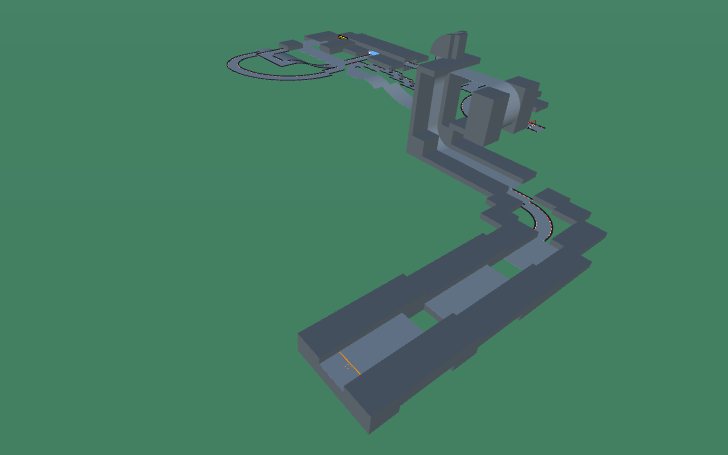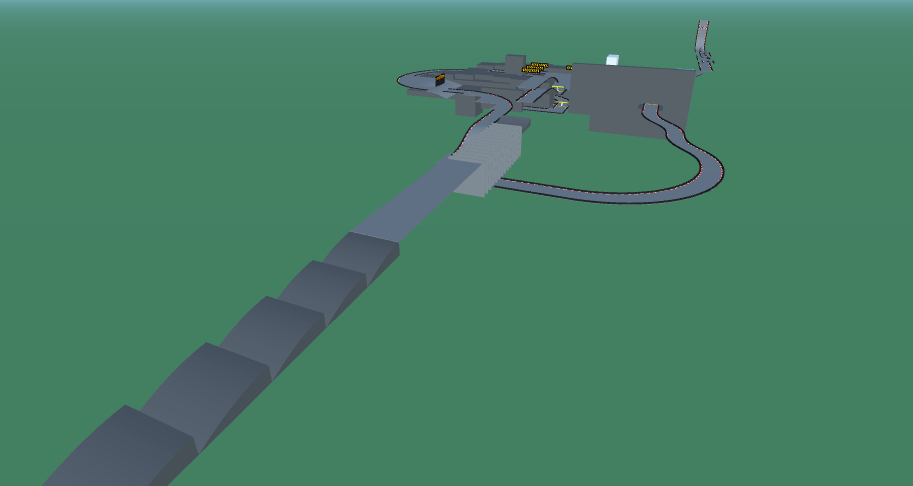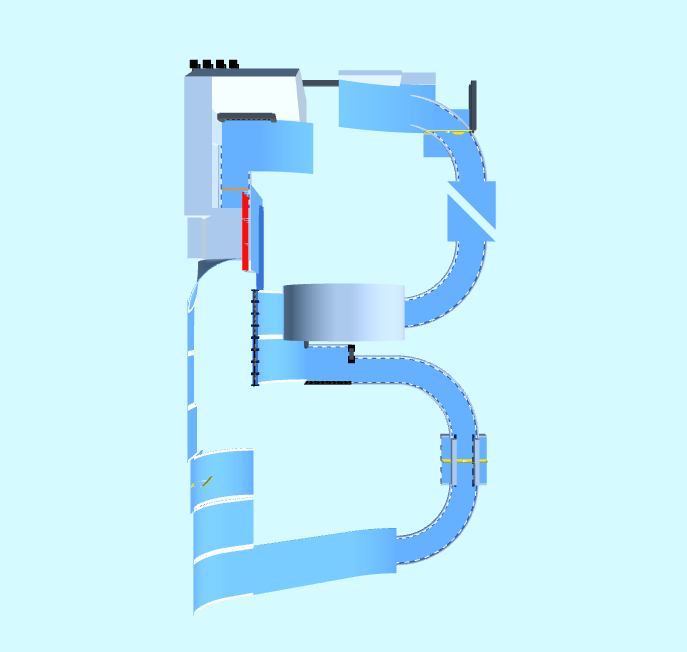
Alphabet Campaign Track 02: Brrrrrr
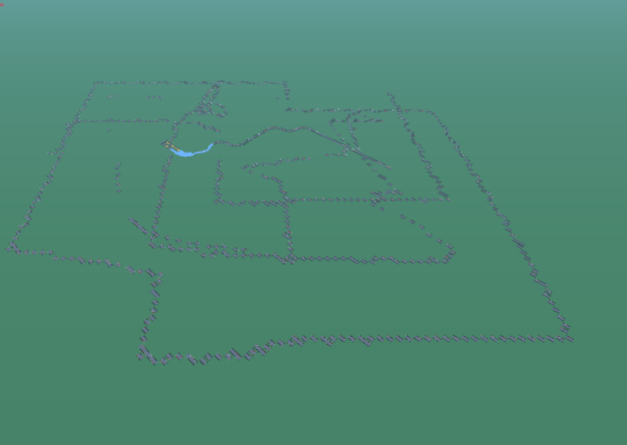
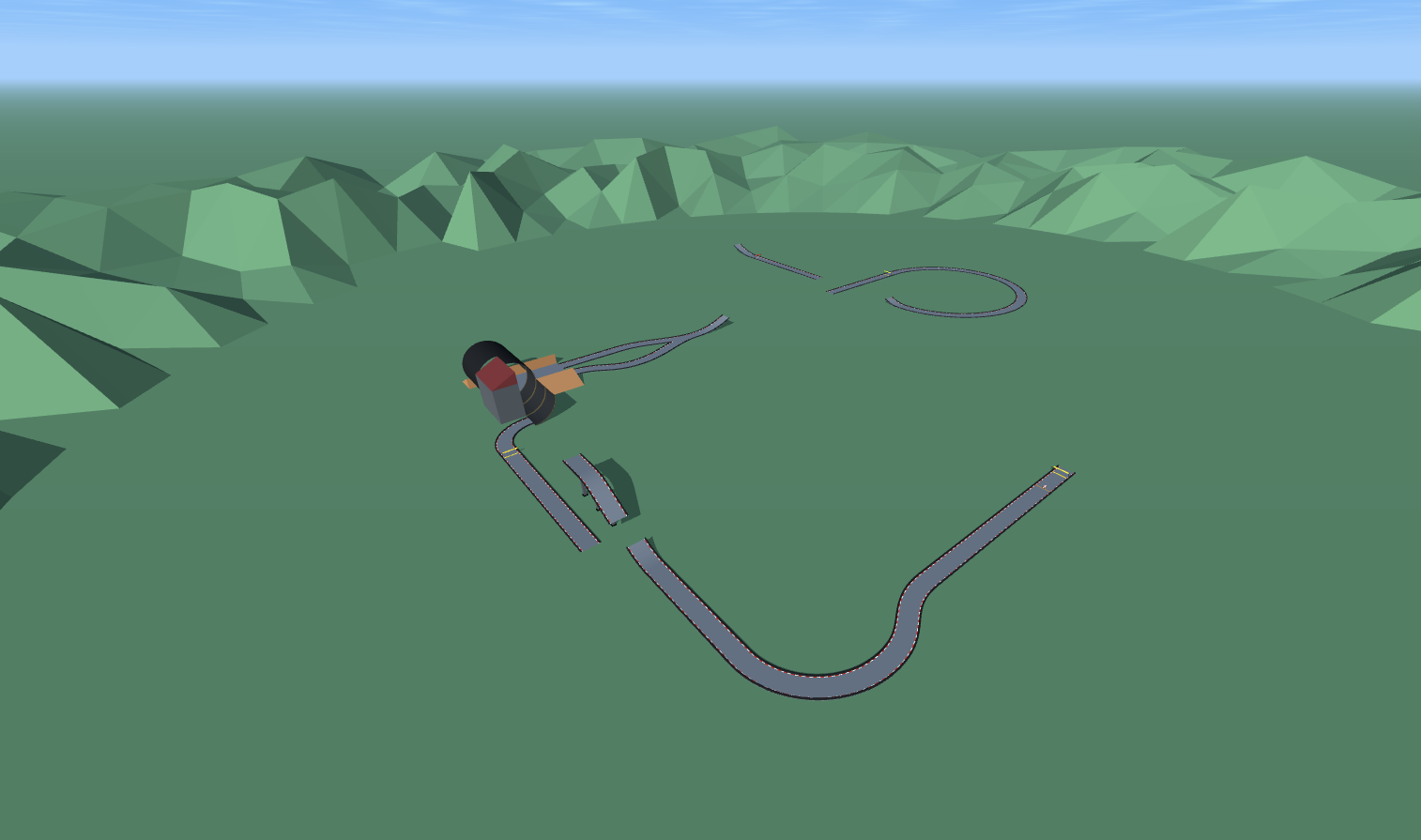
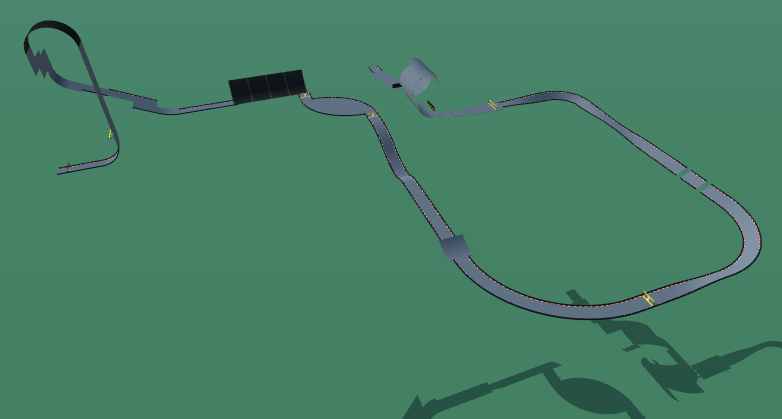
Track 02 in this campaign is shaped like the letter B. The track fits the theme of its name, placed in a cold landscape. The track starts with a right turn that drops your car down onto a slanted track. You then u-turn making sure to preserve speed for the next part. You then enter a loop that rapidly accelerates your car. Once you finish the loop, you complete another u-turn that is tighter than the first. After passing that, you do yet another broad u-turn that goes through a narrow strip of t
Detailed Track Information
Get ready to chill out and speed up with Alphabet Campaign Track 02: Brrrrrr, a frosty custom map by Tarquin that's as clever as it is challenging! Shaped like the letter B and set in a stunning frozen landscape, this medium-difficulty technical track delivers a refreshing twist on PolyTrack racing. Use the PolyTrack code to load this custom map and dive straight into the action, starting with a right turn that drops your car onto a slanted section of track. From there, you'll execute a smooth u-turn where preserving speed is absolutely critical to your success. Next comes the track's signature feature: a high-speed loop that rapidly accelerates your car and launches you into the second half of the course. But don't relax just yet! A tighter u-turn awaits, demanding precise steering and sharp racing strategy, followed by one more broad u-turn that squeezes through a narrow strip of track. Every corner in Brrrrrr tests your throttle control and line choice, making it perfect for players who love technical driving. Whether you're chasing a personal best or climbing the leaderboards, this icy adventure proves that cold tracks can deliver red-hot racing. Grab the PolyTrack code, bundle up, and show Brrrrrr who's boss!
Advertisement
Track Code
How to Use This Code
- Click the "COPY CODE" button above
- Open PolyTrack in your browser
- Go to Track Editor → Import
- Paste the code and click Load
- Start Game
Content & Review Notes
Tracks on PolyTrackCodes come from community submissions and public community sources. We remove obvious spam and broken entries when reported.
Player Comments
Share driving tips, route notes, or feedback for this track.
Sign in to join the discussion for this track.