F1
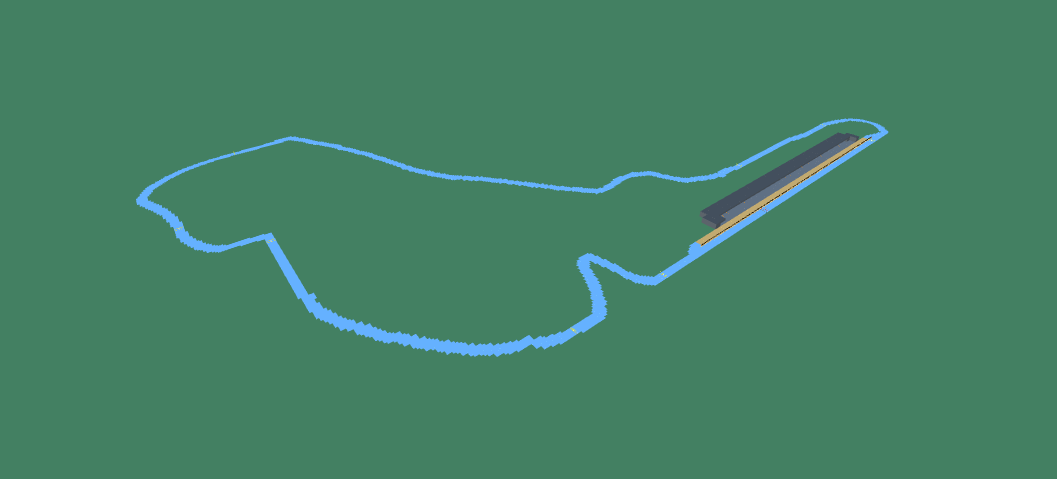
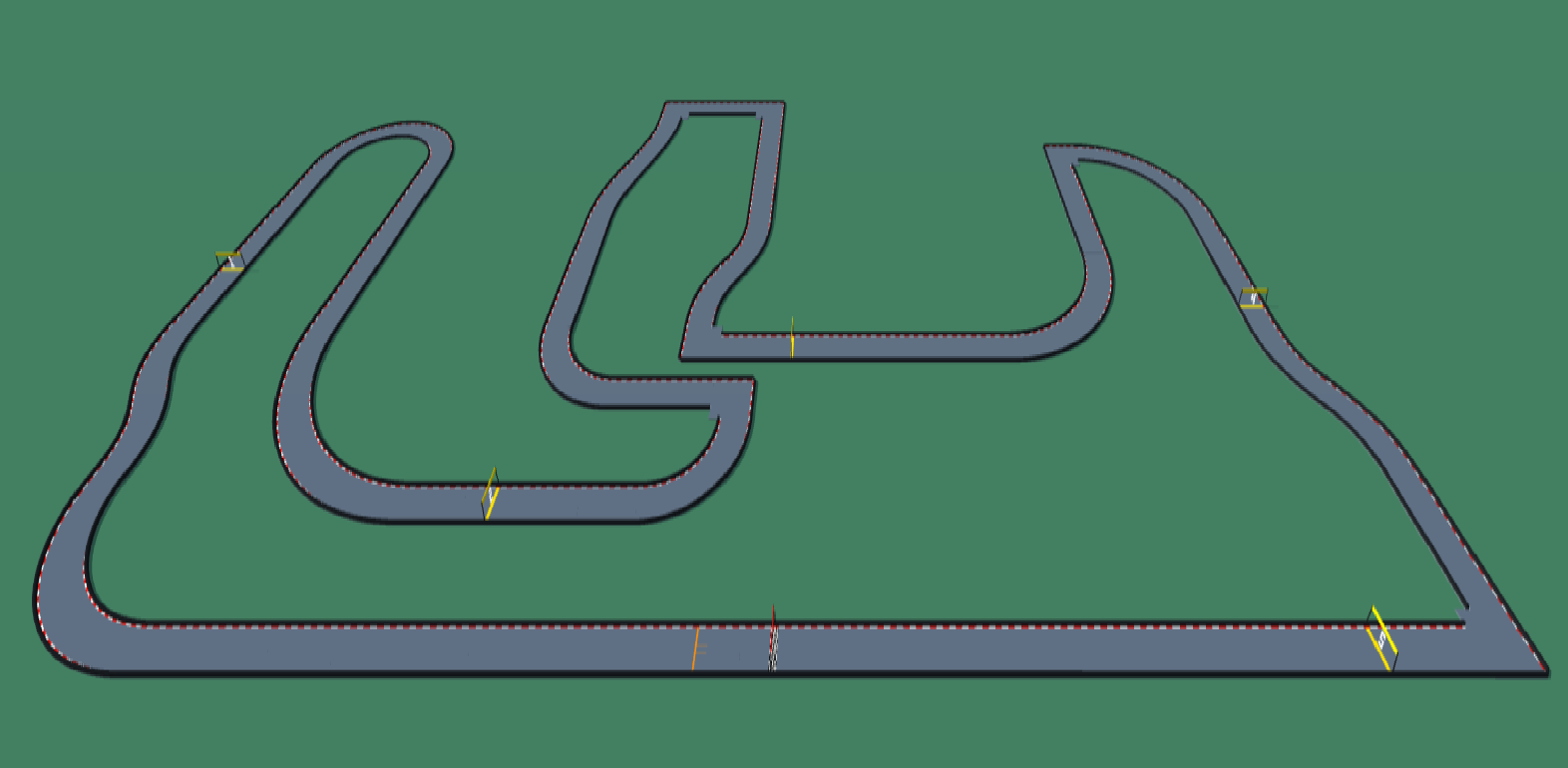
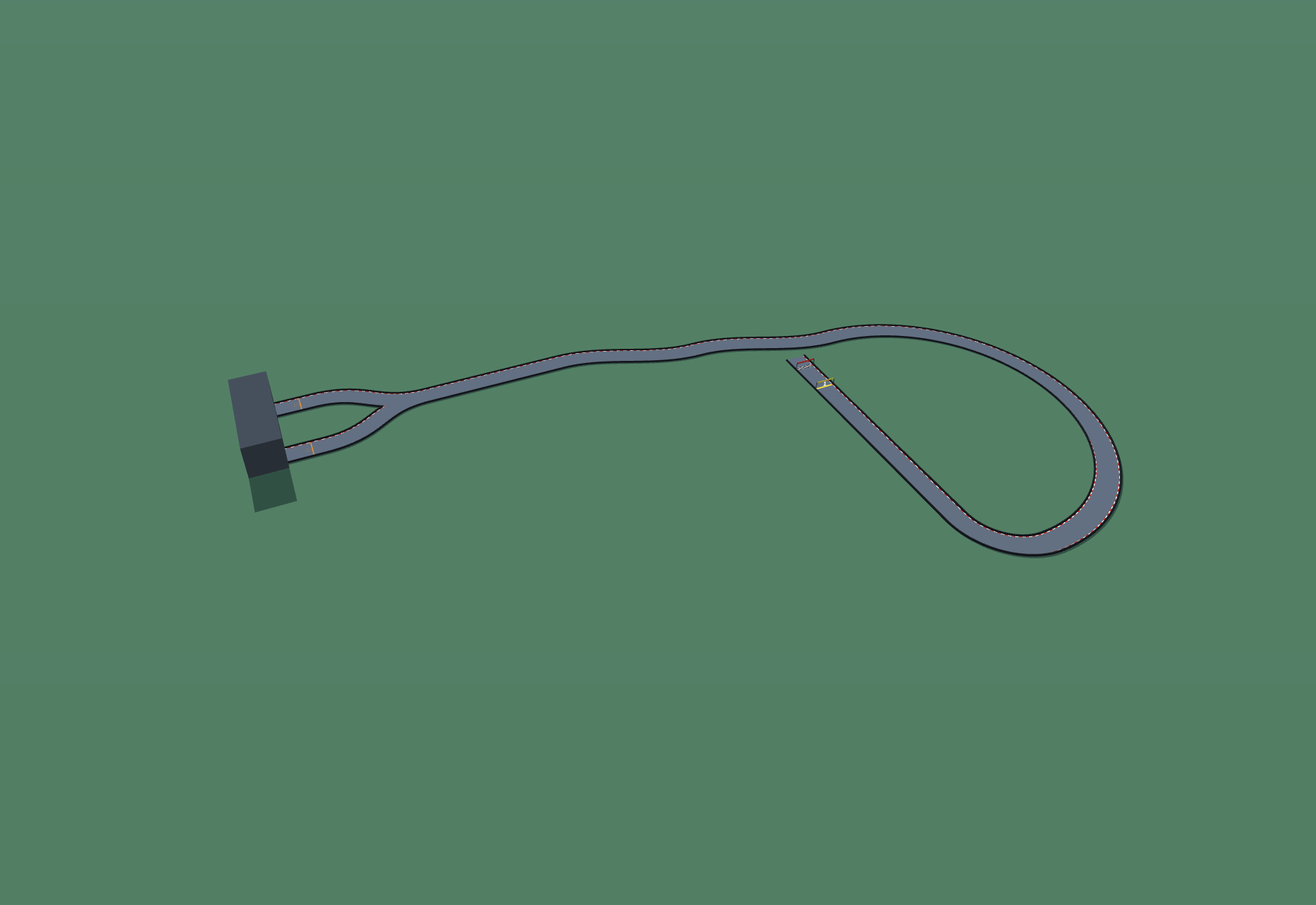
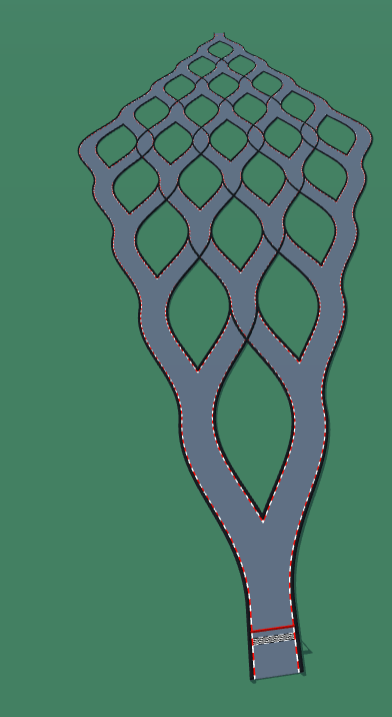
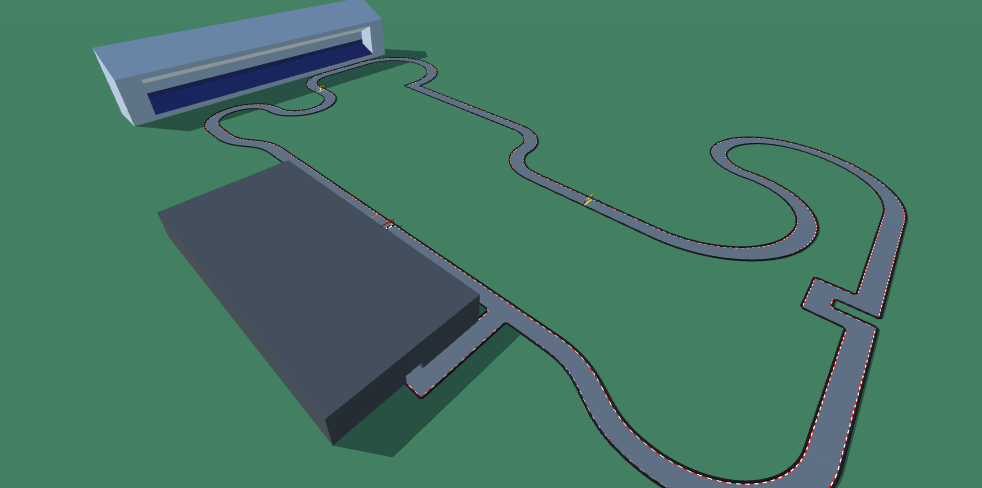
An F1 style track with 2 laps and a mandatory pit stop after the first lap. The pit lane is the 90 degree turn out of the straightaway.
Detailed Track Information
Get ready to test your racing IQ with the F1 custom map by Argios, now available as a PolyTrack code on PolyTrackCodes.com. This isn’t just another high-speed loop; it’s a precision challenge that demands a smart racing strategy. Classified as Medium difficulty, the F1 track forces you to balance blistering pace with tactical thinking across two intense laps.
The defining twist? A mandatory pit stop after the first lap. Unlike traditional circuits, your pit entry is cleverly integrated into the 90-degree turn exiting the main straightaway. This means you can’t just brake and coast—you must nail that corner to avoid losing precious seconds during your stop. The layout rewards players who can read the track ahead and manage their speed without sacrificing momentum.
For those seeking more than just a drag race, this custom map delivers a unique blend of Formula 1 aesthetics and PolyTrack’s signature blocky charm. Punch in the PolyTrack code, master the pit lane entry, and prove you have the skill to win both laps. Add this to your collection today and elevate your racing game.
Advertisement
Why This Track Is Worth Trying
F1 is a medium racing track from Argios. It is best approached as a test of clean racing lines, corner exits, and carrying speed through the safest route.
First Run Plan
drive one steady sighting lap first, then replay the track looking for faster exits and shorter approaches
Main Risk
Watch for late braking and oversteering on corner exits, because both can turn a fast lap into a reset.
Difficulty Note
Expect a few mistakes while learning the route, especially if the track mixes speed with tighter inputs.
Use a measured pace for the first few attempts, then start trimming risky corners. This code uses the newer PolyTrack import format and can also be tested in Review Racer when available.
Track Code
How to Use This Code
- Click the "COPY CODE" button above
- Open PolyTrack in your browser
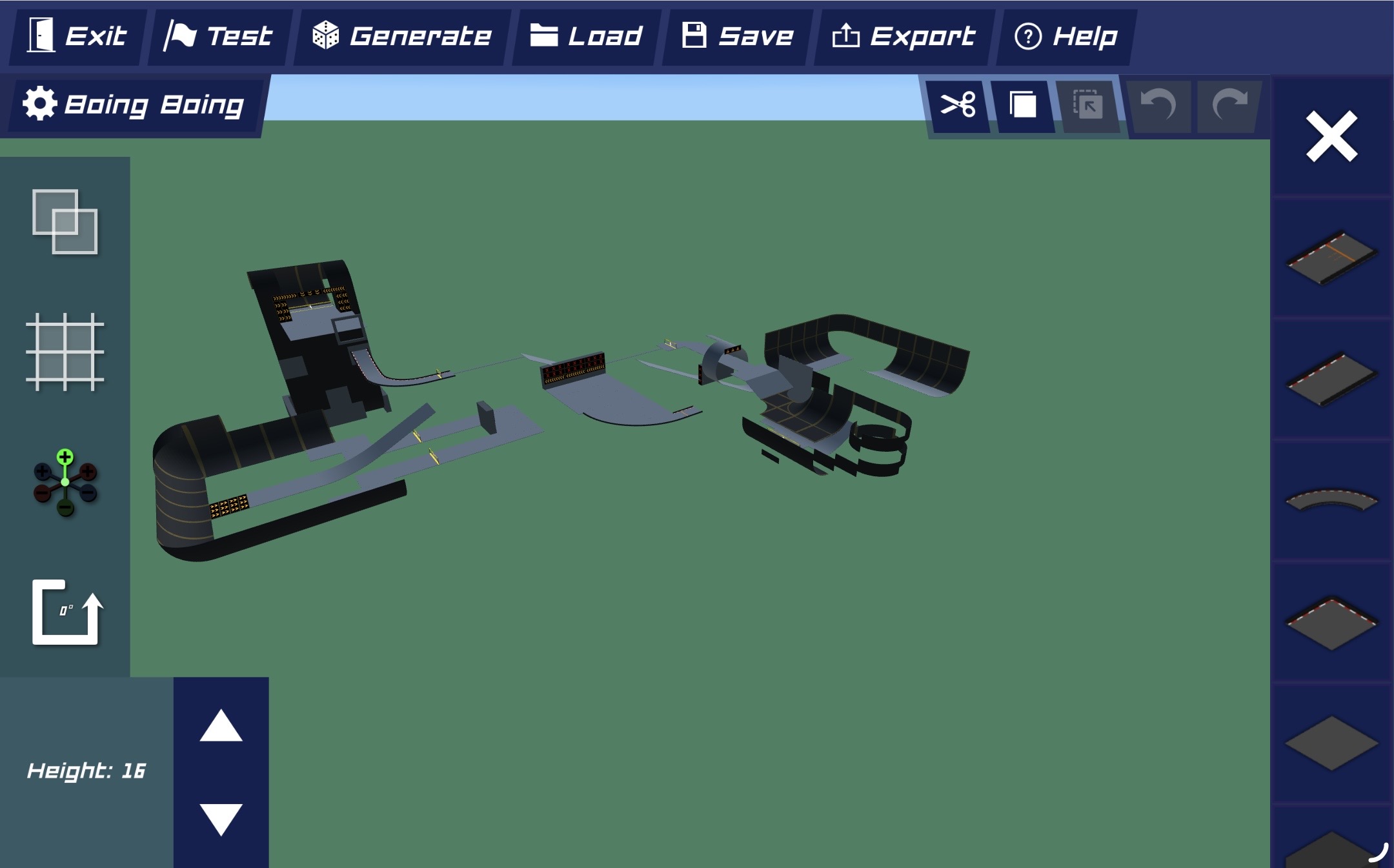
- Go to Track Editor → Import
- Paste the code and click Load
- Start Game
Did this track work for you?
PolyTrackCodes is free. A $5 tip via PayPal helps cover track reviews and hosting.
Content & Review Notes
Tracks on PolyTrackCodes come from community submissions and public community sources. We remove obvious spam and broken entries when reported.
Player Comments
Share driving tips, route notes, or feedback for this track.
Sign in to join the discussion for this track.