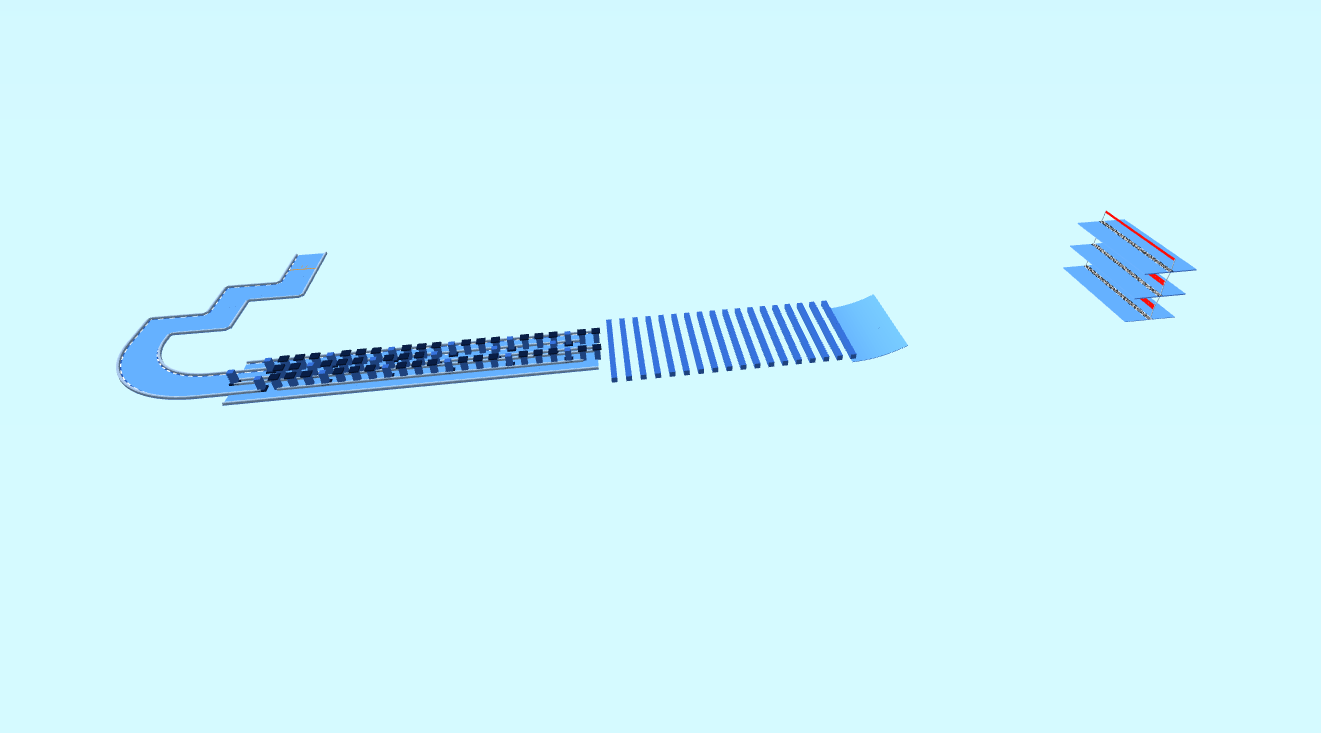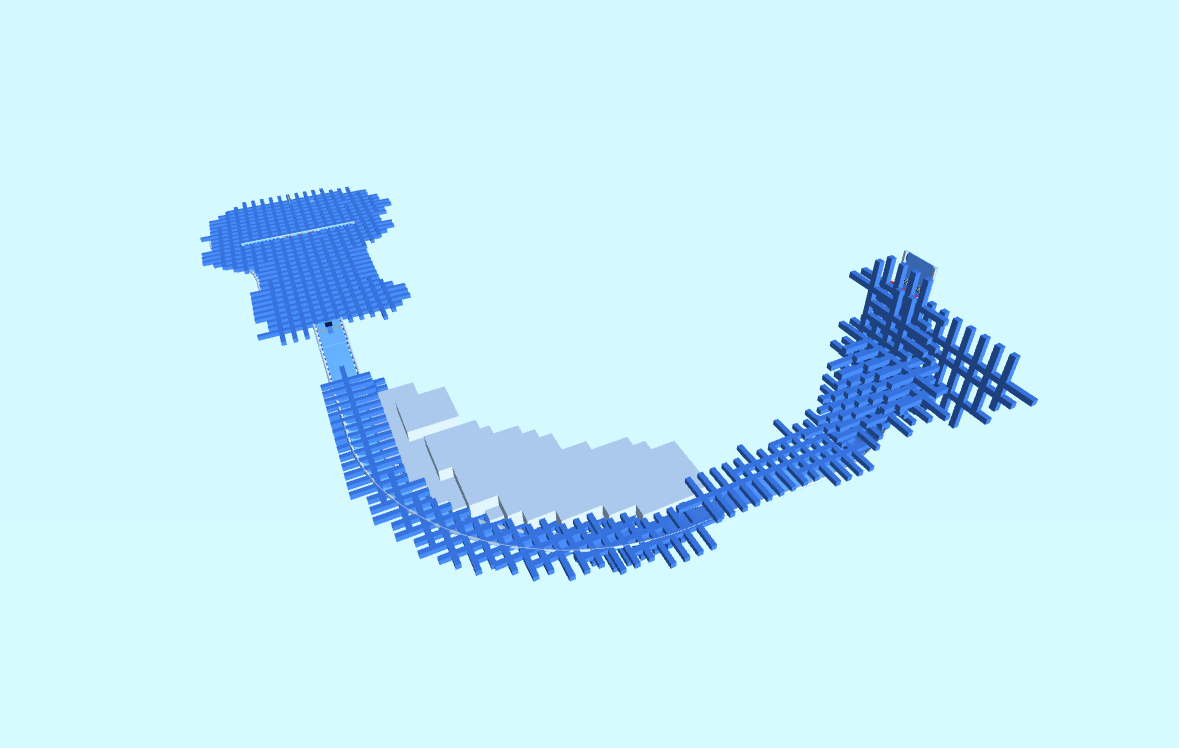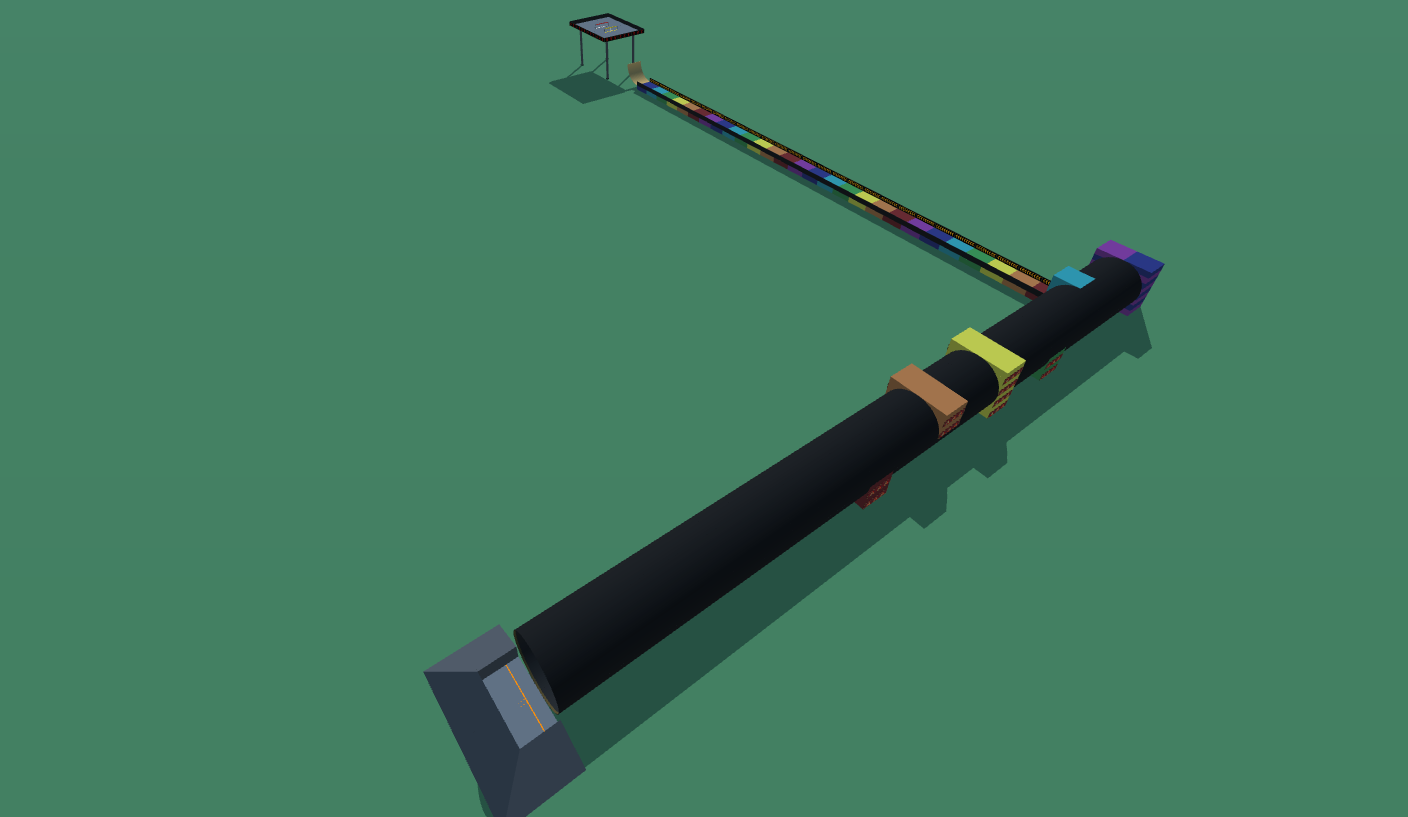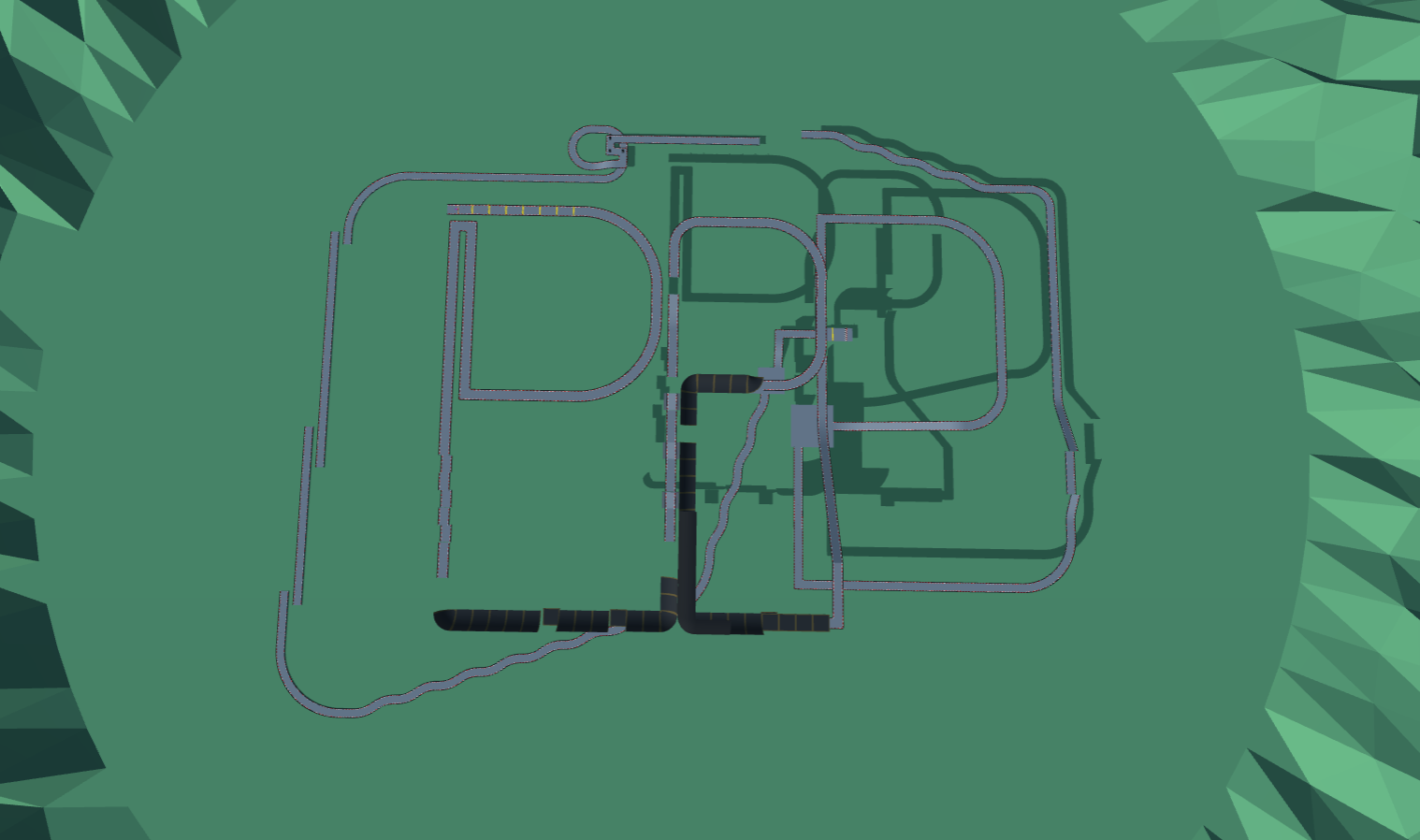
The Track 2
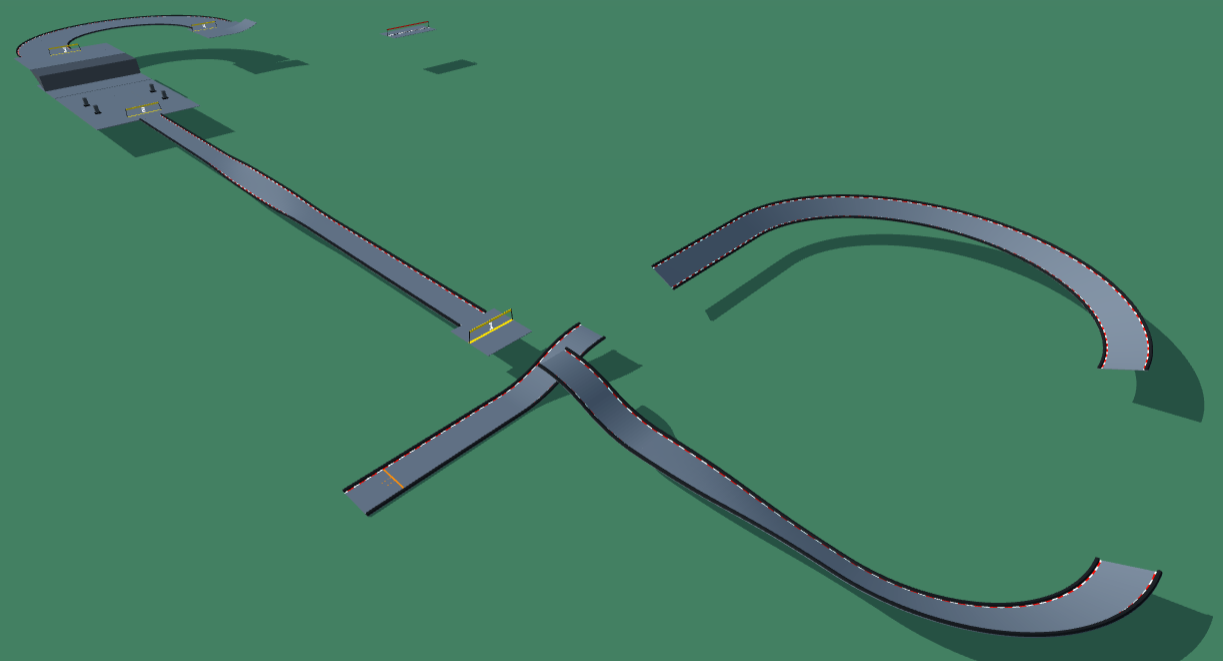
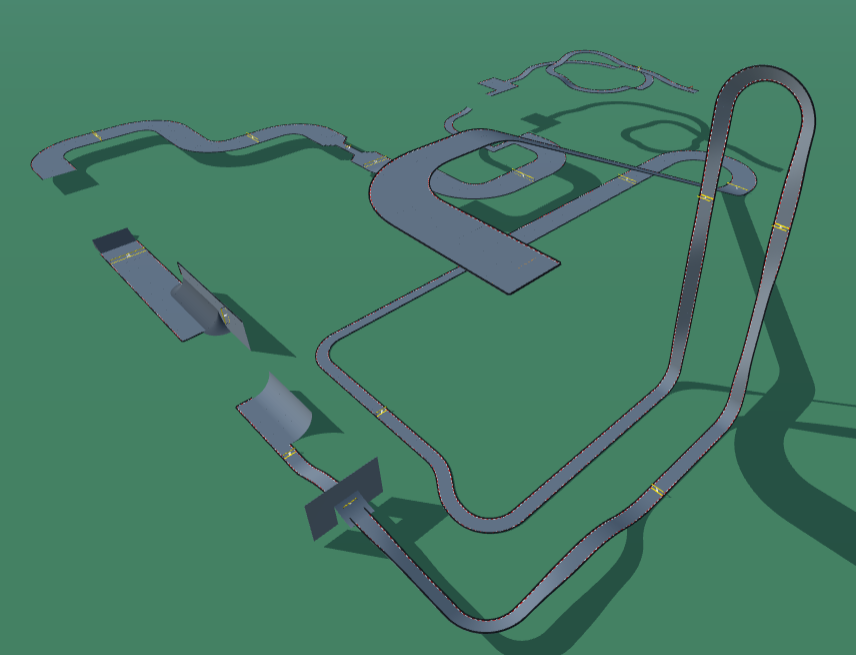
it is a hard track with many fun features like loopty loops and really big jumps, see for yourself!
Detailed Track Information
Think you’ve mastered the basics? Jack’s “The Track 2” is an expert-level PolyTrack custom map designed to push your skills to the absolute limit. This is not a casual cruise; it’s a high-speed technical gauntlet demanding precision, nerve, and perfect racing strategy. The track throws everything at you: massive loopty loops that test your momentum management and gargantuan jumps requiring pinpoint landings. Every corner is a potential disaster, and every straight is a setup for the next heart-stopping aerial. To conquer this beast, you’ll need to find the perfect racing line, balancing raw speed with the control needed to survive its most extreme features. This isn't just a drive; it's a mastery test. Ready for the challenge? Grab the PolyTrack code for “The Track 2” now and prove you have what it takes to handle one of the community’s most demanding circuits. See for yourself if you can tame the loops and stick the landings
Advertisement
Why This Track Is Worth Trying
The Track 2 is a expert technical track from Jack. It is best approached as a test of precise steering, controlled braking, and reading tight sections before committing to speed.
First Run Plan
slow down for the first completion attempt and mark the one section that costs the most resets
Main Risk
Watch for rushing narrow passages; accuracy usually beats a risky early throttle push.
Difficulty Note
Expert layouts are built for experienced players and can require many attempts before the full run clicks.
Reset quickly, study the first failure point, and only push speed after the route feels repeatable. This code uses the newer PolyTrack import format and can also be tested in Review Racer when available.
Track Code
How to Use This Code
- Click the "COPY CODE" button above
- Open PolyTrack in your browser
- Go to Track Editor → Import
- Paste the code and click Load
- Start Game
Did this track work for you?
PolyTrackCodes is free. A $5 tip via PayPal helps cover track reviews and hosting.
Content & Review Notes
Tracks on PolyTrackCodes come from community submissions and public community sources. We remove obvious spam and broken entries when reported.
Player Comments
Share driving tips, route notes, or feedback for this track.
Sign in to join the discussion for this track.