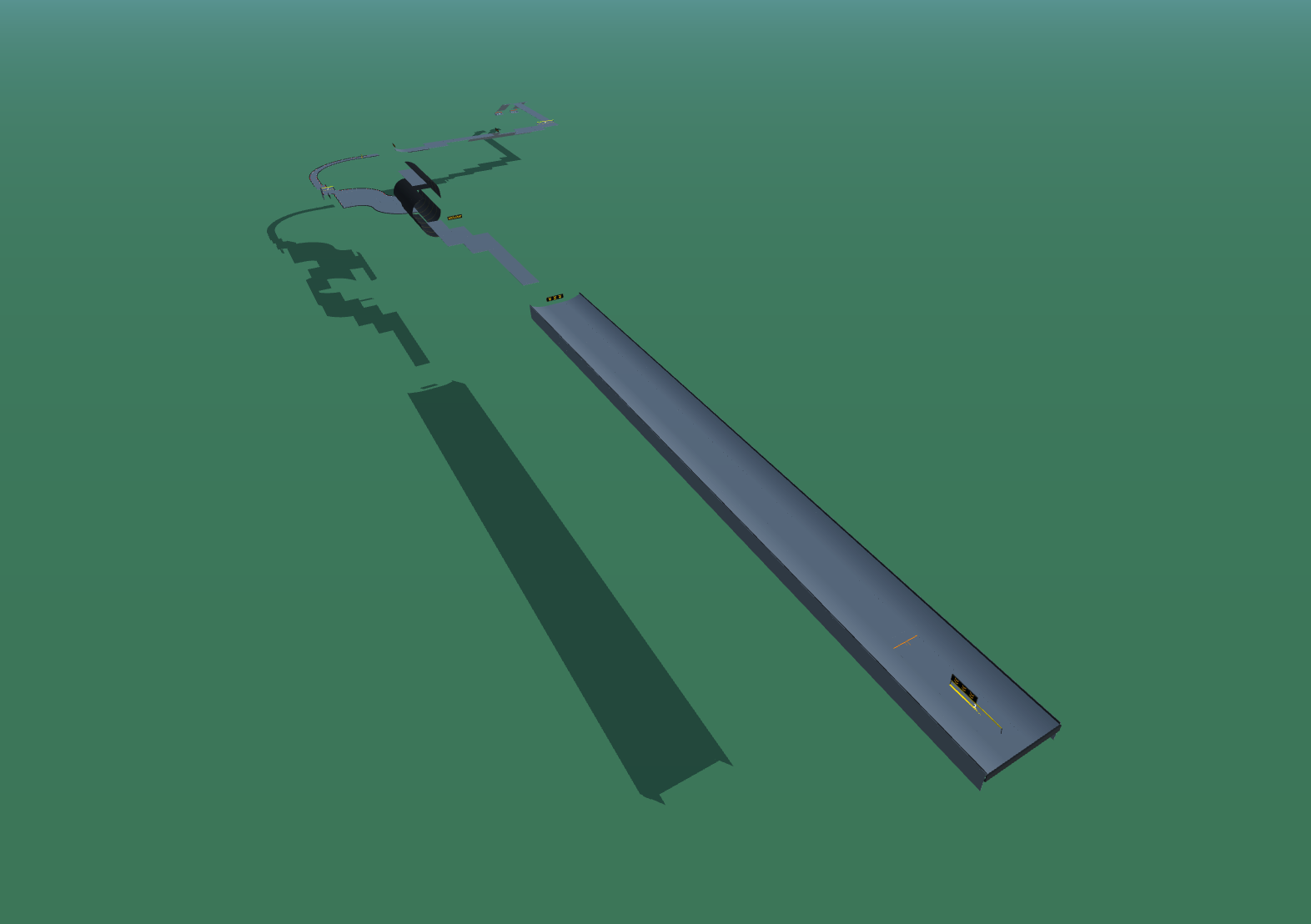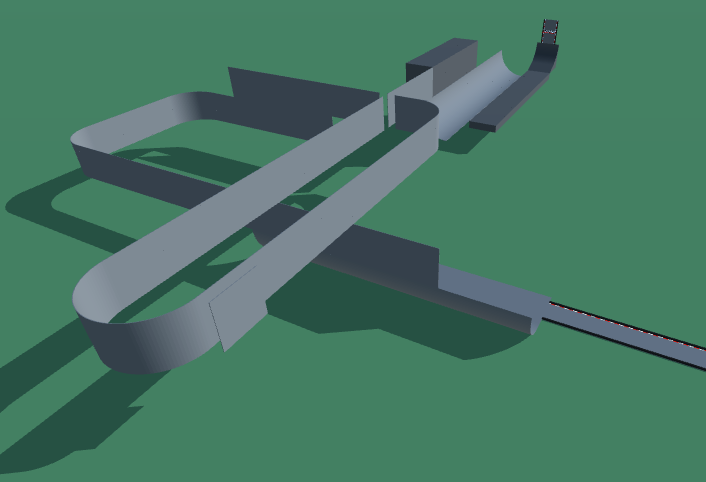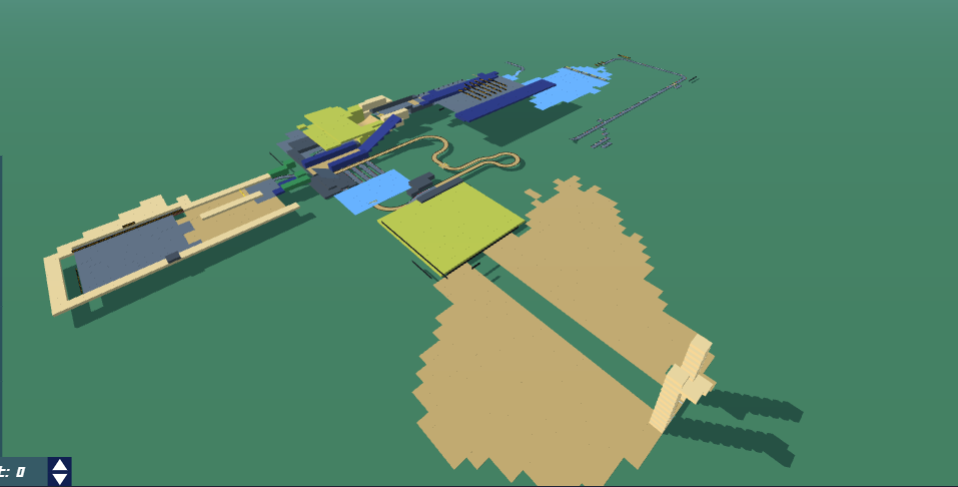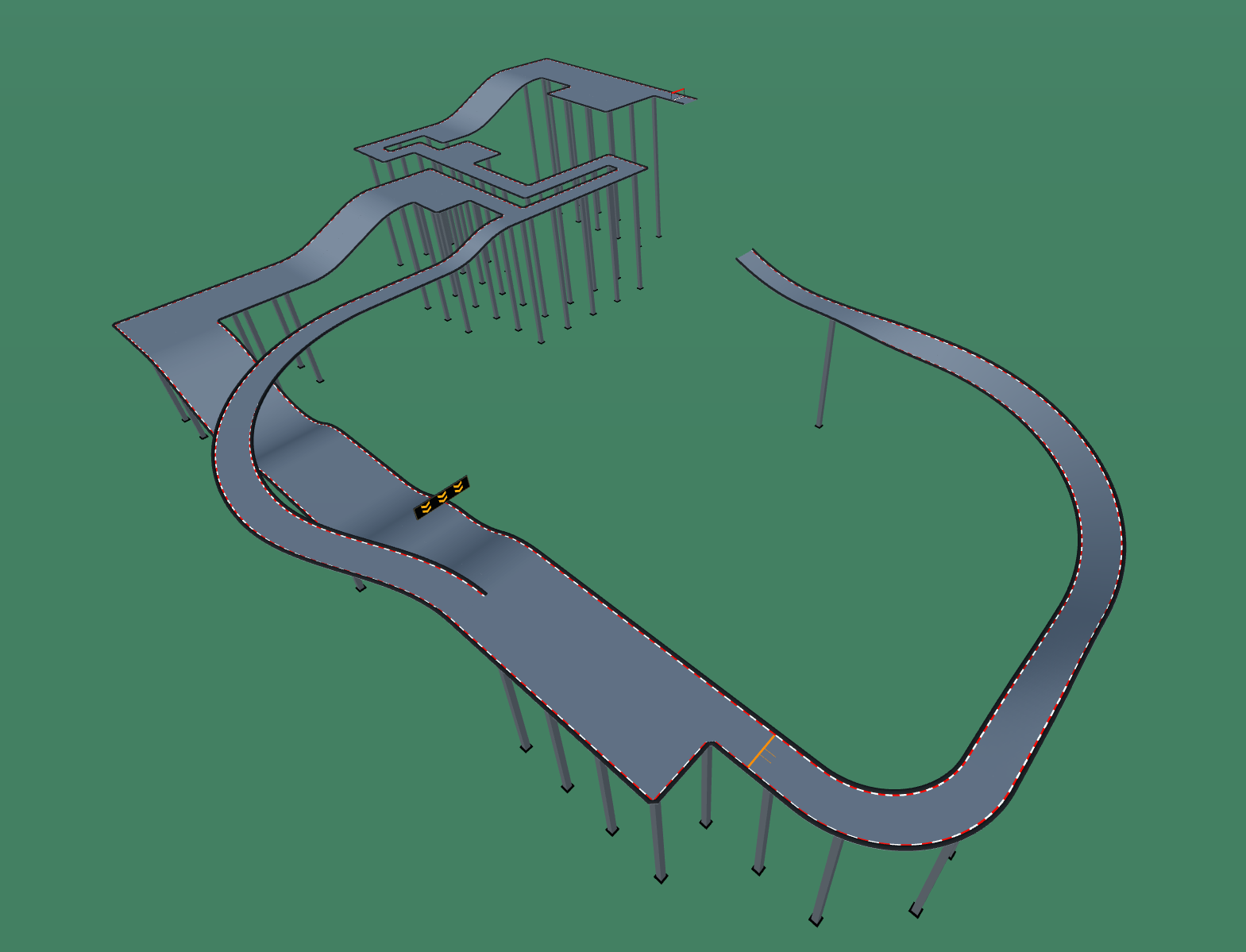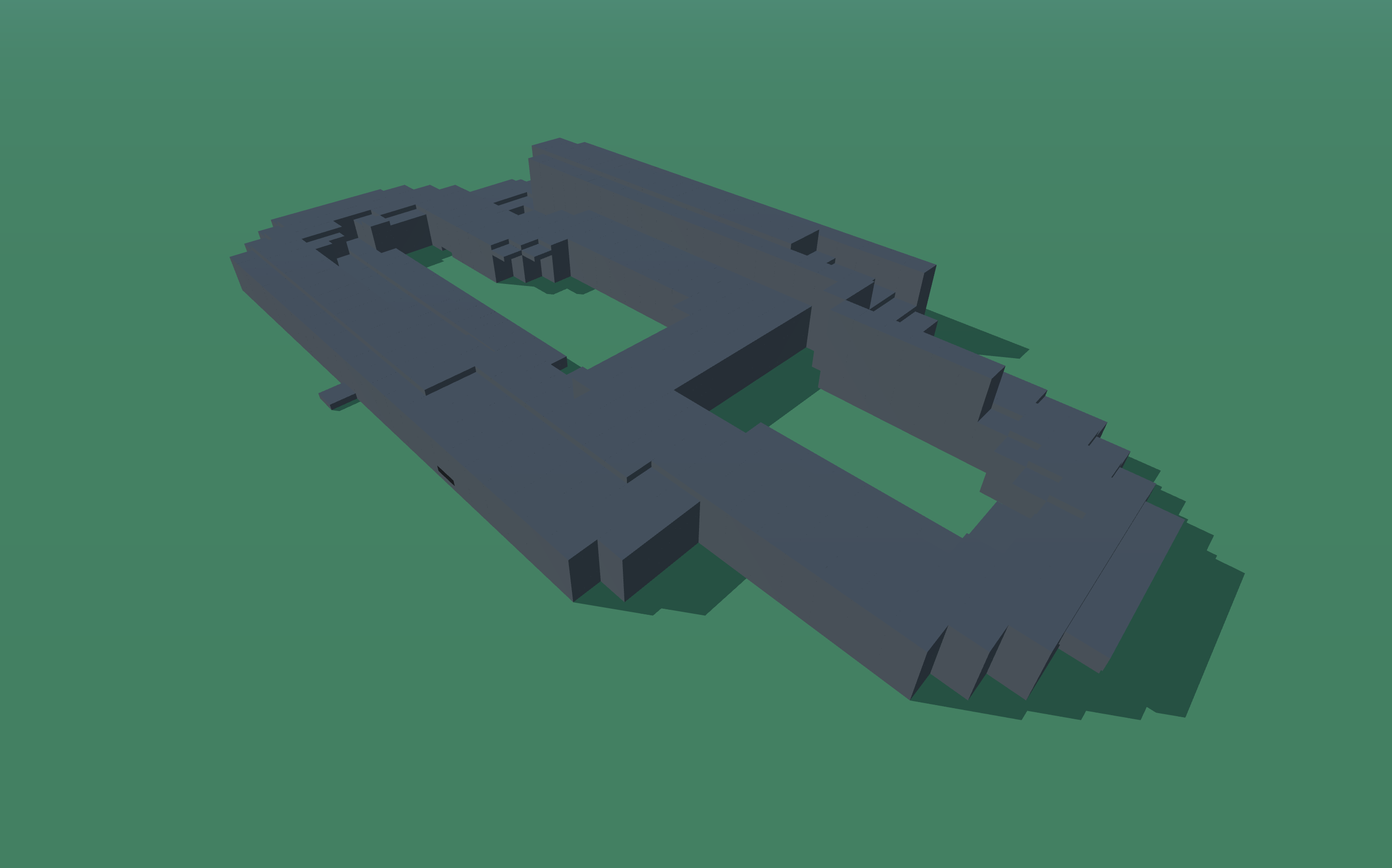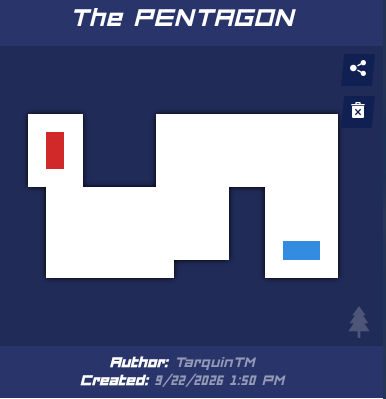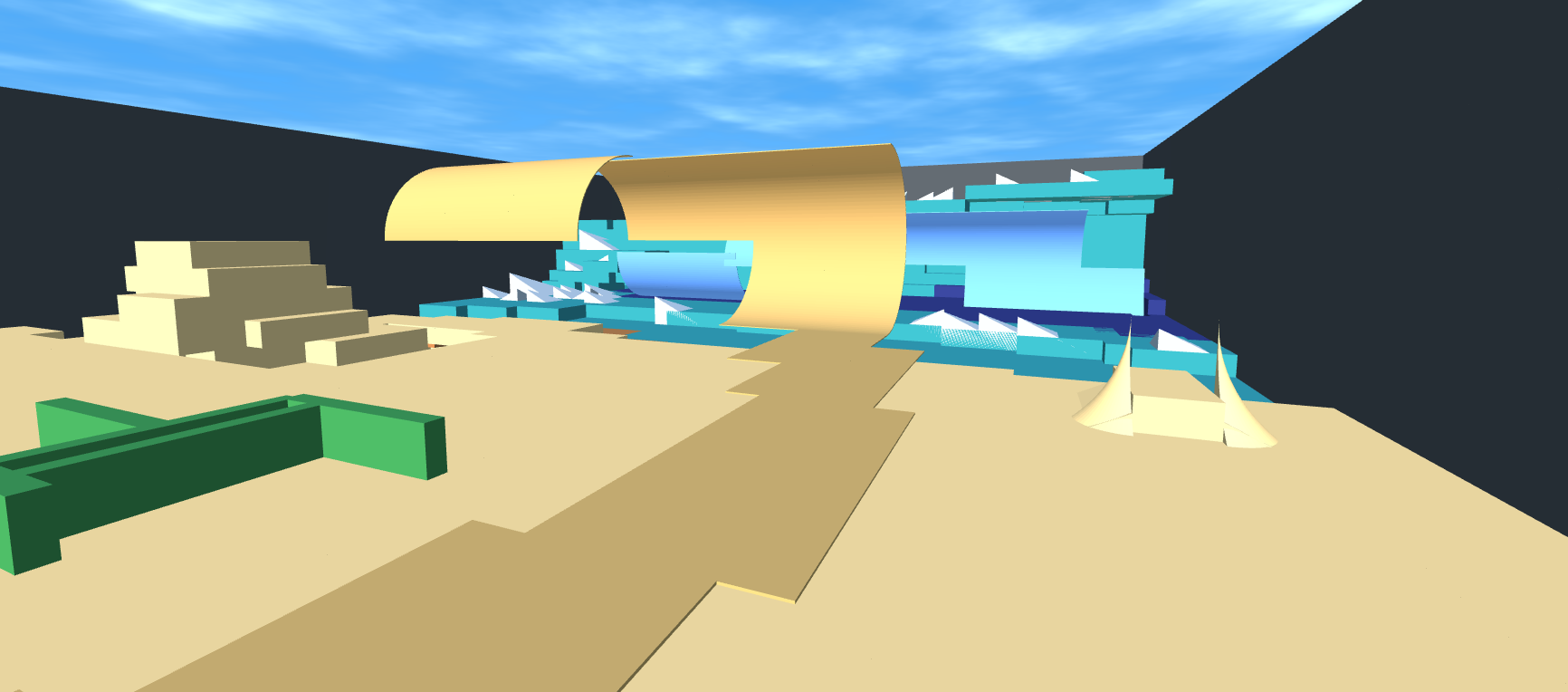
6 seasons
this is a sequel to 3 seasons, with added sections that progressively grow in difficulty with all having a great simple aesthetic.
Detailed Track Information
Dive into '6 seasons', the thrilling sequel to '3 seasons' by Notthebest. This Expert-level speedrun track builds on its predecessor with new sections that progressively ramp up the challenge, all wrapped in a clean, simple aesthetic that keeps the focus on pure racing. With a single start and finish and no checkpoints, it's a pure test of skill and memorization. The track's design encourages flow and precision, making it a rewarding experience for seasoned players. Whether you're chasing a personal best or competing on the leaderboards, '6 seasons' offers a satisfying blend of speed and technique. The absence of checkpoints means every mistake is costly, adding to the tension and excitement. If you enjoyed '3 seasons', you'll love this evolution. Get ready to master each season and conquer the track!
Advertisement
Why This Track Is Worth Trying
6 seasons is a expert speedrun track from Notthebest. It is best approached as a test of quick restarts, repeatable lines, and removing small hesitations from each section.
First Run Plan
run the track several times at 80 percent speed, then start optimizing the first checkpoint split
Main Risk
Watch for blind turns and unnecessary steering corrections, since tiny delays matter more on speedrun maps.
Difficulty Note
Expert layouts are built for experienced players and can require many attempts before the full run clicks.
Reset quickly, study the first failure point, and only push speed after the route feels repeatable. This code uses the newer PolyTrack import format and can also be tested in Review Racer when available.
Track Code
How to Use This Code
- Click the "COPY CODE" button above
- Open PolyTrack in your browser
- Go to Track Editor → Import
- Paste the code and click Load
- Start Game
Content & Review Notes
Tracks on PolyTrackCodes come from community submissions and public community sources. We remove obvious spam and broken entries when reported.
Player Comments
Share driving tips, route notes, or feedback for this track.
Sign in to join the discussion for this track.