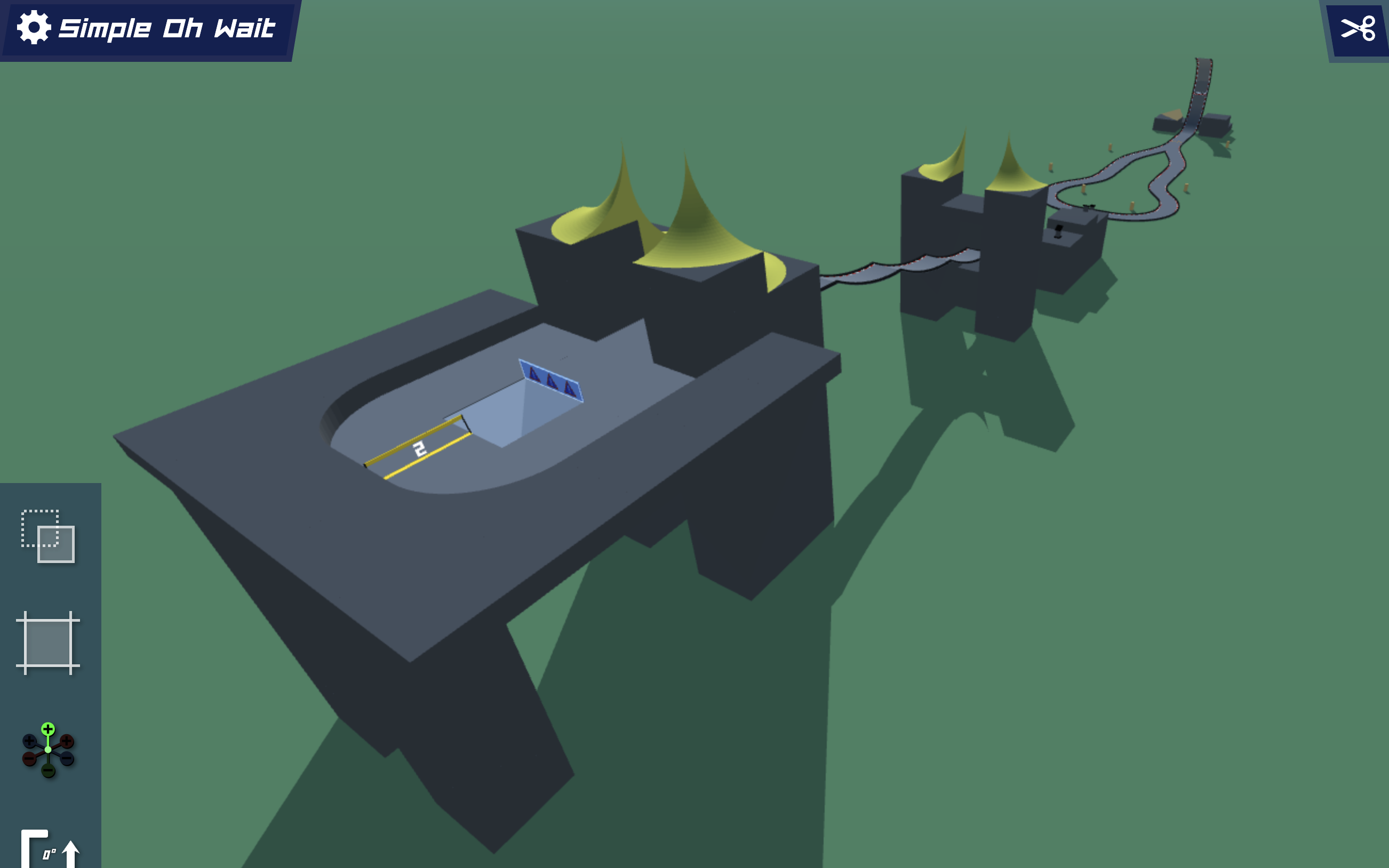
Simple Oh Wait
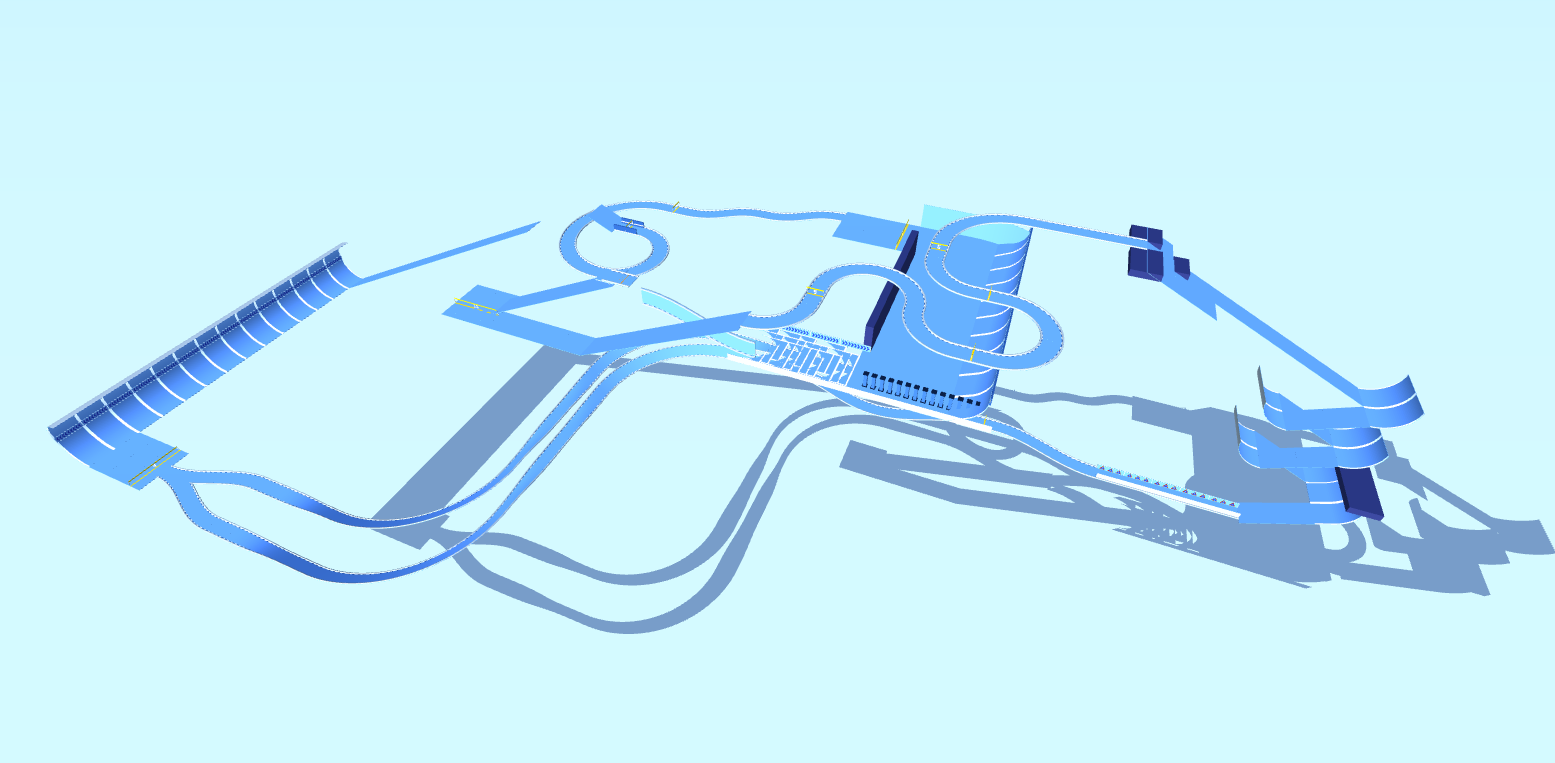
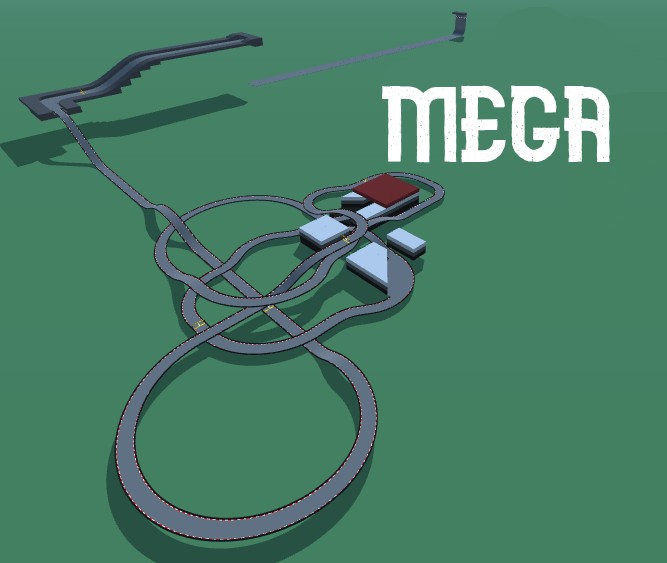
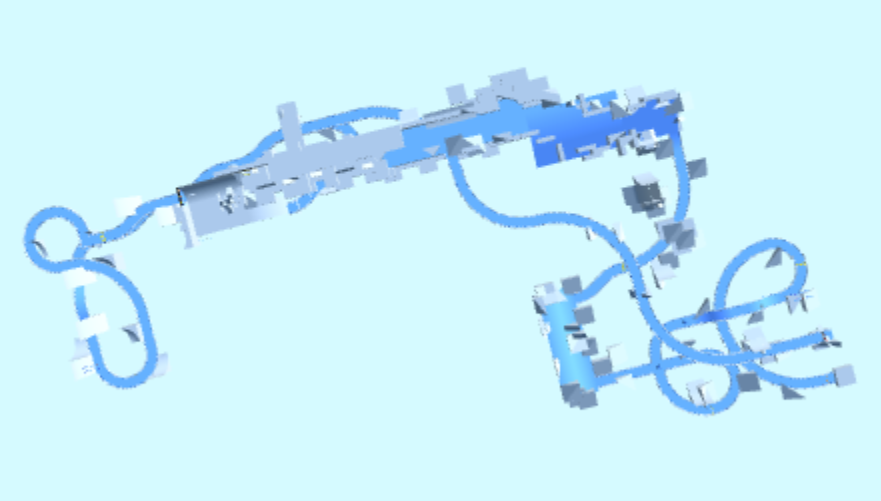
I wanted a simple symmetrical map to train consistency. If you preserve enough speed at the first turn, you can gain an extra step at the first jump. This isn't shown on my replay as I'm unable to do it consistently.
Detailed Track Information
Ready to put your consistency to the test? Lexi’s "Simple Oh Wait" is a deceptively tricky PolyTrack custom map that blends symmetrical design with technical precision. Don’t let the clean layout fool you—this Medium-difficulty track hides a high-speed secret. The key challenge lies in the first turn: if you preserve enough velocity, you unlock an extra step at the initial jump, shaving precious milliseconds off your lap. Mastering this racing strategy is the difference between a good run and a great one. Lexi admits this advanced line isn't shown in the replay, making it a hidden goal for dedicated players. Perfect for those grinding consistency, this PolyTrack code demands focus and rewards risk. Can you find the speed Lexi couldn't lock in? Grab the code and prove your precision on "Simple Oh Wait."
Advertisement
Why This Track Is Worth Trying
Simple Oh Wait is a medium technical track from Lexi. It is best approached as a test of precise steering, controlled braking, and reading tight sections before committing to speed.
First Run Plan
slow down for the first completion attempt and mark the one section that costs the most resets
Main Risk
Watch for rushing narrow passages; accuracy usually beats a risky early throttle push.
Difficulty Note
Expect a few mistakes while learning the route, especially if the track mixes speed with tighter inputs.
Use a measured pace for the first few attempts, then start trimming risky corners. This code uses the newer PolyTrack import format and can also be tested in Review Racer when available.
Track Code
How to Use This Code
- Click the "COPY CODE" button above
- Open PolyTrack in your browser
- Go to Track Editor → Import
- Paste the code and click Load
- Start Game
Content & Review Notes
Tracks on PolyTrackCodes come from community submissions and public community sources. We remove obvious spam and broken entries when reported.
Player Comments
Share driving tips, route notes, or feedback for this track.
Sign in to join the discussion for this track.