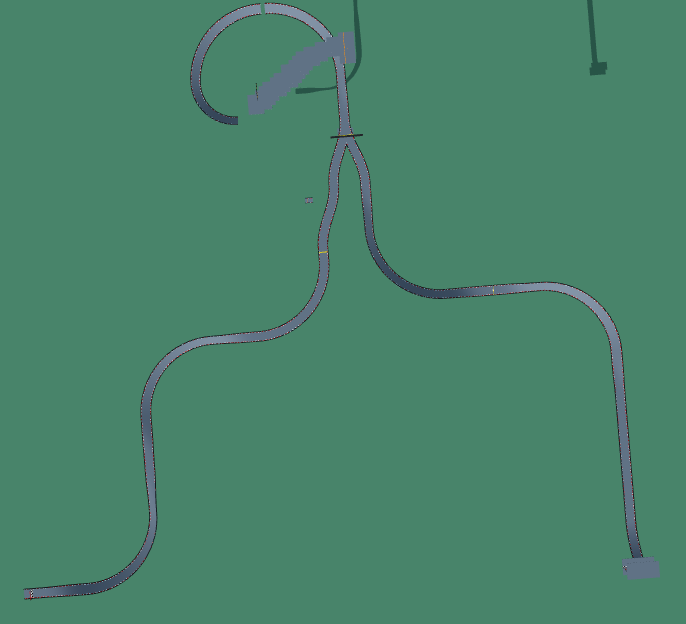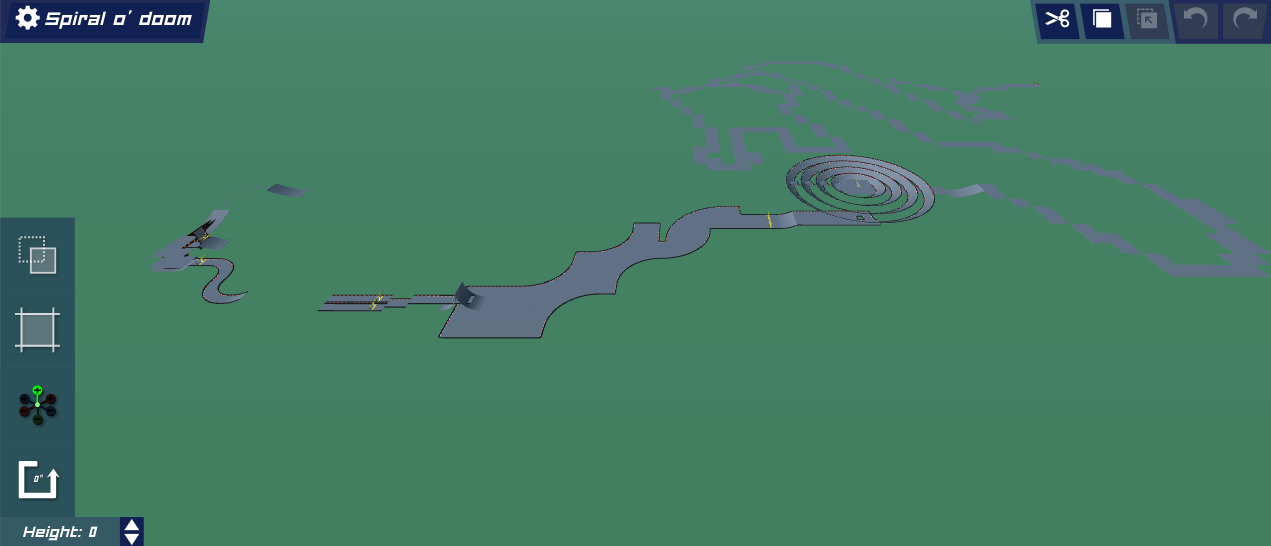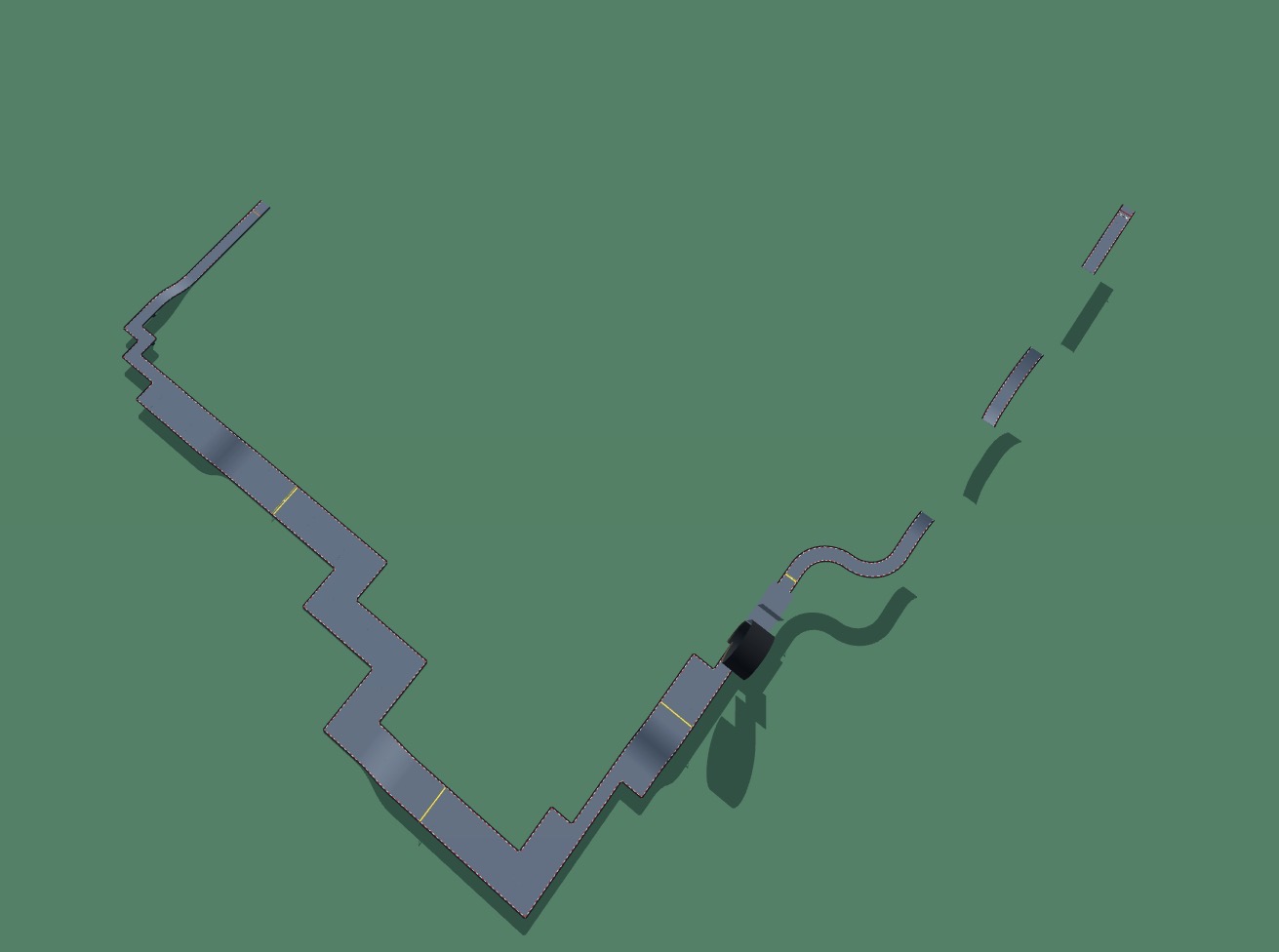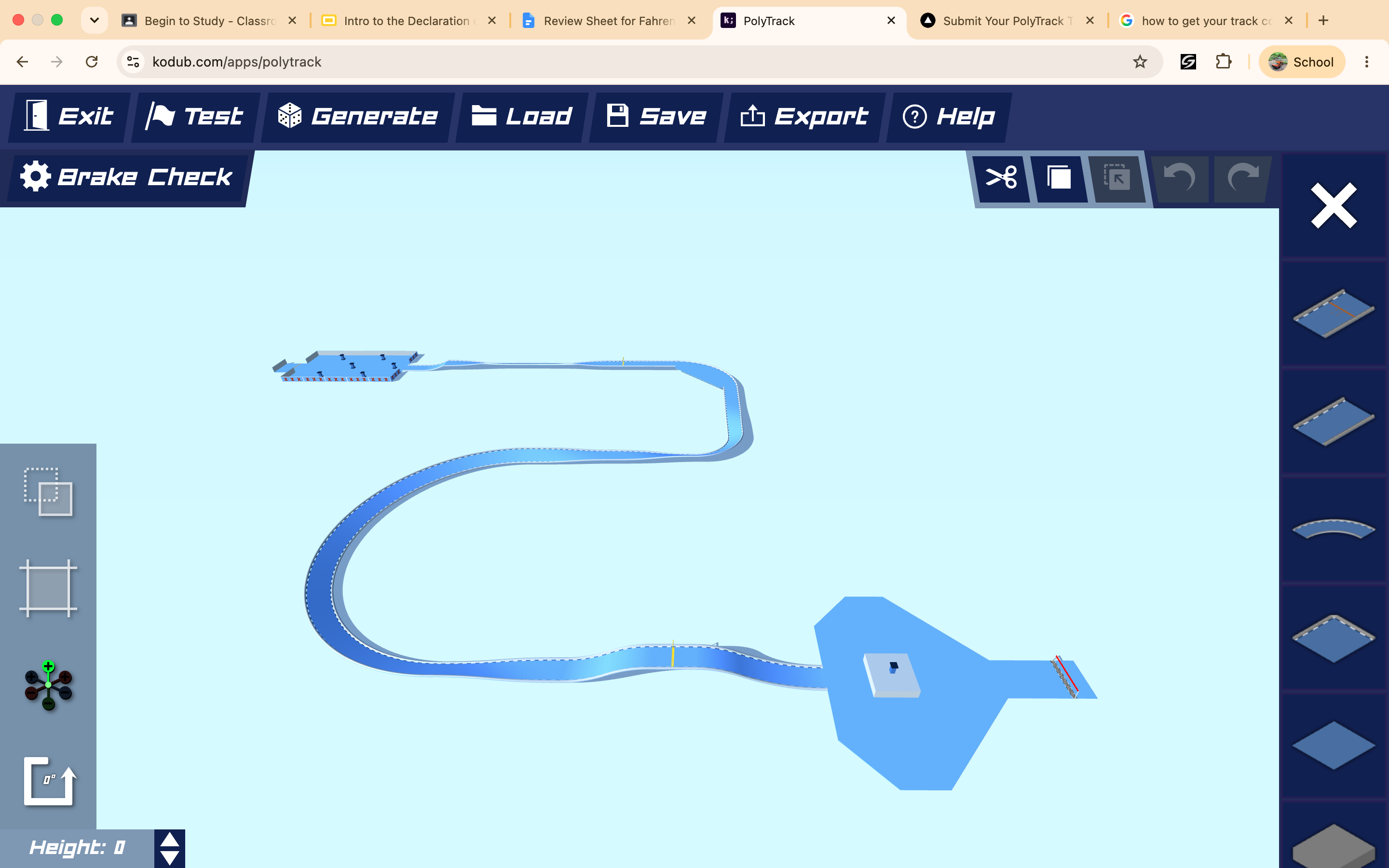
Thunder Storm
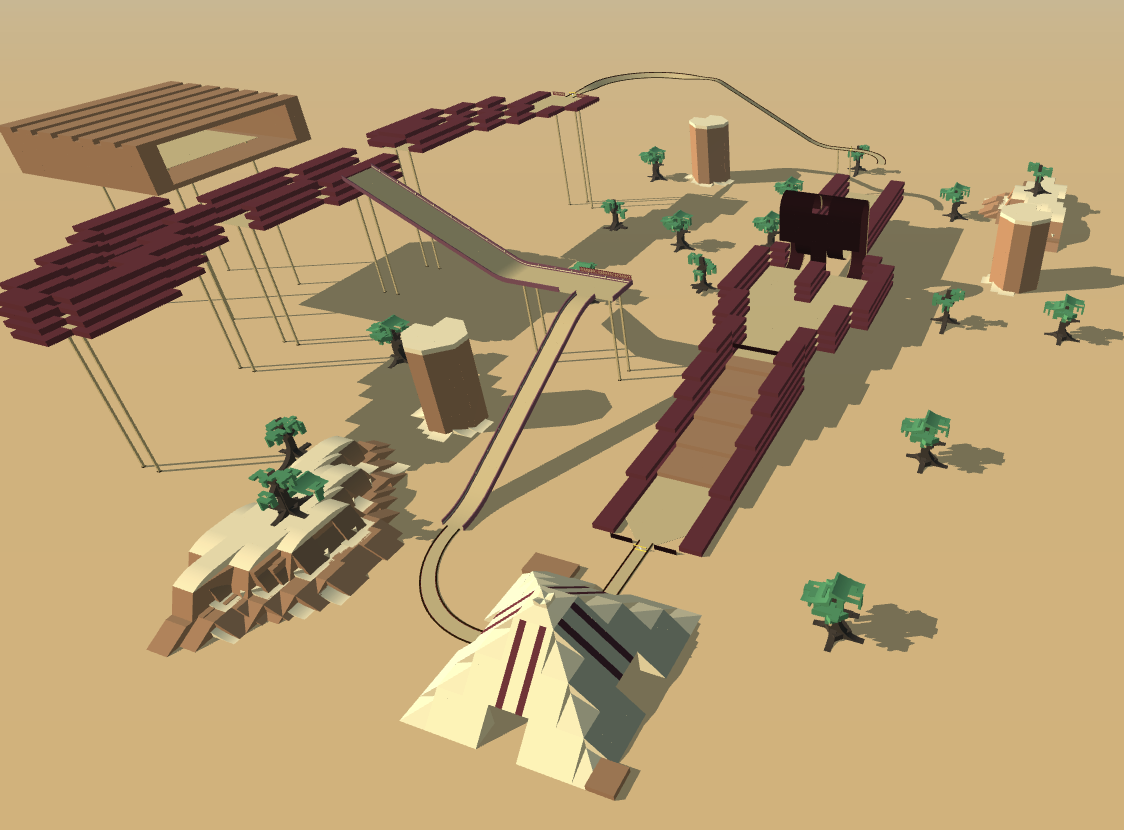
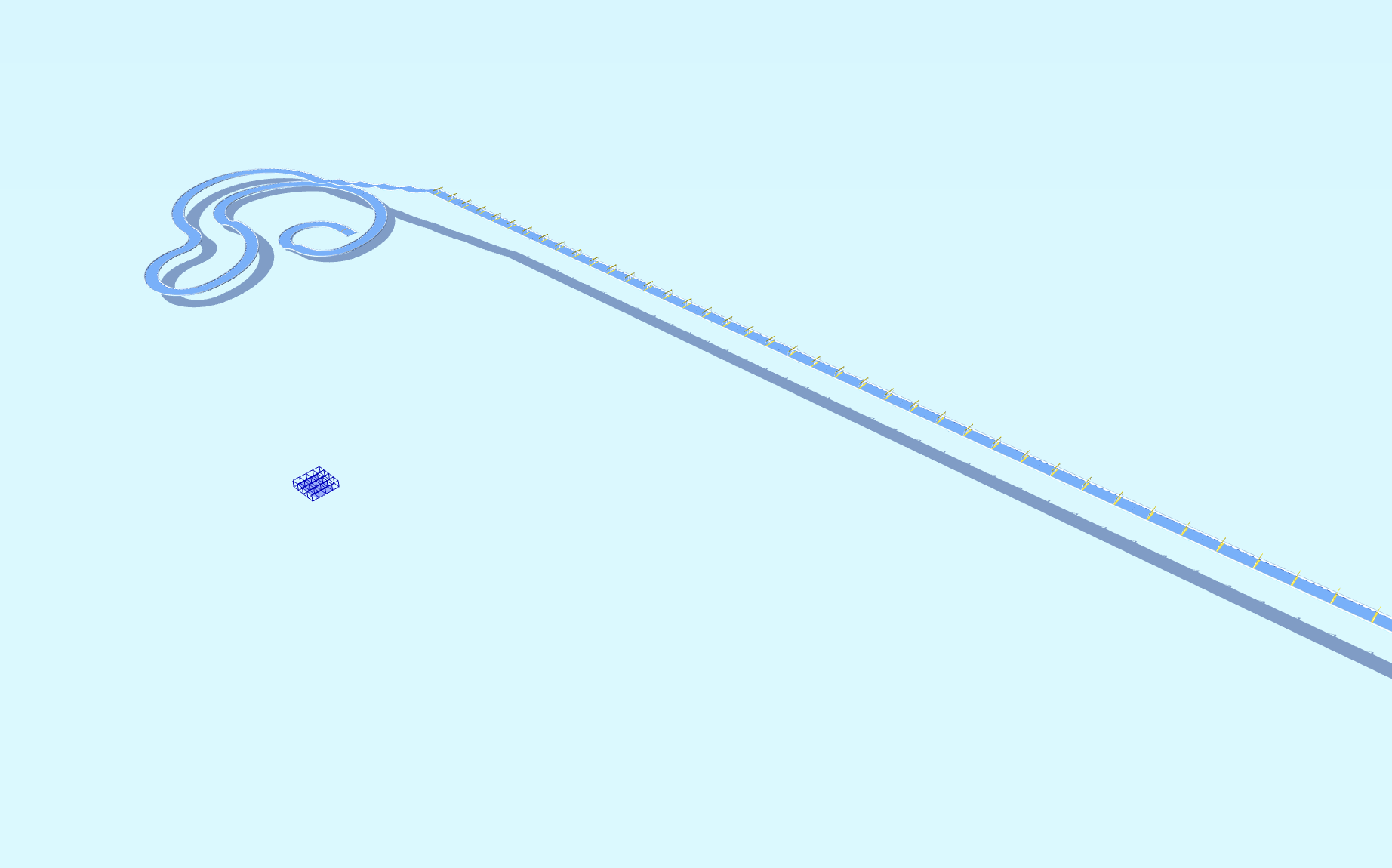
A speedrun that on the first bit make your tyres bounce like crazy then go onto the tricky wallridethen zoom down and then go off a huge drop then crash into the finish line my favourite part is the name and the bounce
Detailed Track Information
Thunder Storm by Speed - E is a medium-difficulty, high-octane speedrun that redefines chaotic fun in PolyTrack. This isn’t just a straight line to the finish; it’s a masterclass in controlled aggression. The opening sequence is a wild, bumper-to-bumper bounce session that will have your tires screaming for grip, testing your throttle control from the very first second. Once you survive the initial madness, you’ll need to lock in your racing strategy for a notoriously tricky wallride section that demands precision. After conquering that, it’s a full-throttle zoom down before launching off a massive, heart-stopping drop. The finale is a spectacular, high-speed crash straight through the finish line, making every run feel like a victory. If you are looking for a custom map that mixes bouncy physics with technical driving, this is a must-play. The unique name and the intense bounce sections make it a standout addition to your PolyTrack code list. Grab your ride and tame the storm.
Advertisement
Why This Track Is Worth Trying
Thunder Storm is a medium speedrun track from Speed - E. It is best approached as a test of quick restarts, repeatable lines, and removing small hesitations from each section.
First Run Plan
run the track several times at 80 percent speed, then start optimizing the first checkpoint split
Main Risk
Watch for blind turns and unnecessary steering corrections, since tiny delays matter more on speedrun maps.
Difficulty Note
Expect a few mistakes while learning the route, especially if the track mixes speed with tighter inputs.
Use a measured pace for the first few attempts, then start trimming risky corners. This code uses the newer PolyTrack import format and can also be tested in Review Racer when available.
Track Code
How to Use This Code
- Click the "COPY CODE" button above
- Open PolyTrack in your browser
- Go to Track Editor → Import
- Paste the code and click Load
- Start Game
Did this track work for you?
PolyTrackCodes is free. A $5 tip via PayPal helps cover track reviews and hosting.
Content & Review Notes
Tracks on PolyTrackCodes come from community submissions and public community sources. We remove obvious spam and broken entries when reported.
Player Comments
Share driving tips, route notes, or feedback for this track.
Sign in to join the discussion for this track.