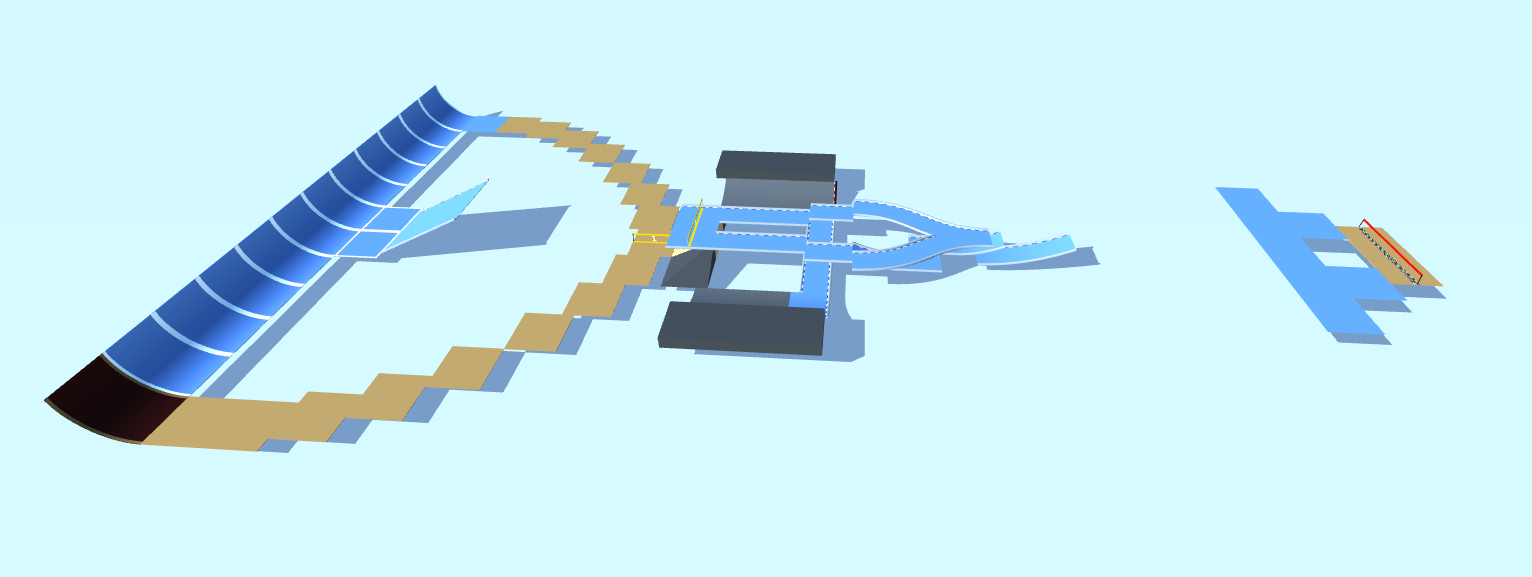
Trial2
Just a Trial Track
Detailed Track Information
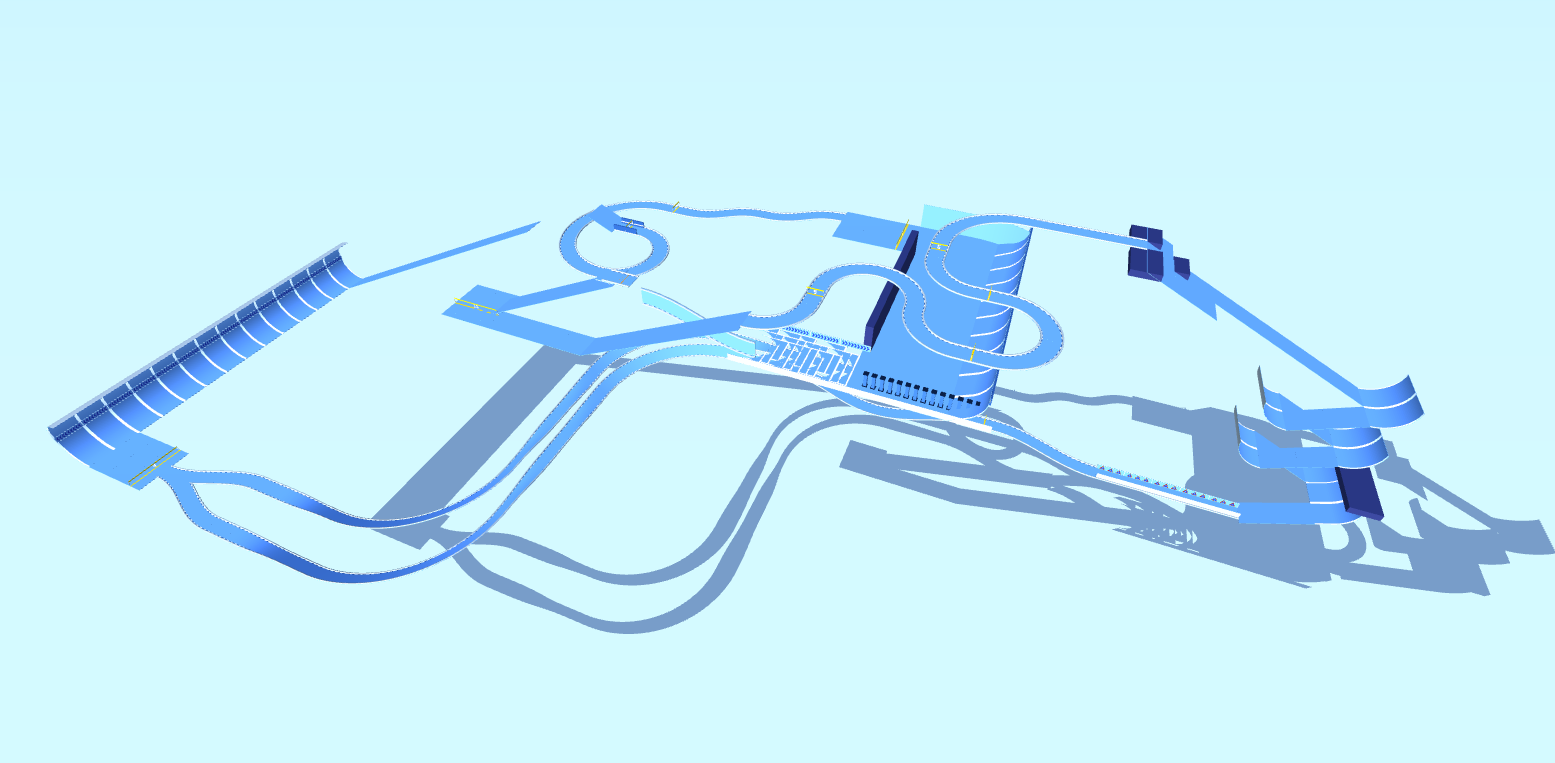
Ready to test your precision and patience on the PolyTrack circuit? Trial2, a custom map crafted by the talented M@si, delivers a focused "Technical" challenge that will sharpen your racing strategy. Classified as a Medium difficulty track, this is more than just a Trial Track—it’s a masterclass in controlled, high-speed navigation.
Unlike sprawling, high-octane circuits, Trial2 demands a surgical approach. Every turn is a calculated risk, requiring you to balance momentum with pinpoint accuracy. To conquer this map, you’ll need to memorize the flow of the course and execute flawless lines. This is where the real fun begins: finding the perfect racing line to shave off milliseconds without crashing.
For those seeking a rewarding challenge that improves your core skills, Trial2 is a must-play. Use the PolyTrack code to load this custom map and prove your mettle. Can you master the technical demands of M@si’s design and set a blistering time? The track is waiting.
Advertisement
Why This Track Is Worth Trying
Trial2 is a medium technical track from M@si. It is best approached as a test of precise steering, controlled braking, and reading tight sections before committing to speed.
First Run Plan
slow down for the first completion attempt and mark the one section that costs the most resets
Main Risk
Watch for rushing narrow passages; accuracy usually beats a risky early throttle push.
Difficulty Note
Expect a few mistakes while learning the route, especially if the track mixes speed with tighter inputs.
Use a measured pace for the first few attempts, then start trimming risky corners. This code uses the newer PolyTrack import format and can also be tested in Review Racer when available.
Track Code
How to Use This Code
- Click the "COPY CODE" button above
- Open PolyTrack in your browser
- Go to Track Editor → Import
- Paste the code and click Load
- Start Game
Content & Review Notes
Tracks on PolyTrackCodes come from community submissions and public community sources. We remove obvious spam and broken entries when reported.
Player Comments
Share driving tips, route notes, or feedback for this track.
Sign in to join the discussion for this track.