PolyTrack 0.6.0 Update: The Biggest Update Yet
Officially confirmed — checked July 20, 2026: PolyTrack 0.6.0 was released on March 10, 2026. This article was corrected to match the official 0.6.0 release notes.
Everything you need to know about the major update released March 10, 2026
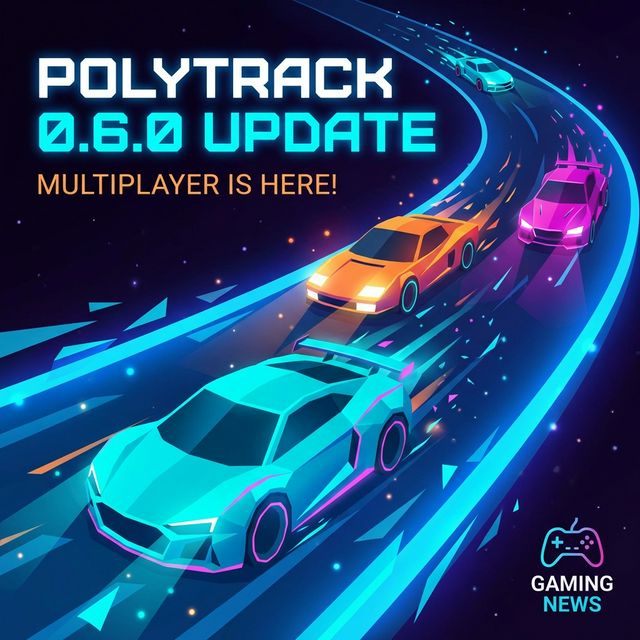
On March 10, 2026, developer Kodub released PolyTrack 0.6.0. The update introduced experimental multiplayer alongside expanded car customization, major editor upgrades, two new official tracks, 20 community tracks, and deeper replay analysis tools.
Whether you're a veteran speedrunner or a newcomer who just discovered the game at school, this update has something that will change how you play. Let's break down every new feature, explain the strategic implications, and show you how to make the most of it all.
🎮 Experimental Multiplayer: Racing Goes Online
The Feature Everyone Has Been Waiting For
For the entire lifespan of PolyTrack, competition has been asynchronous. You raced against ghost replays, compared leaderboard times, and imagined what it would be like to share the track with another car in real-time. That era is over.
PolyTrack 0.6.0 introduces experimental multiplayer, allowing players to race against each other in real time for the first time ever. While Kodub has labeled this feature as "experimental" — meaning bugs are expected and feedback is actively sought — the core experience is already remarkably polished.
How It Works
The multiplayer system uses a lobby-based approach:
- Creating a Room: From the main menu, select the new "Multiplayer" option. You can create a room that generates a unique room code.
- Joining a Room: Friends (or strangers) enter your room code to join. No account creation is required — staying true to PolyTrack's zero-friction philosophy.
- Track Selection: The room host selects which track to race on. Both official and custom tracks are supported.
- Racing: All players see each other's cars on the track simultaneously. While there is no physical collision between cars (you pass through each other), you can see exactly where your opponents are in real time.
- Results: After finishing, a results screen shows everyone's times, ranked from fastest to slowest.
What This Means for Players
The addition of multiplayer fundamentally changes PolyTrack's competitive landscape. Here's why:
- Pressure Changes Everything: Racing against a ghost is comfortable — you can restart any time without consequence. Racing against live opponents creates adrenaline, mistakes, and comeback moments that replays simply cannot replicate.
- Community Events: Expect Discord servers and Reddit communities to organize tournaments almost immediately. The infrastructure for competitive PolyTrack is now built into the game itself.
- Learning Accelerated: Watching a ghost replay teaches you the optimal line. Watching a live opponent take a different approach teaches you that multiple strategies exist. Real-time racing is one of the fastest ways to improve.
Current Limitations
Since this is a beta feature, be aware of some limitations:
- Connection stability can vary depending on player locations
- The maximum number of players per room may be limited during the beta period
- Some custom tracks with extremely complex geometries may cause synchronization issues
- The matchmaking system is currently manual (room codes only), with no automated matching yet
Pro Tip: For the smoothest multiplayer experience, choose official tracks or well-tested community tracks. Extremely long or complex custom tracks may cause desync issues during the beta.
🚗 Car Customization Overhaul: Express Yourself
A Brand New Garage
The 0.6.0 update doesn't just add multiplayer — it completely reimagines how you personalize your vehicle. The old customization options were functional but limited. The new system is a full-blown automotive fashion studio.
New Customization Options
Paint Patterns: Beyond simple solid colors, you can now apply geometric patterns, racing stripes, gradient fades, and other distinctive visual treatments to your car's body. Each pattern can be configured with primary and secondary colors, giving you thousands of possible combinations.
Wheel Rims: For the first time, you can swap out your wheel rims. Multiple rim designs are available, ranging from classic spoke patterns to futuristic solid discs. While purely cosmetic, they significantly change the visual personality of your car.
Exhaust Pipes: A subtle but satisfying addition. Different exhaust styles change the visual appearance of your car's rear, and some even affect the exhaust particle effects during acceleration. It's a small touch that adds a surprising amount of character.
New Garage Environment: The customization screen itself has been redesigned. Instead of the flat, static preview of previous versions, your car now sits in a fully rendered garage environment with dynamic lighting. You can rotate the camera 360 degrees to inspect every angle of your creation.
The Car Randomizer
Can't decide what your car should look like? Hit the new Randomize button. It generates a completely random combination of colors, patterns, rims, and exhaust style. We've found this is actually a great way to discover combinations you'd never think to try manually — some of the best-looking cars we've seen started as random rolls.
Country Flags for Leaderboards
A small but meaningful addition: you can now select a country flag that displays next to your name on leaderboards. This doesn't affect gameplay, but it adds a layer of national pride and makes the global nature of PolyTrack's community visible. When you see flags from dozens of countries competing for the same world record, it really drives home how international this game has become.
🛤️ Two New Official Tracks: Winter 5 & Desert 5
Expanding the Official Track Roster
Every new official track in PolyTrack is significant because they serve as benchmarks — the stages where world records are contested, strategies are developed, and new players first experience the game's potential. The 0.6.0 update adds two:
Winter 5
Winter 5 is the latest addition to the Winter environment series, and it's arguably the most technically demanding winter track to date. Here's what sets it apart:
- Ice Physics Mastery: The Winter environment's reduced traction is taken to its extreme. Extended sections of pure ice require masterful throttle control and pre-rotation to maintain any semblance of speed.
- Elevation Drama: Massive vertical drops followed by tight uphill hairpins create a constant tension between building speed and maintaining control.
- Blind Transitions: The track features multiple moments where the environment shifts (tunnels, covered bridges) that temporarily obscure upcoming obstacles. Memorization is essential for competitive times.
- Estimated Competitive Time: Early beta data suggests sub-40 seconds will be the competitive threshold, though world record attempts are still evolving.
Desert 5
Desert 5 takes the hot, sandy aesthetic of the Desert environment and pushes it into new territory:
- Extended Straightaways: Long sections of open desert road reward precise speed management — when to hold full throttle and when to prepare for the next corner.
- Sand-to-Tarmac Transitions: The track frequently switches between different surface types. The grip difference between surfaces is significant, requiring rapid adjustment of driving style mid-section.
- Scenic Jumps: The desert environment's open landscape allows for spectacular airborne sections with vast visibility. Some jumps clear gaps that are genuinely breathtaking.
- High-Speed Technical: Unlike Winter 5's grip-limited challenge, Desert 5 asks whether you can maintain precision at very high speeds.
Competitive Implications
Both tracks will immediately become fixtures in the speedrunning community. Early leaderboard jockeying has already begun, with top players posting their first attempts on Reddit and Discord. Because these are new tracks with no established meta, the next few weeks represent a golden opportunity for ambitious players to claim early world records before optimization catches up.
Strategy Note: Watch the leaderboard replays for these tracks over the coming weeks. The strategies will evolve rapidly as players discover shortcuts and optimize their lines. What's fast today may be obsolete next week.
✂️ Editor Enhancements: Cut, Copy & Paste
The Most Requested Editor Feature
Track creators, rejoice. The 0.6.0 update introduces cut, copy, and paste functionality in the track editor. If you're a regular track builder, you already know why this matters. For everyone else, let us explain.
Why This Is Revolutionary
Previously, if you built a complex section of track — say, a precisely aligned series of banked curves with decorative elements — and wanted that same section to appear elsewhere on your track, you had one option: rebuild it from scratch, piece by piece. For complex structures, this could take hours of painstaking repetition.
Now, with copy and paste:
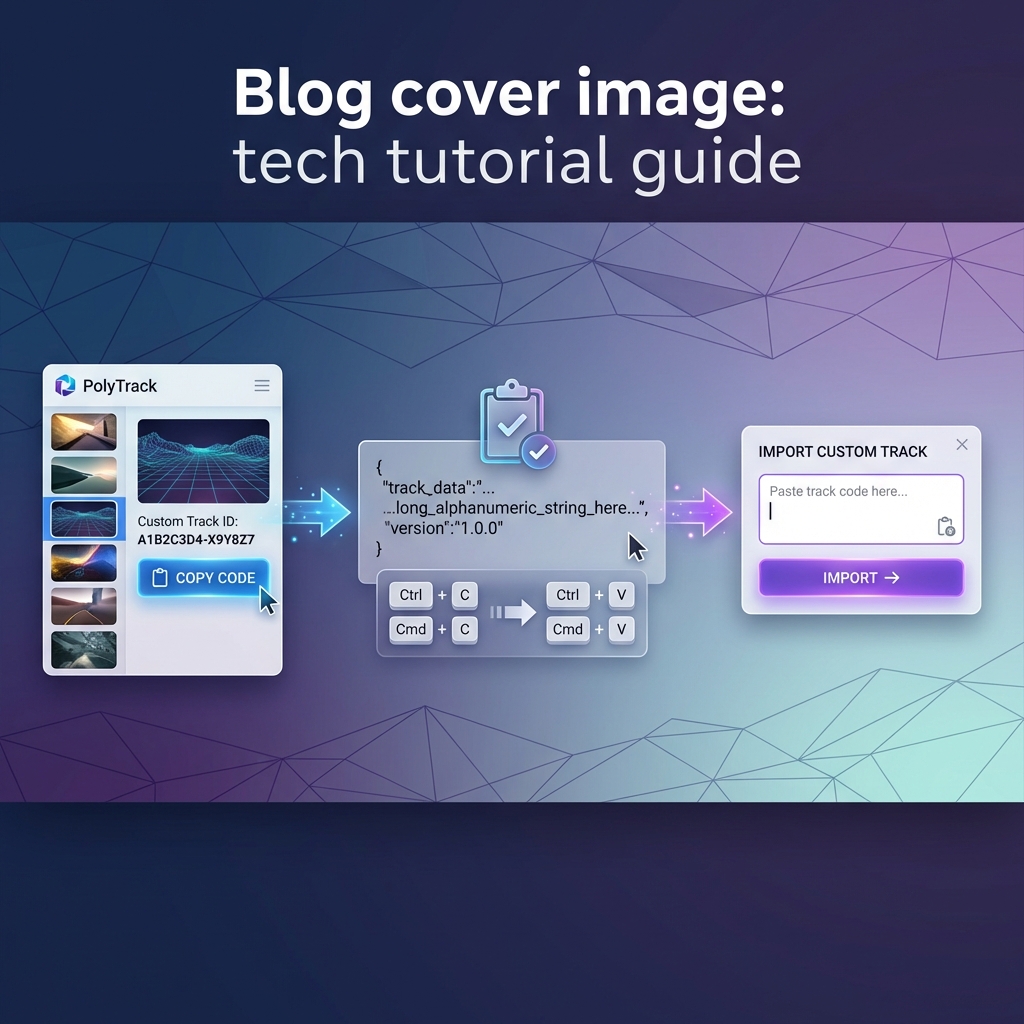
- Select the pieces you want to duplicate (multi-select support included)
- Copy them (Ctrl+C or the new toolbar button)
- Paste them (Ctrl+V) wherever you want
- Adjust: The pasted section can be repositioned, rotated, and fine-tuned
This single feature is expected to dramatically increase the complexity and quality of community tracks. Creators who previously avoided symmetrical designs or repetitive patterns (because building them twice was soul-crushing) can now embrace these architectural concepts freely.