Submitting a track is more than pasting a code
PolyTrackCodes accepts community track submissions through the Submit Your Track page. The goal is simple: help good custom PolyTrack maps become clear, playable, public track pages that other players can trust.
But a strong submission is not just a working code. It needs enough context for reviewers to understand the track, enough visual information for players to preview it, and enough accuracy that the final page does not mislead someone who is deciding what to play next.
This guide explains how to submit a track, what kind of submissions are most likely to pass review, what usually blocks approval, and what happens between submission, approval, publication, and search visibility.
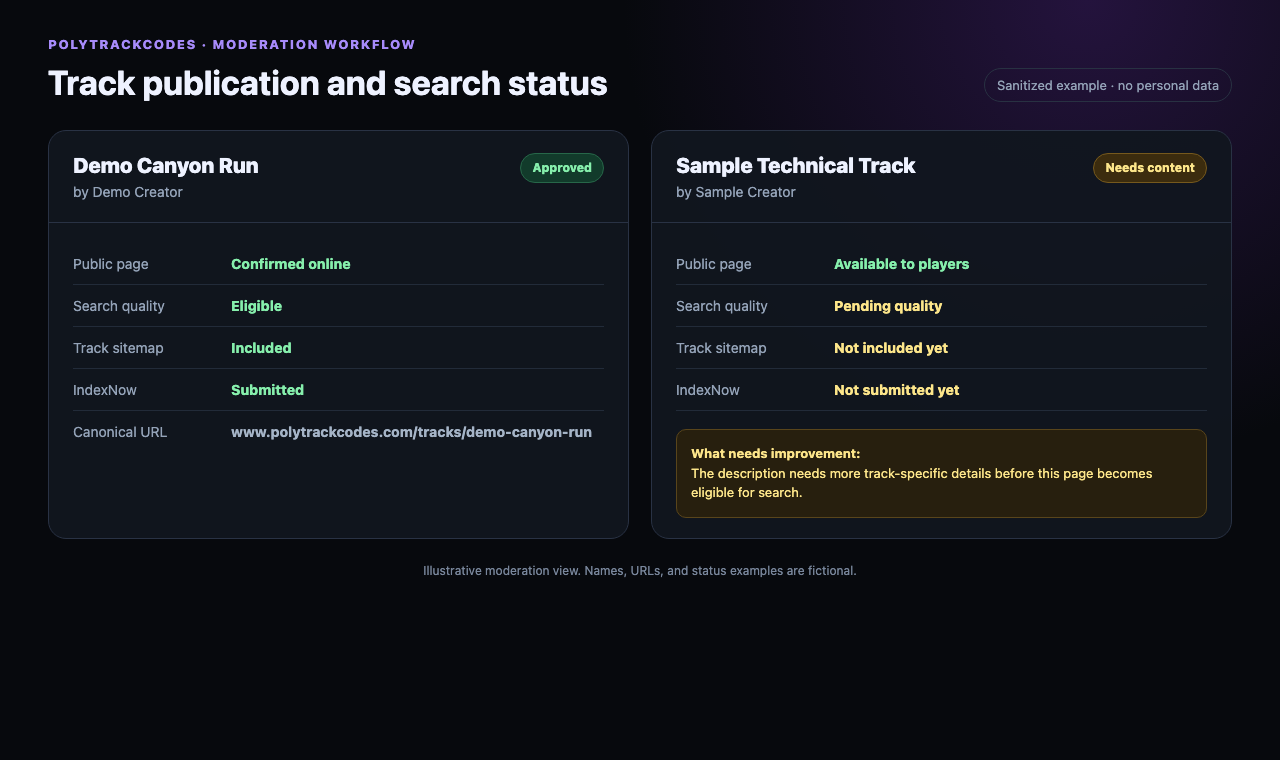
Those are separate steps. A moderator may approve a playable track before its public page is ready for search engines. Keeping the steps separate lets us publish useful creator pages without automatically sending thin, duplicated, or unfinished pages into search results.
Before you submit: test the track yourself
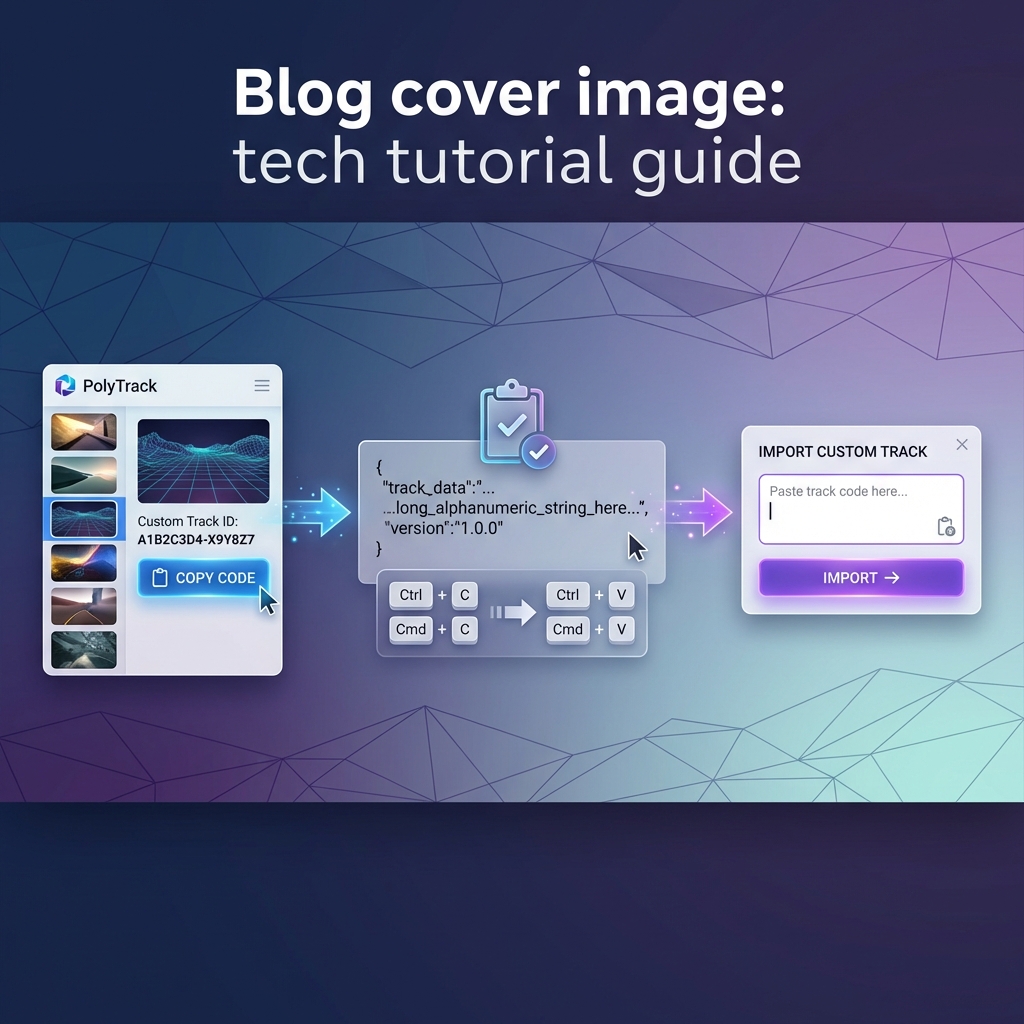
Before opening the form, import your own code back into PolyTrack and drive the track at least once from start to finish.
This quick check catches the most common problems:
- The code was copied incompletely.
- The track does not load in the current version.
- The start, checkpoints, or finish are missing or broken.
- The difficulty feels very different from what you planned.
- A jump or landing that seemed fun in the editor is unreliable in a real run.
- The submitted version is not the final version you meant to share.
If the track cannot be imported, reviewers cannot approve it. If the track imports but feels unfinished, it may need revision before it becomes a public page.
What the submit form asks for
The submission form asks for the information needed to build a useful public track page.
| Field | Why it matters |
|---|---|
| Submission type | Choose whether this is a new track or an update to an existing one |
| Track name | This becomes the main title players see |
| Your name or username | This is how the creator is credited |
| Used privately so we can send the review result | |
| Difficulty | Helps players choose tracks that match their skill level |
| Category | Places the track in the right browsing path |
| Description | Explains the route, challenge, theme, or driving tips |
| Track code | The actual PolyTrack code players will import |
| Full overview image | Lets players preview the whole layout before importing |
| Video URL | Optional, but useful for showcase runs or hard tracks |
The required fields are required for a reason. They are not just form rules; they are the basic information needed to review and publish a track responsibly.
Email is required, but it is not public
Email is required so we can send the result of the review. It is not displayed publicly on the track page.
We may use it to send:
- The published track link if your submission is approved
- A revision note if the track needs changes
- A short rejection reason if the track is not a fit
Use an email address you can actually receive. If your email is invalid, the form will not accept the submission.
The overview image matters a lot
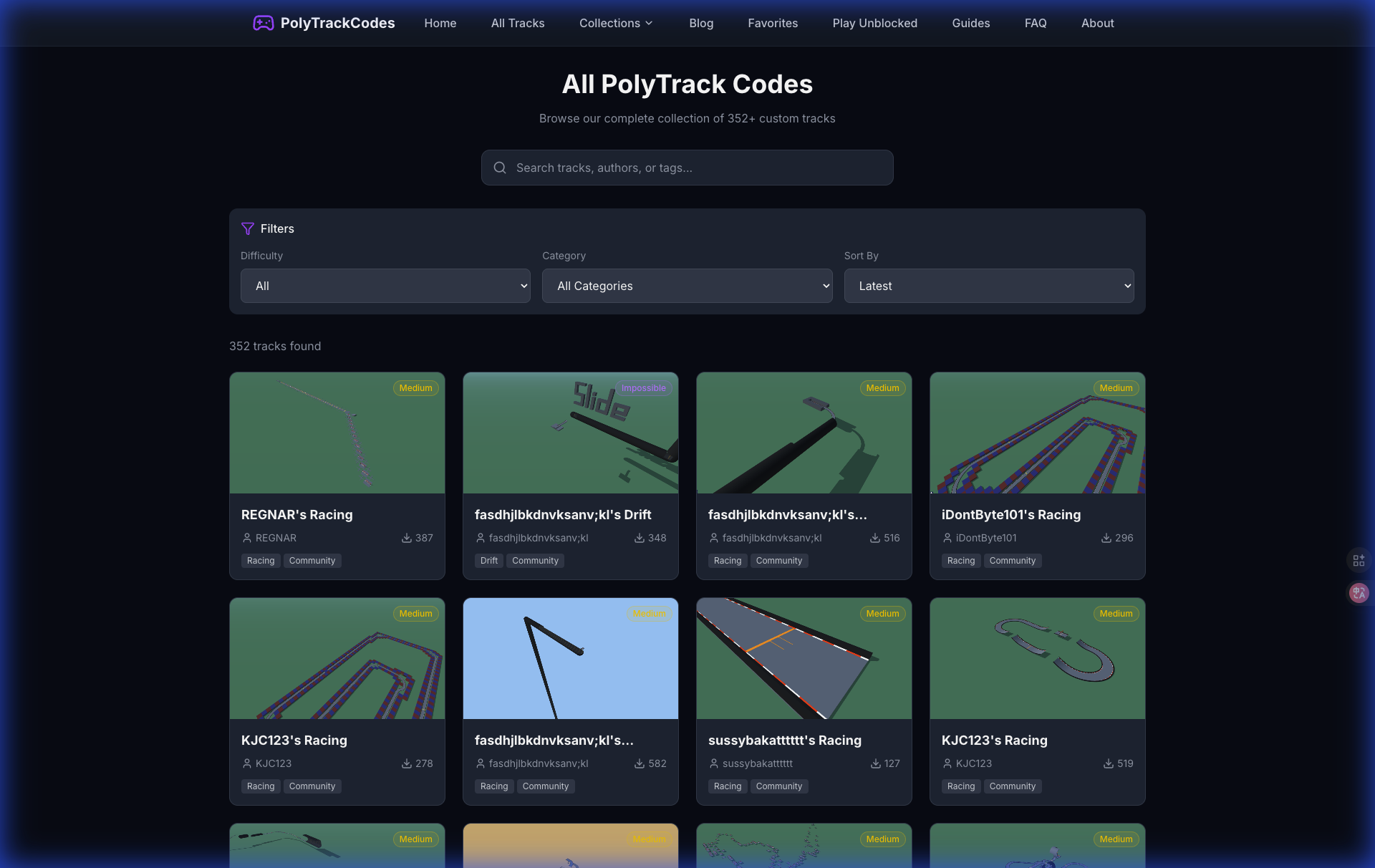
Every new submission needs a full track overview image. The best image is a zoomed-out editor screenshot that shows the entire layout.
A good overview image should:
- Show the whole track, not only the starting area
- Be taken from the editor or a top-down view when possible
- Make the route shape readable
- Include enough visual context for players to understand the layout
- Be clear enough that the track does not look like a random close-up
The overview image should not be:
- A driving-camera screenshot
- A cropped image of only the car
- A blurry preview
- A random thumbnail unrelated to the track
- A placeholder or default image
Players often decide whether to import a track by looking at the preview first. A strong overview image makes your track easier to trust.
Choose the right difficulty
Difficulty should describe the real driving experience, not the creator's personal skill level.
Use this rough guide:
| Difficulty | Good fit |
|---|---|
| Easy | Wide roads, readable corners, forgiving jumps, beginner-friendly flow |
| Medium | Some tighter turns, basic jumps, light technical sections |
| Hard | Requires practice, has stricter lines, harder landings, or route memorization |
| Expert | Demands advanced control, precise timing, or repeated attempts |
| Impossible | Built for top players, extreme precision, Kacky-style tricks, or very low clear rate |
Overrating a track can scare away the right audience. Underrating it can frustrate new players. The best rating is honest.
Pick the category that describes the main experience
The category should tell players what kind of track they are about to play.
- Racing: Standard route, corners, flow, and lap-style driving
- Speedrun: Built around time optimization, fast lines, and repeatable runs
- Drift: Sliding, angle control, and linked corners are central
- Stunt: Jumps, loops, flips, wall rides, or spectacle sections
- Technical: Precision, narrow paths, difficult turns, or control training
- Art: Visual design or creative layout is the main point
- Tutorial: Built to teach a mechanic or help new players practice
If a track has multiple elements, pick the one that defines the experience. A racing track with one jump is usually still Racing. A jump-heavy route where landing is the whole challenge is probably Stunt.
Write a useful description
A good description helps both reviewers and players. It does not need to be long, but it should be specific.
Weak description:
Cool track. Try it.
Better description:
A medium racing track with two fast tunnel sections, a downhill jump after checkpoint 3, and a tight final chicane. Brake early before the last corner if you want a clean finish.
Try to include at least two concrete details, such as:
- What kind of route it is
- The hardest section
- A driving tip
- Whether it is beginner-friendly or built for experienced players
- Any unusual mechanic, shortcut, or theme
- What changed if this is an updated version
Specific descriptions make approval easier because reviewers can compare the submitted text with the actual track.
If this is an update, explain what changed
If you are improving a previously submitted or published track, choose the update option.
For updates, include:
- The original track link or title
- What changed in the new version
- Whether the difficulty changed
- Whether checkpoints, finish, jumps, or route shape changed
- Why the new version is better
Good update note:
Fixed the landing after checkpoint 3, widened the final chicane, and changed the difficulty from Hard to Medium because the new route is more forgiving.
This helps reviewers compare the new code against the earlier version instead of guessing.
What reviewers check
After a track is submitted, reviewers look at both the form details and the track itself.
The review usually includes these checks:
- Import check: Does the code load correctly?
- Basic structure: Does the track have a usable start, route, checkpoints, and finish?
- Title and author: Is the creator credit clear and reasonable?
- Description match: Does the description match what the track actually does?
- Difficulty match: Is the selected difficulty fair?
- Category match: Is the track in the right browsing group?
- Overview image: Is the submitted image a real full-track preview?
- Duplicate check: Is this original, or is it too similar to something already published?
- Playability check: Does the track feel like a real playable submission rather than a fragment?
- Policy check: Is the content appropriate for a public community library?
Some tracks also get a deeper review through internal tools such as the decoder and review racer. Those tools help inspect route shape, checkpoints, preview quality, and possible risk sections before a final decision.