Poly Track, PolyTrack, or PolyTracks? They All Mean the Same Game
If you typed "poly track" into Google — with a space — you are in the right place. The game's official name is PolyTrack (one word), a free low-poly racing game made by the developer Kodub that runs entirely in your browser. But a huge number of players search for it as two words, "poly track," and this guide is written for exactly those players.
Whether you found the game through a friend, a YouTube short, or a school Chromebook, this page covers everything: where to play, how the controls work, how to use community track codes, how to build your own tracks, and how the multiplayer mode added in 2026 works.
What Is Poly Track?
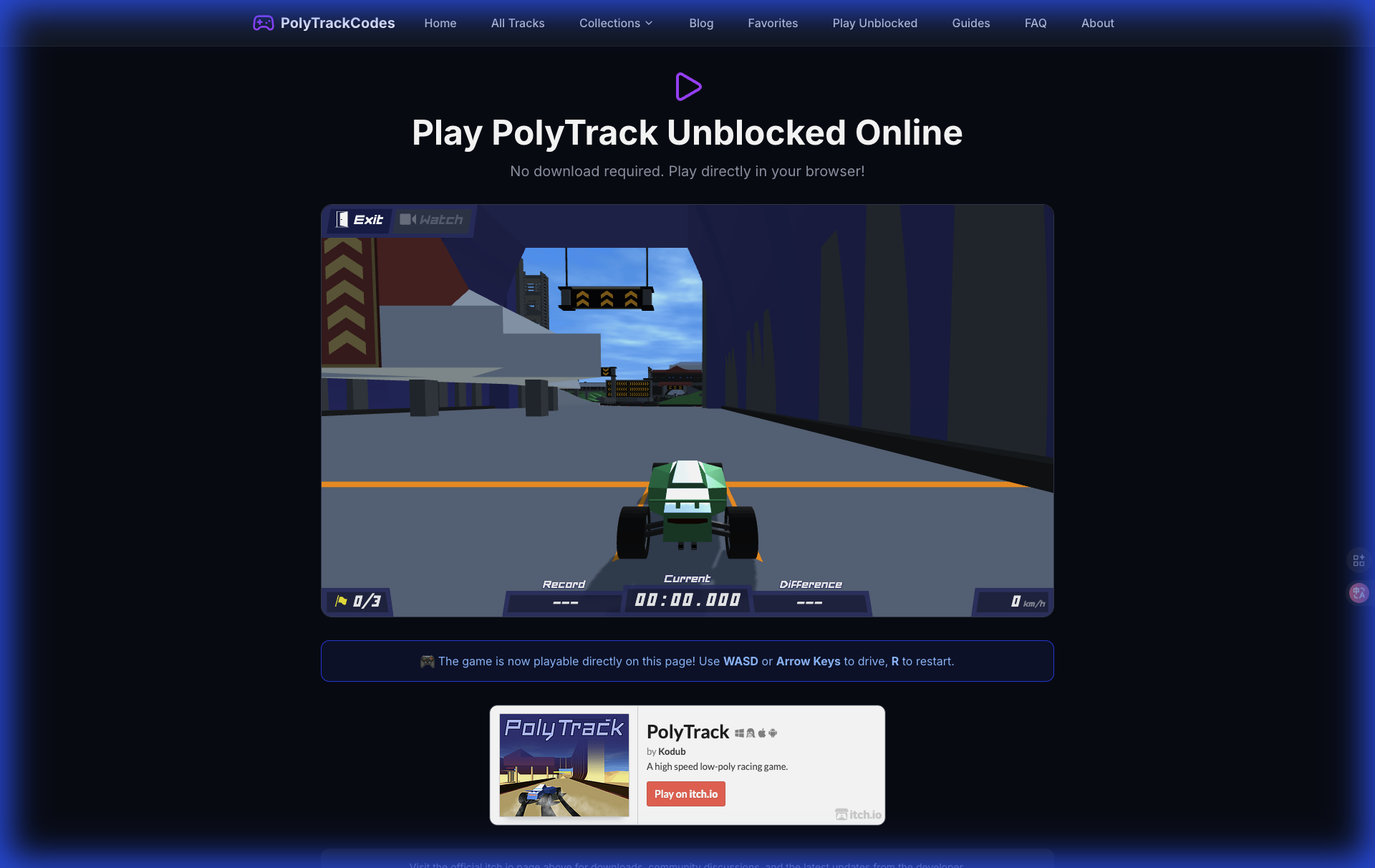
Poly Track (officially PolyTrack) is a free-to-play, browser-based racing game with a distinctive low-poly art style. There is nothing to download and nothing to install — you open a web page and you are driving within seconds. That simplicity is a big part of why it spread so fast through schools, offices, and Discord servers.
Under the minimalist look sits a surprisingly deep physics engine. Cars have real momentum, suspension, and air control, which means the skill ceiling is enormous. Casual players can enjoy a quick two-minute race, while dedicated speedrunners spend hundreds of hours shaving milliseconds off community tracks.
The feature that turned Poly Track from a fun time-waster into a genuine platform is the built-in track editor. Any player can design a custom track, and every track can be shared as a single text string called a track code. That is where this website comes in — PolyTrackCodes is the largest community library of those codes, but more on that below.
Where to Play Poly Track
Because Poly Track runs in the browser, you have several official and community-approved places to play:
- The official site — the developer's own hosted version, always the latest release.
- itch.io — Kodub publishes every update on the official PolyTrack itch.io page, including full release notes.
- CrazyGames and similar portals — convenient, and often whitelisted on school networks.
If your network blocks gaming sites, our Play Unblocked guide walks through the legitimate options.
The game is currently on the 0.6.x series. Version 0.6.0 (March 2026) added experimental multiplayer and expanded car customization, and 0.6.2 is the latest confirmed release. Our 0.6.0 update guide has the full changelog breakdown.
Controls: Simpler Than They Look
Poly Track uses a minimal control scheme that takes one race to learn and a long time to master:
- W / Up Arrow — accelerate
- S / Down Arrow — brake and reverse
- A / D or Left / Right Arrows — steer
- R — restart the track instantly
- Spacebar — respawn at the last checkpoint
The two restart keys are the secret to fast improvement. Top players reset constantly — the moment a run goes wrong, they are back at the start or the last checkpoint within a fraction of a second. For a printable reference, grab our controls cheatsheet.
Track Codes: The Heart of the Community
Here is the part most "poly track" searchers are actually looking for: custom tracks.
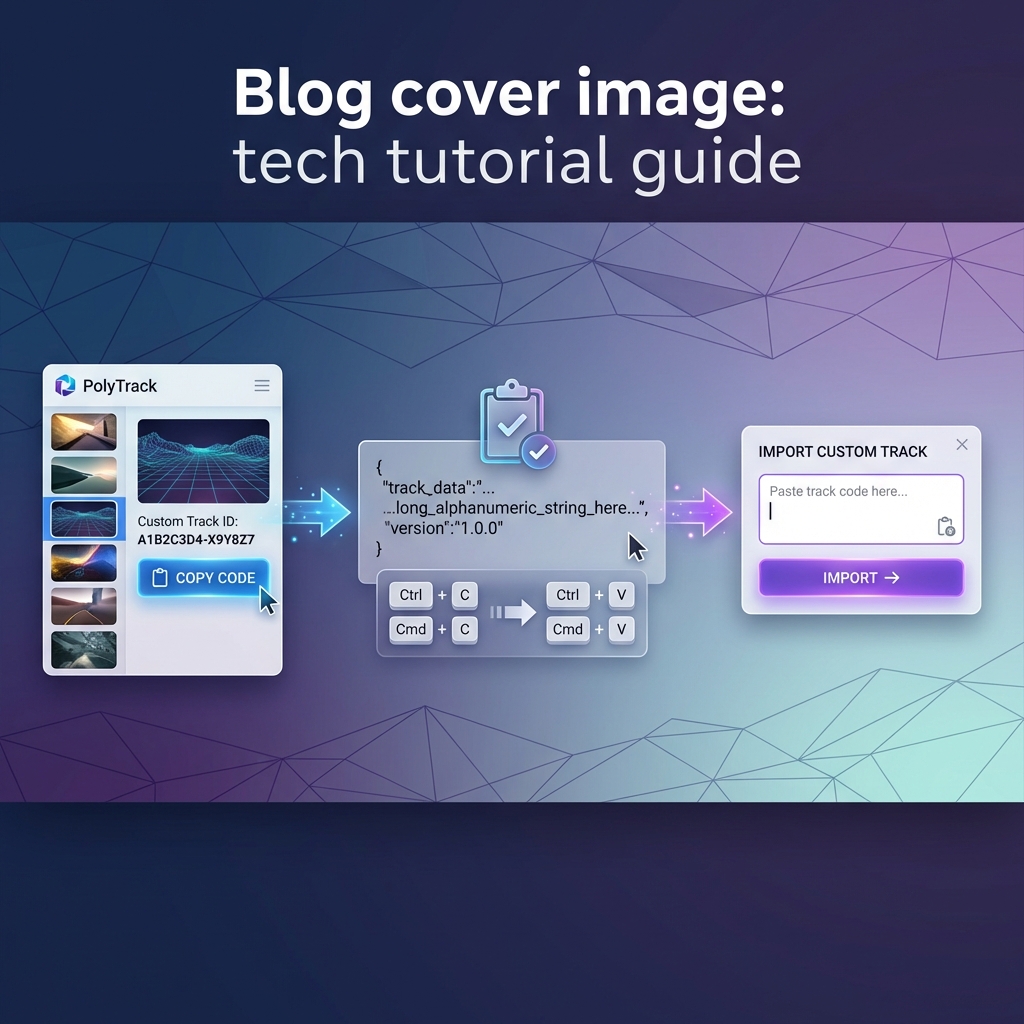
Every track built in the Poly Track editor can be exported as a compact code — a long string of characters that encodes the entire layout. Paste that code into your game's editor, and the exact same track appears in front of you. No files, no accounts, no downloads.
This website, PolyTrackCodes, exists to organize those codes:
- Browse hundreds of community tracks on our tracks page, sortable by difficulty, style, and popularity.
- Every listing has a one-click COPY CODE button.
- New to importing? Our step-by-step import guide with screenshots shows the full process in under a minute.
If you are just starting out, look for tracks tagged Easy or Beginner — the community also builds genuinely brutal "Kacky" tracks that will humble experienced players, so check the difficulty rating before you commit. Our Kacky tracks explainer covers that culture if you are feeling brave.