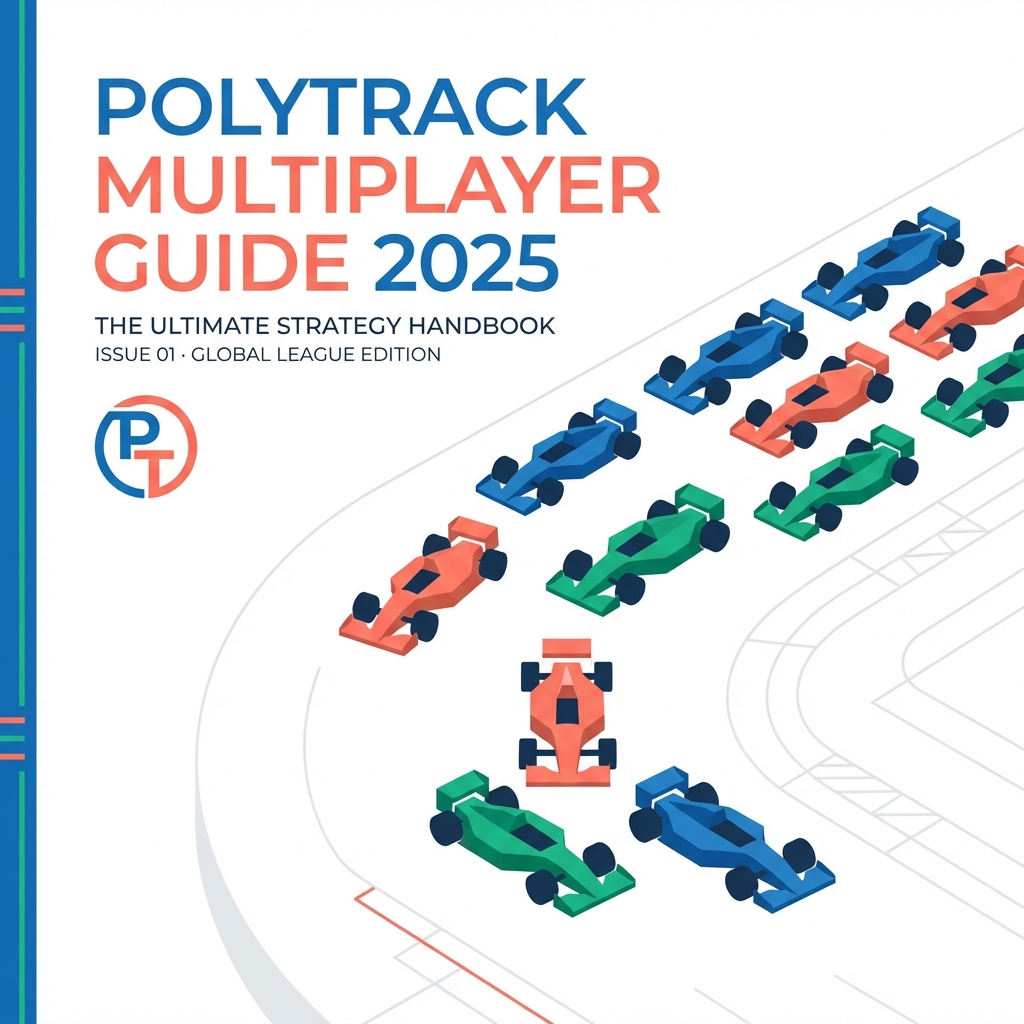
PolyTrack Multiplayer: The 2025 Competitive Era
Since its inception, PolyTrack has been celebrated as a masterpiece of solo time-attack engineering. However, in 2025, the game has evolved beyond the boundaries of individual skill. The rise of community-driven leagues, localized "Hot-Seat" tournaments, and complex Discord bot ecosystems has transformed PolyTrack into a vibrant social platform.
This 2500+ word technical guide serves as the definitive manual for anyone looking to organize, compete, or broadcast multiplayer events. We will explore the architecture of competitive play, the psychology of tournament pressure, and the technical tools required to bridge the gap between solo practice and global dominance.
Chapter 1: The Multiplayer Landscape—Defining the Modes
Multiplayer in PolyTrack isn't a single button; it's a spectrum of competitive formats. Understanding which format fits your group is the first step toward building a lasting racing tradition.
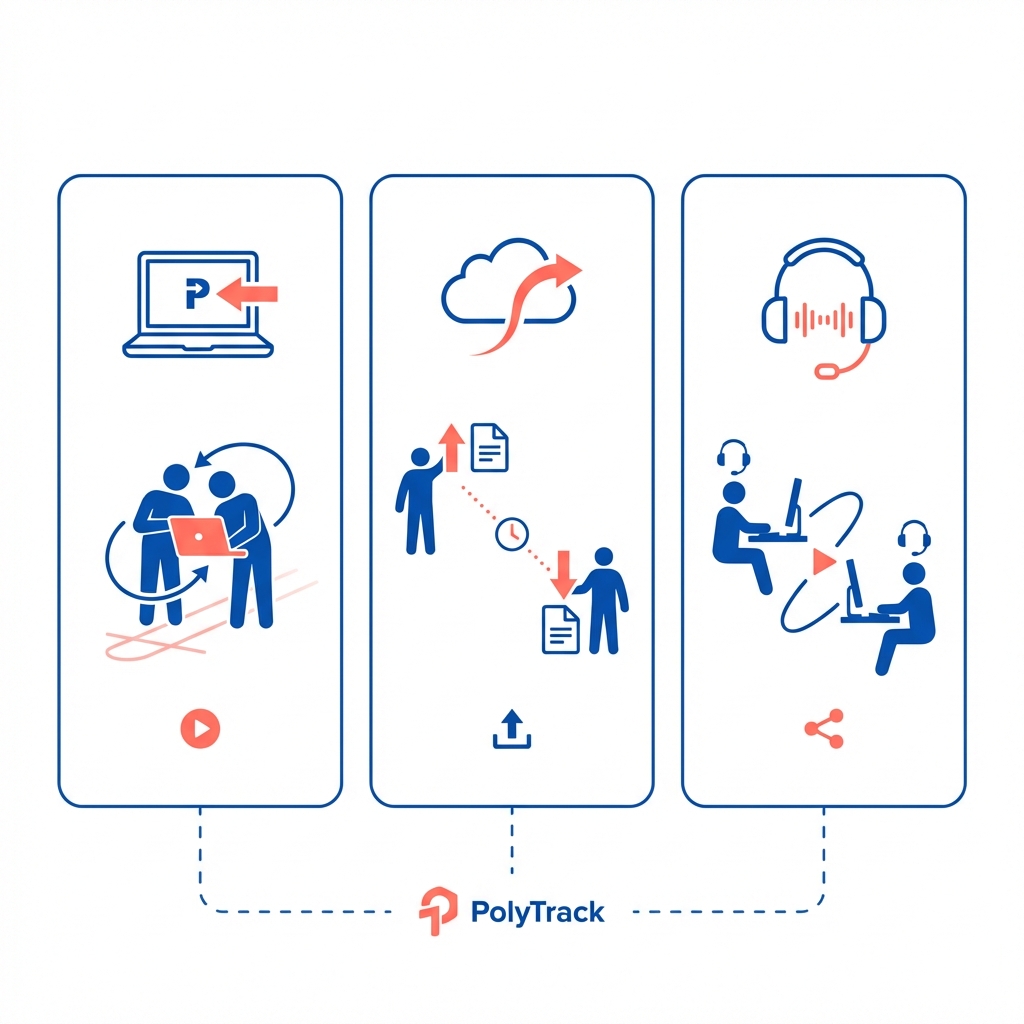
1. Local "Hot-Seat" Multiplayer
This is the purist's way to play. Friends gather in a single physical location, passing the keyboard or controller between rounds. It relies on the game's restart speed and deterministic physics to ensure fairness.
- Best for: Parties, school clubs, and small workspace breaks.
2. Asynchronous "Track-Link" Racing
The backbone of the global community. Players share a track ID, race on their own time, and submit verified replays or timestamps to a central leaderboard.
- Best for: International leagues and long-term skill development.
3. Online "Screen-Share" Synchronization
Using tools like Discord, Zoom, or Twitch, racers synchronize their "Go" signals and race simultaneously, often watching each other's live feeds to mimic a real-time lobby experience.
- Best for: Content creation, live streaming, and intense head-to-head duels.
Chapter 2: The Art of the Local Tournament—Same-Screen Mastery
Gathering people around a single monitor requires more than just a PC; it requires a system.
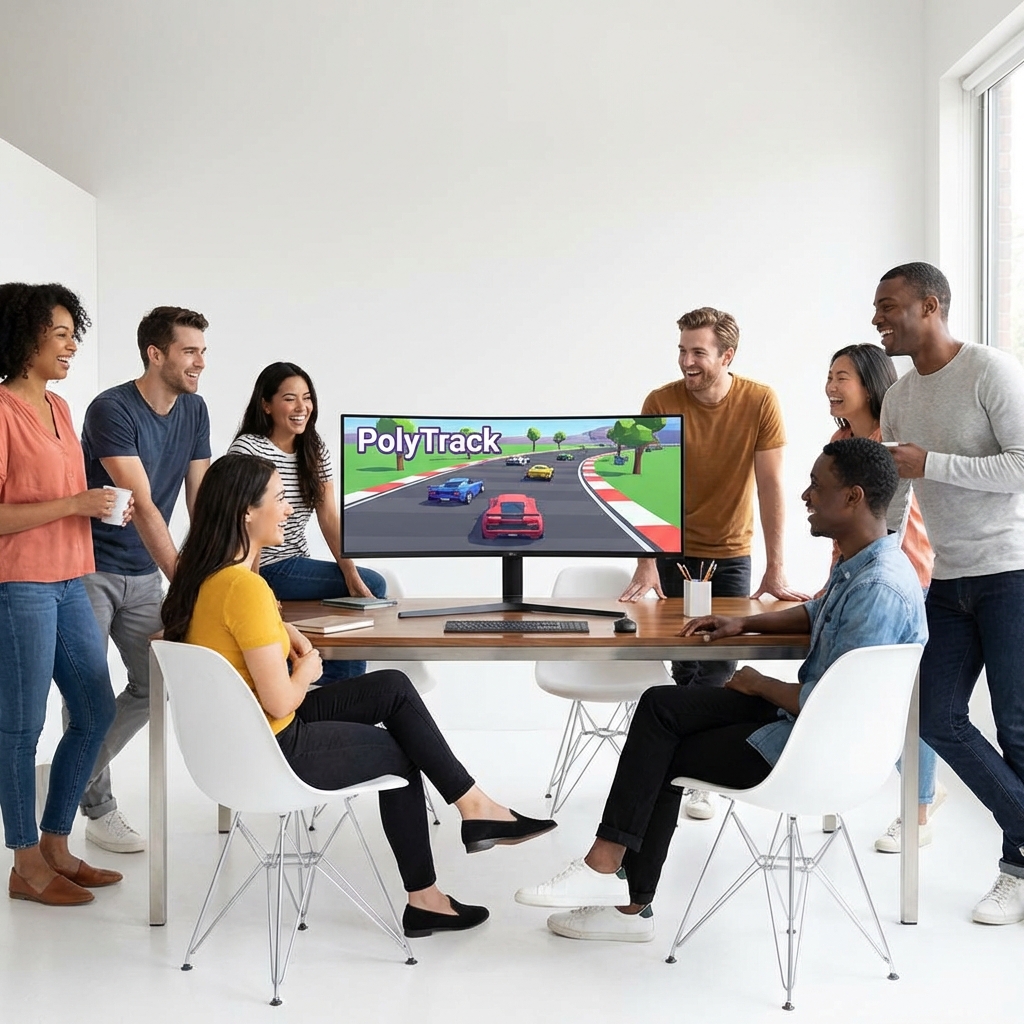
Optimal Setup Archetype
- The Hardware: A large high-refresh-rate monitor is essential to minimize communal eye strain.
- The Input: If using a controller, ensure a secondary keyboard is available for quick restarts (
Rkey). - The Format:
- The Hot-Seat Sprint: 3 attempts per player per track. The single best time is recorded.
- The Elimination Ladder: The slowest racer is eliminated after each track session until only two remains for a final "Sudden Death" showdown.
Chapter 3: Tournament Architecture—Building the Bracket
Organizing a professional-grade tournament in 2025 requires a deep understanding of seeding and progression logic.
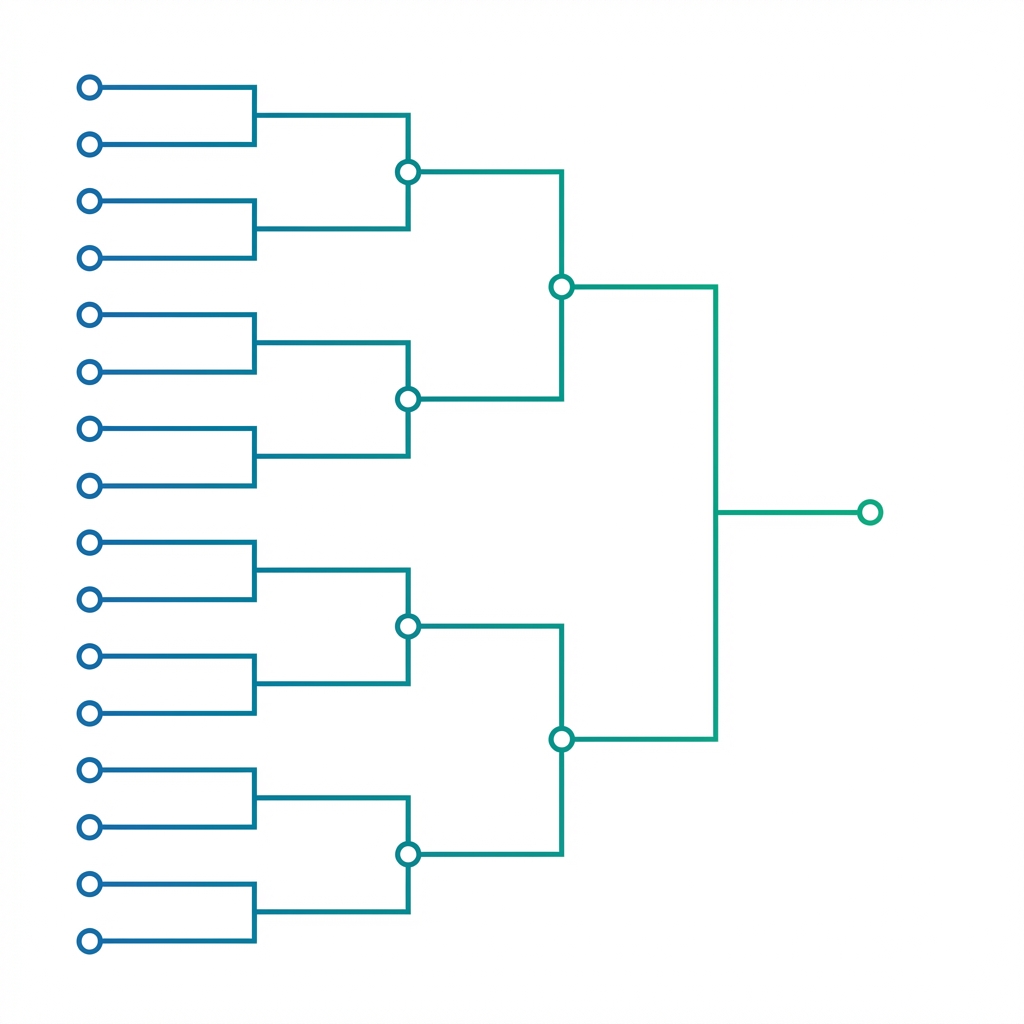
Progressive Difficulty Seeding
A common mistake in community tournaments is choosing the hardest track first. This leads to early burnout for beginner-level participants.
- Phase A: Qualification (Easy Speed Tracks): High completion rates, low technical barrier. Screens for basic control.
- Phase B: Quarter-Finals (Medium Technical): Introducing loops and basic stunt requirements.
- Phase C: The Grand Final (Hard Stunt/Technical): Tracks where a single mistake results in a DNF. This tests mental fortitude as much as mechanical skill.
Chapter 4: Live Sync vs. Async—The Strategy Gap
The mental approach for a 1v1 live duel is fundamentally different from a week-long asynchronous leaderboard grind.
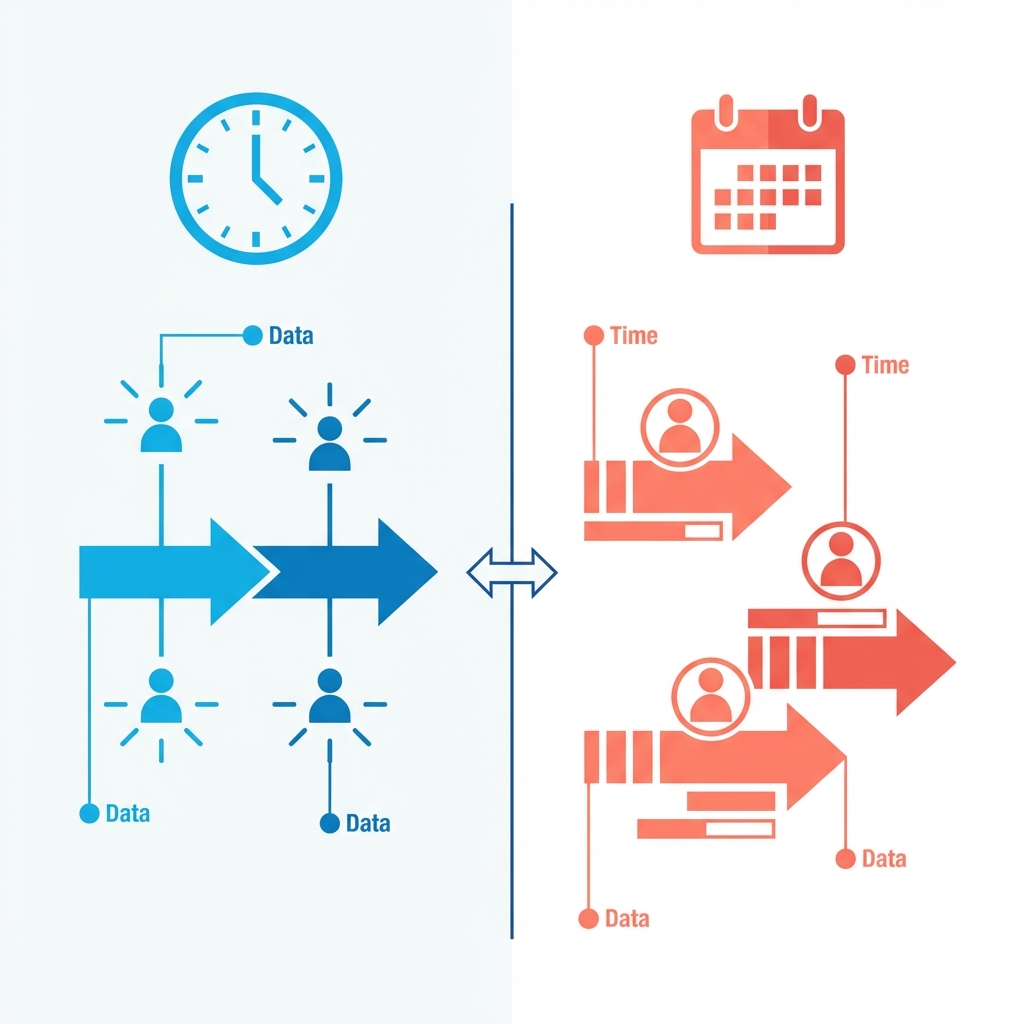
The Psychology of the Live Duel
In a live screen-share race, consistency is king. You don't need to be 0.1s faster than the world record; you only need to be 0.1s faster than your opponent. The "Safe Apex" strategy is often superior here—taking wider turns to ensure completion.
The Grind of the Asynchronous League
Async racing is about "Pixel Perfection." Since you have unlimited time (before the deadline), you are playing against the theoretical limit of the track logic. This requires hundreds of resets to find the perfect frame for a boost entry.
Chapter 5: Community Scaling—The Discord Integration
For a community to grow beyond 10 people, you need a technical hub. In 2025, Discord is that hub.
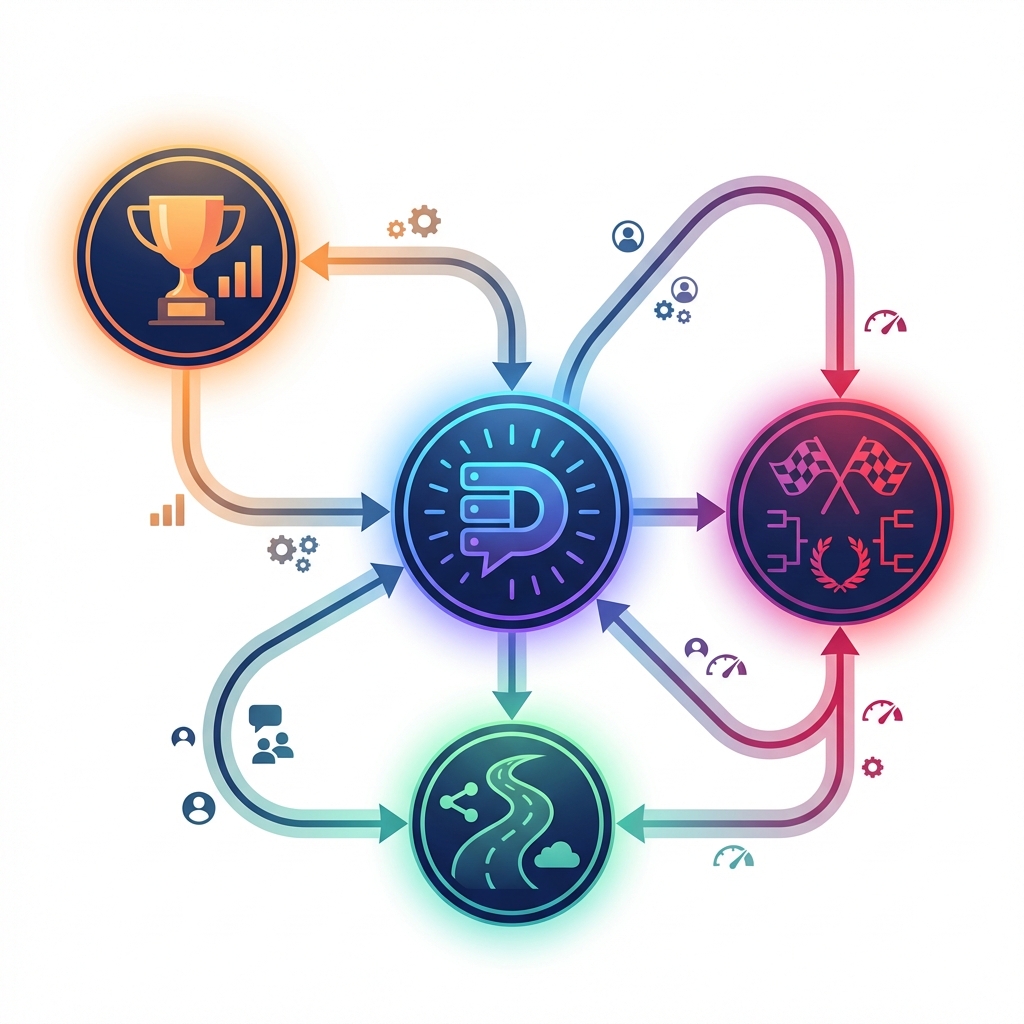
Building the Hub
- #track-bounty: A dedicated channel where members post a new track code every 24 hours. The first person to beat a set time wins a server "bounty" role.
- #replay-verification: Replayers must upload their
.polyrefiles to ensure No-Cheat policy compliance. - Automatic Leaderboards: Using API hooks or manual spreadsheets to keep a rolling ranking of the "Top 5 Racers of the Month."
Chapter 6: The Broadcaster's Perspective—Streaming PolyTrack
Streaming multiplayer PolyTrack has become a significant genre on Twitch. The high-speed nature of the game makes for excellent "Short-Form" entertainment.
Maximizing Engagement
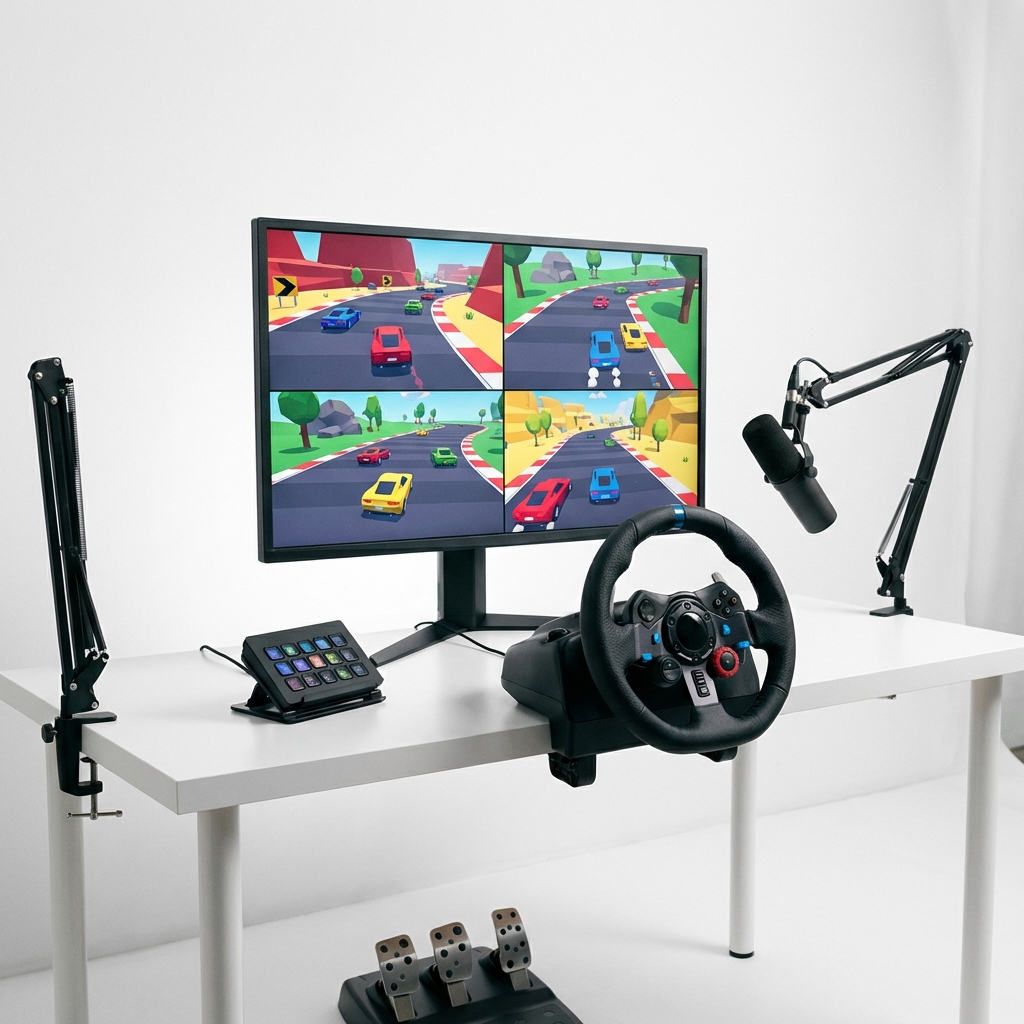
- The Split-Screen Overlay: Using OBS to crop 4 different Discord screen-shares into a single quadrant view.
- The Commentary: Focus on "Sector Spans." Call out when a racer gains or loses time at the third corner. This adds a layer of professionalism that spectators appreciate.
- The Interactive Vote: Let the audience choose the next track ID from our Track Collection.
Chapter 7: The Racer Code—Etiquette and Sportsmanship
A competitive community is only as strong as its cultural foundation. Respect in the air is as important as respect on the ground.
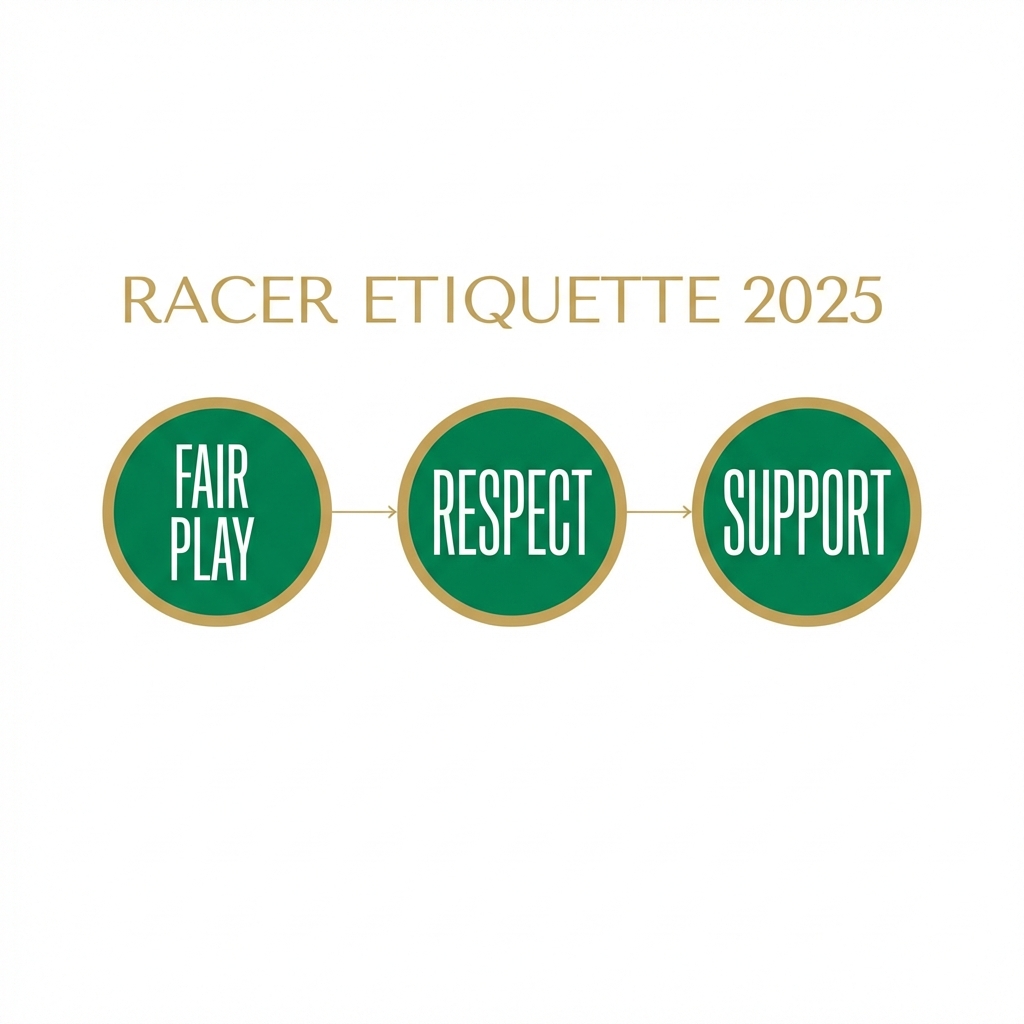
- Fair Play: Transparency in hardware and settings. If you use a modified FOV or specific browser flags for performance, disclose them during high-stakes duels.
- Respect the "Reset": If an opponent suffers a technical glitch (browser crash, etc.) during a live duel, the standard etiquette is to restart the round.
- Support the Rookies: The best communities are those where Veterans share their "Line Logic" with newcomers. A growing player base increases the value of every local ranking.
Chapter 8: The Science of Scoring—Managing the Points
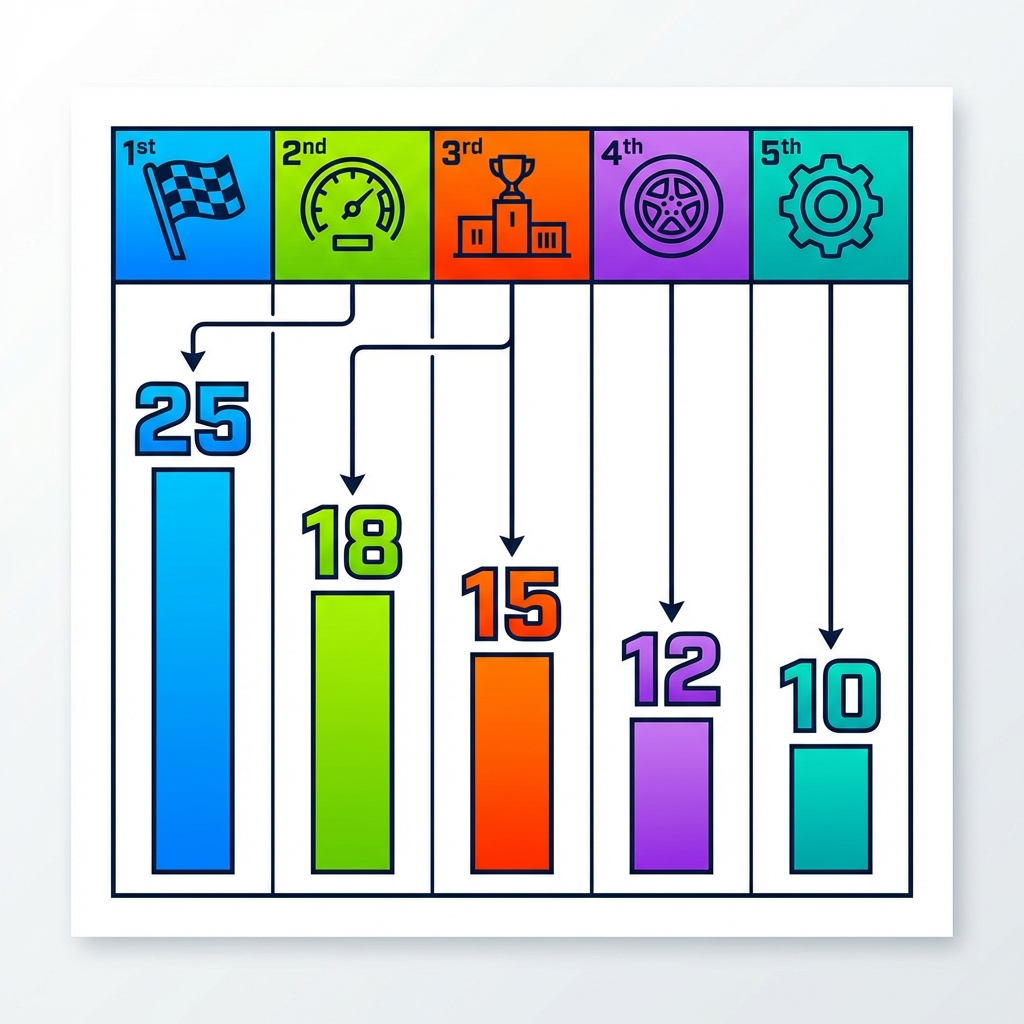
A tournament is only as fair as its scoring matrix. In 2025, the community has moved away from "Winner Takes All" toward a "Performance-Weighted" system.
The Pro Points System
- 1st Place: 25 Points
- 2nd Place: 18 Points
- 3rd Place: 15 Points
- Fastest Lap Bonus: +2 Points (Encourages risk-taking even for those trailing in the standings).
- Completion Consistency: +1 Point for finishing every track in a tournament series without a DNF.
FAQ: Multiplayer Troubleshooting
Q: How do we synchronize the start in a Discord call? A: Use an external browser-based countdown timer or designate one host to perform a voice countdown. Accounts for 0.5s of audio latency.
Q: What is the best track length for a 10-person tournament? A: Aim for tracks between 30 and 45 seconds. Anything longer becomes too high-risk for a first-attempt scenario; anything shorter feels too random.
Q: Can we see each other's "Ghosts" live? A: Currently, you must rely on screen-sharing. However, many players export their replay ghost files for others to race against asynchronously.
Conclusion: Racing Together into the Future
Multiplayer in PolyTrack is a testament to the creativity of its community. By building systems, using professional tournament frameworks, and fostering a culture of sportsmanship, you turn a minimalist racing game into a grand competitive stage.
Whether you're racing for a custom Discord role or just for bragging rights at the lunch table, remember: the fastest lines are those shared with friends.
Ready the starting grid. The 2025 season starts now. 🏁👥