Why 0.6.0 matters
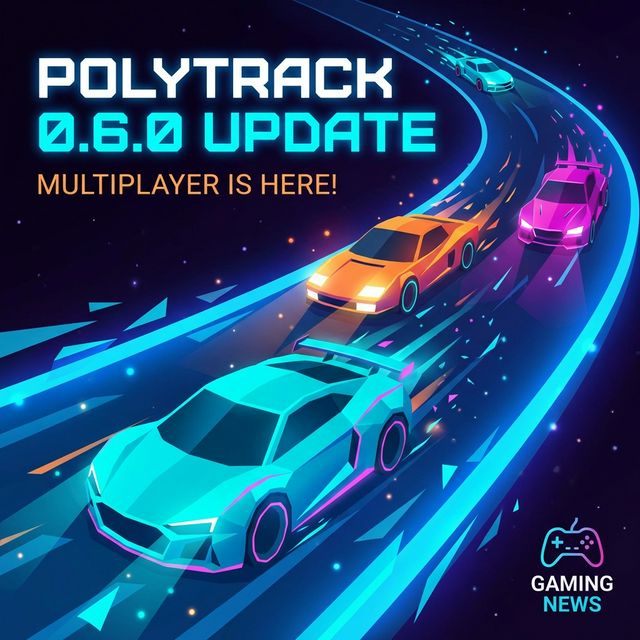
PolyTrack 0.6.0 is the current major release confirmed on the official devlog. It is not a small polish patch. It changes how players race, how creators build, and how community tracks are organized.
The headline additions are experimental multiplayer, more car customization, 20 new community tracks, two new official tracks, and major editor workflow upgrades.
For players: multiplayer changes the session shape
PolyTrack has always been strong as a time-trial game. Multiplayer changes the feeling of a session because you are no longer only chasing a ghost or a leaderboard number. You can now organize live rooms, test friends on the same map, and turn short tracks into quick challenges.
Because multiplayer is still marked experimental, treat it as a feature to enjoy, not as a perfect tournament system. For serious competition, keep backup rules: agree on the track, version, restart policy, and what counts if someone disconnects.
For creators: the editor is faster
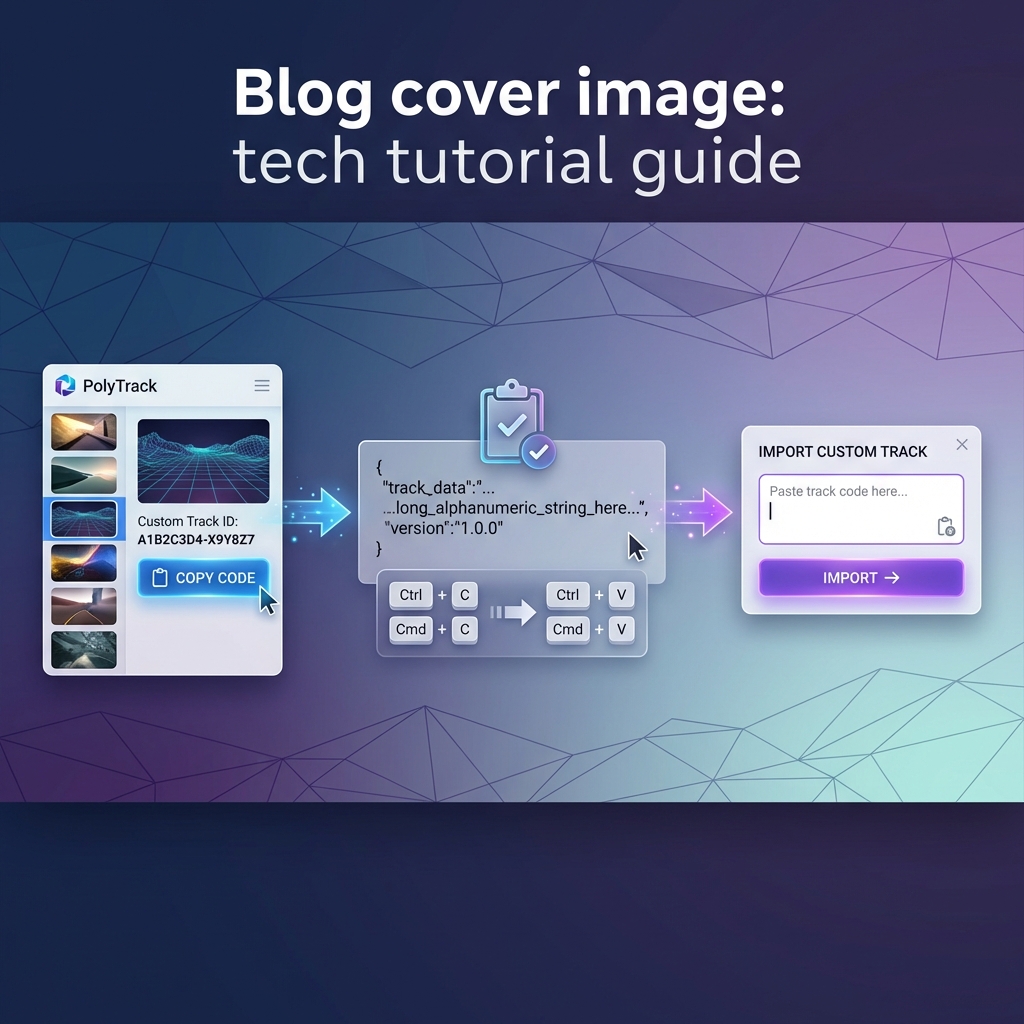
The editor changes are more important than they look. Cut, copy, and paste reduce the pain of iteration. Banked road pieces, longer S-curves, Y-intersections, wall slopes, and vertical transitions give creators more ways to build tracks that feel intentional instead of improvised.
The most practical change is speed. A creator can now duplicate a tested section, adjust it, and compare versions. That makes better tracks more likely because iteration is less annoying.