PolyTrack School Survival Guide: 2025 Ultimate Edition
Whether you're on a lunch break, finishing a project early in the library, or simply have some downtime between classes, a quick session of PolyTrack is the perfect way to recharge your brain. In 2025, with the advancement of web technologies and the evolution of school network management, simply "searching for an unblocked site" is no longer enough.
This 2500+ word deep-dive serves as your "secret manual," taking you from the technical basement to the execution floor. We will solve the anxieties of blocked access, frame drops, and play-time management. We'll start with the technical details of firewalls and extend all the way to how you can use this game to boost your physics grades.
💡 The Core Rule: Play responsibly. This guide is intended for students exploring during authorized breaks and as a supplement to physics simulation experiments. Academics always come first—racing comes second.
Chapter 1: Decoding the School Firewall—Why Are You Blocked?
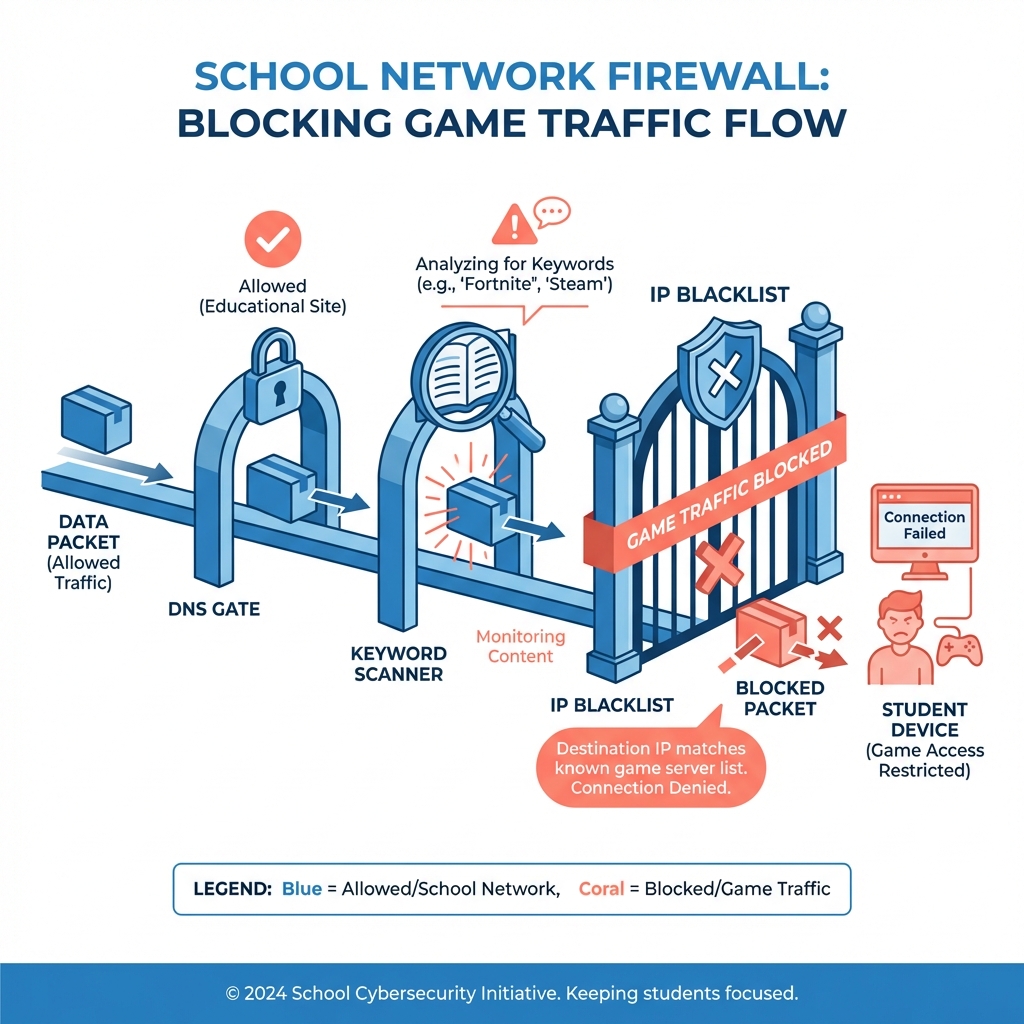
To defeat your opponent, you must first understand them. The firewall used by the School Network Administrator (Admin) is not just a simple "keyword blocker"; it is a complex system of Deep Packet Inspection (DPI).
1. DNS Hijacking and Poisoning
When you type www.polytrackcodes.com and hit Enter, the first thing your device does is ask for the "ID Number" (IP Address) of this domain. The school's DNS server intercepts this request and returns an IP pointing to a "Access Denied" page, or simply returns 0.0.0.0.
Breakthrough: Use Encrypted DNS (DoH) or custom DNS servers like 8.8.8.8.
2. TLS SNI Detection
Even if you set a custom DNS, the firewall can still identify which website you are visiting by looking at the "Server Name Indication" (SNI) during the HTTPS handshake process. This is the most mainstream blocking method in schools in 2025. Breakthrough: Visit mirror sites distributed through CDNs, where the SNI is often hidden behind a generic domain name.
3. Heuristic Traffic Analysis
If your computer is continuously sending large amounts of WebGL rendering data, the firewall may judge from the traffic characteristics that you are running a 3D game, even if the website itself looks like a documentation repository.
Chapter 2: Unlocking the Dashboard—Three Main Access Methods
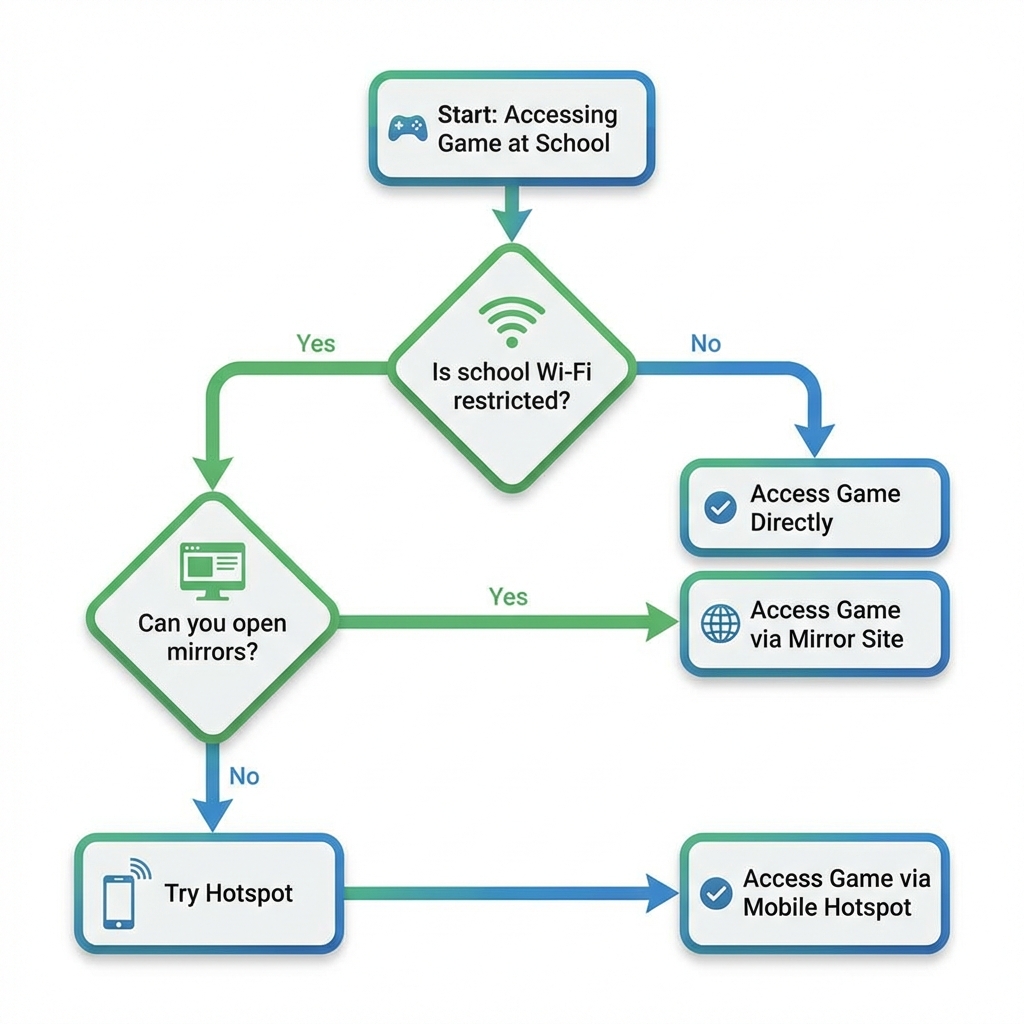
Option 1: Official Mirror Sites and PWA
Our Play Unblocked page is more than just a list of links; it's a rendering engine optimized for extreme network environments.
- Why it works: It loads resources through multi-layer relay proxies and stores core physics engines (PhysX algorithm packets) in the browser cache.
- PWA Installation: If your browser allows, add PolyTrack to your home screen. Once installed as a PWA, it often gains higher process priority and can bypass some real-time keyword scanning in certain systems.

Option 2: Mobile Hotspot and Offline Pre-loading
If you have an unlimited data plan, a mobile hotspot is the ultimate brute-force solution.
- Offline Pre-loading Trick: Open PolyTrack once at home or where there's WiFi and let it finish loading. The 2025 version of PolyTrack has powerful offline caching capabilities. As long as you don't close the tab, you can still run loaded tracks and practice even if you disconnect.
- Traffic Control: Remember to turn off system auto-updates and other background app networking permissions.

Option 3: The "IT Dept" Approach
Believe it or not, some IT staff are willing to whitelist educational or logic-based games.
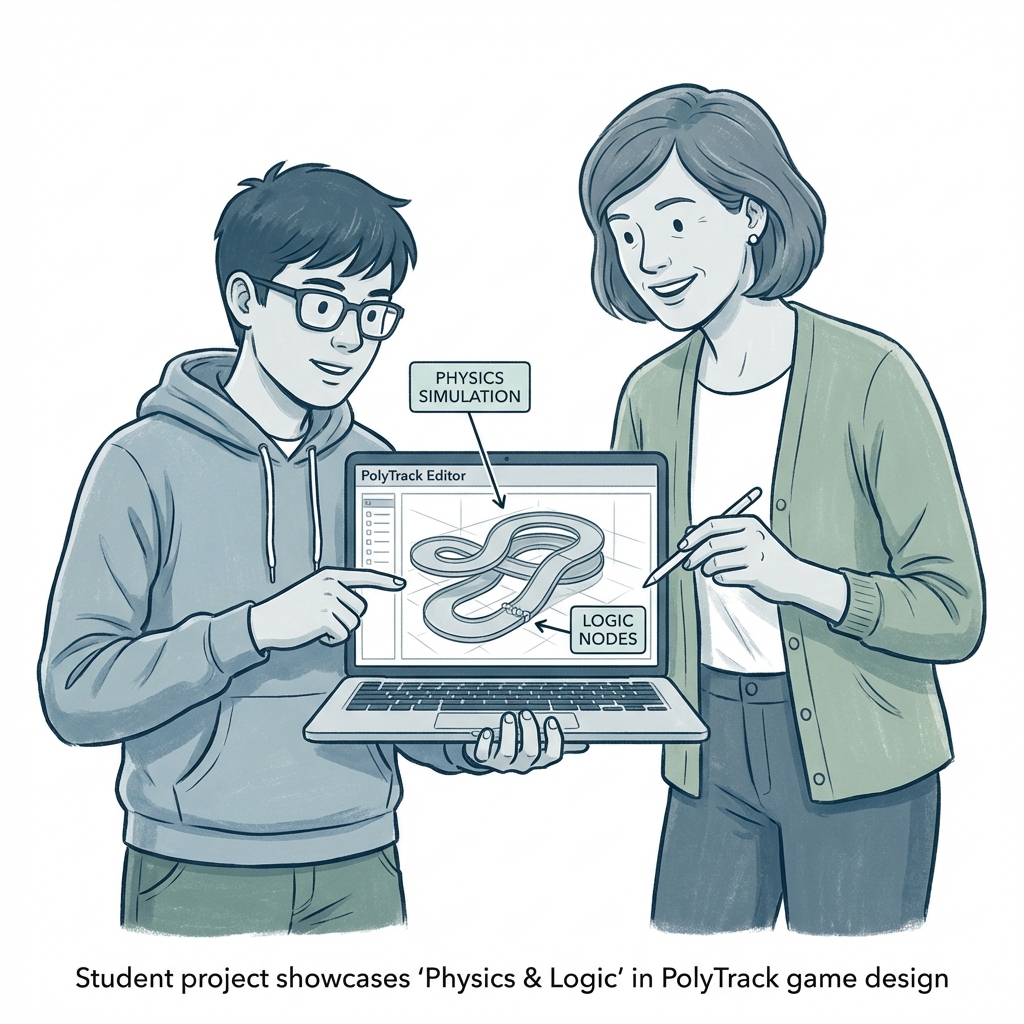
- The Pitch: Explain that PolyTrack is a physics-based simulation that encourages problem-solving. Show them how the track editor works as a logical design tool.
- The Result: If you're respectful and show maturity, you might get a "legit" whitelist for the whole school.
Chapter 3: Extreme Hardware Optimization—Squeezing FPS from Chromebooks
School-issued devices (Chromebooks, low-end tablets) are often performance-limited. To run at 60 FPS on these "Potato Machines," you need some "geek" tactics.
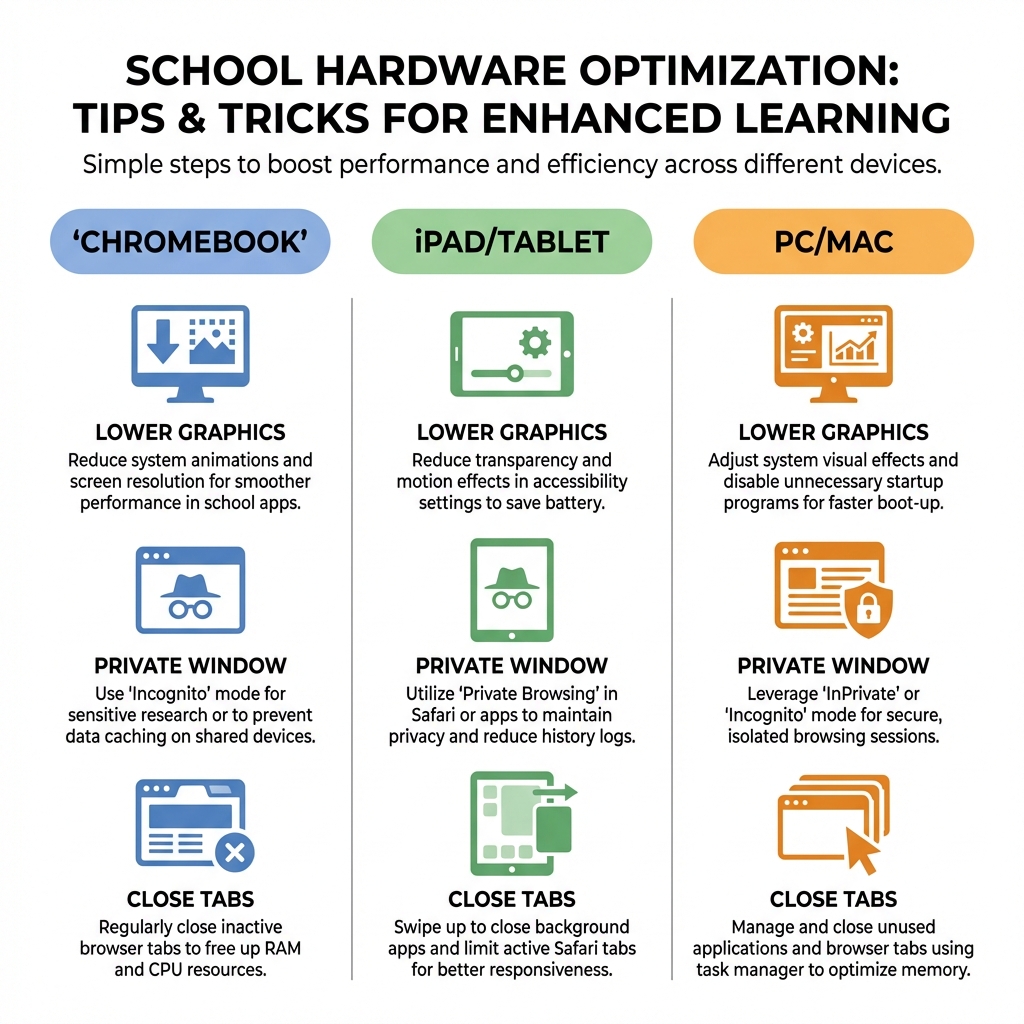
1. Chromebook Specific Optimization
- Disable Android Subsystem: If your Chromebook supports Android, go to settings and temporarily disable it. This subsystem often permanently occupies over 1GB of RAM.
- Resource Monitor: Press
Search + Escto bring up the Task Manager. You'll be surprised how many "educational monitoring tools" are eating your CPU in the background. - Chrome Flags Settings:
#enable-gpu-rasterization: Enable.#zero-copy-rasterizer: Enable, it helps reduce CPU-to-GPU copy latency.
2. General Browser Adjustments
- Incognito Mode: It disables all extensions (like AdBlock or learning tools), which are often the main cause of WebGL rendering conflicts.
- Resolution Scaling: If lag is severe, try narrowing the browser window. The smaller the rendering area, the lighter the GPU load.
- Force WebGL: Some school devices disable WebGL due to old drivers. Adding the parameter
--ignore-gpu-blocklistto the Chrome shortcut can force it to try running.
Chapter 4: Micro-Break Management—Track Recommendations and Social Strategy
Time is limited; you can't wander aimlessly through a bottomless list of tracks.
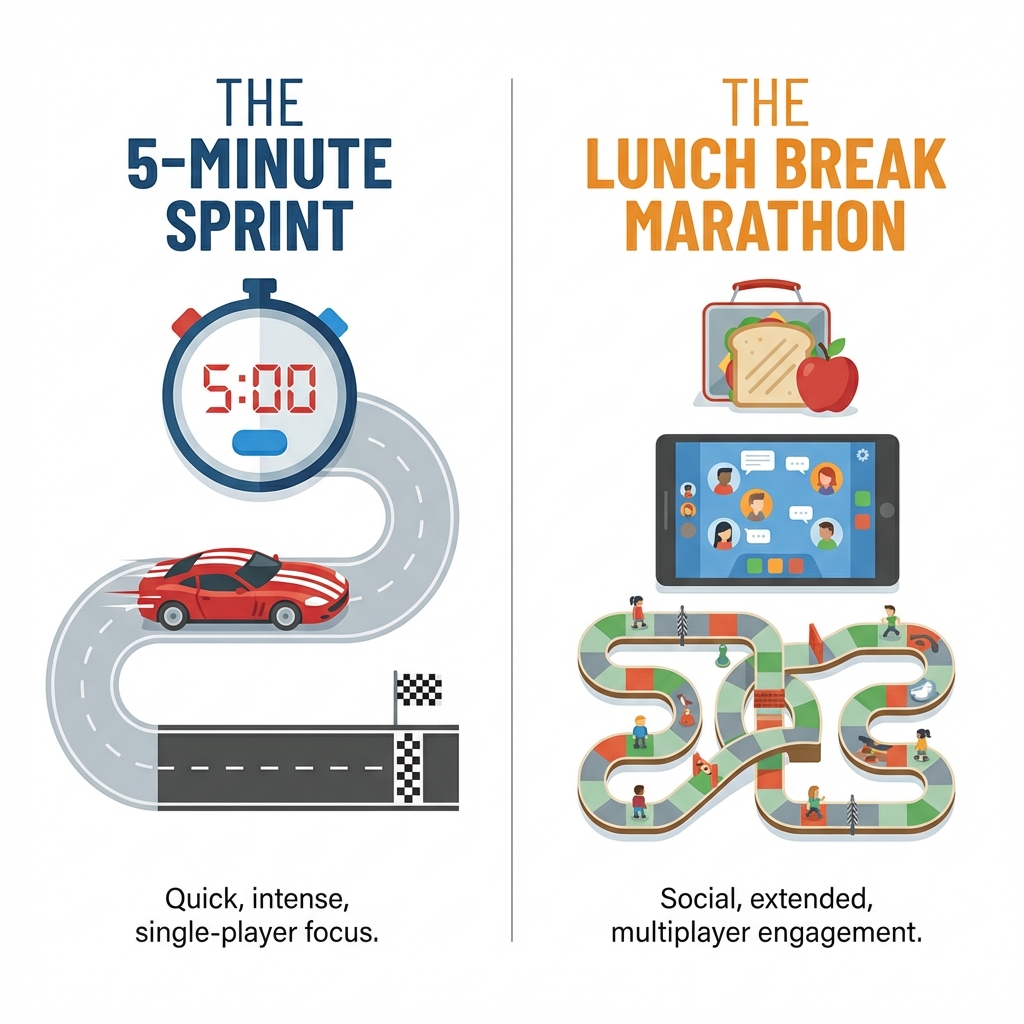
5-Minute Sprint: The Precision Grind
Focus on vertical takeoffs and mid-air balance. Recommended Track IDs:
- #188 (Speed Loop): Extreme downhill acceleration, perfect for a 1-minute stress relief.
- #522 (Tight Cornering): Ideal for practicing hair-pin drifts. Average completion time for these tracks is under 40 seconds.
30-Minute Lunch Marathon: Social Challenges
In 2025, the most popular activity in the PolyTrack community is the "Code Duel."
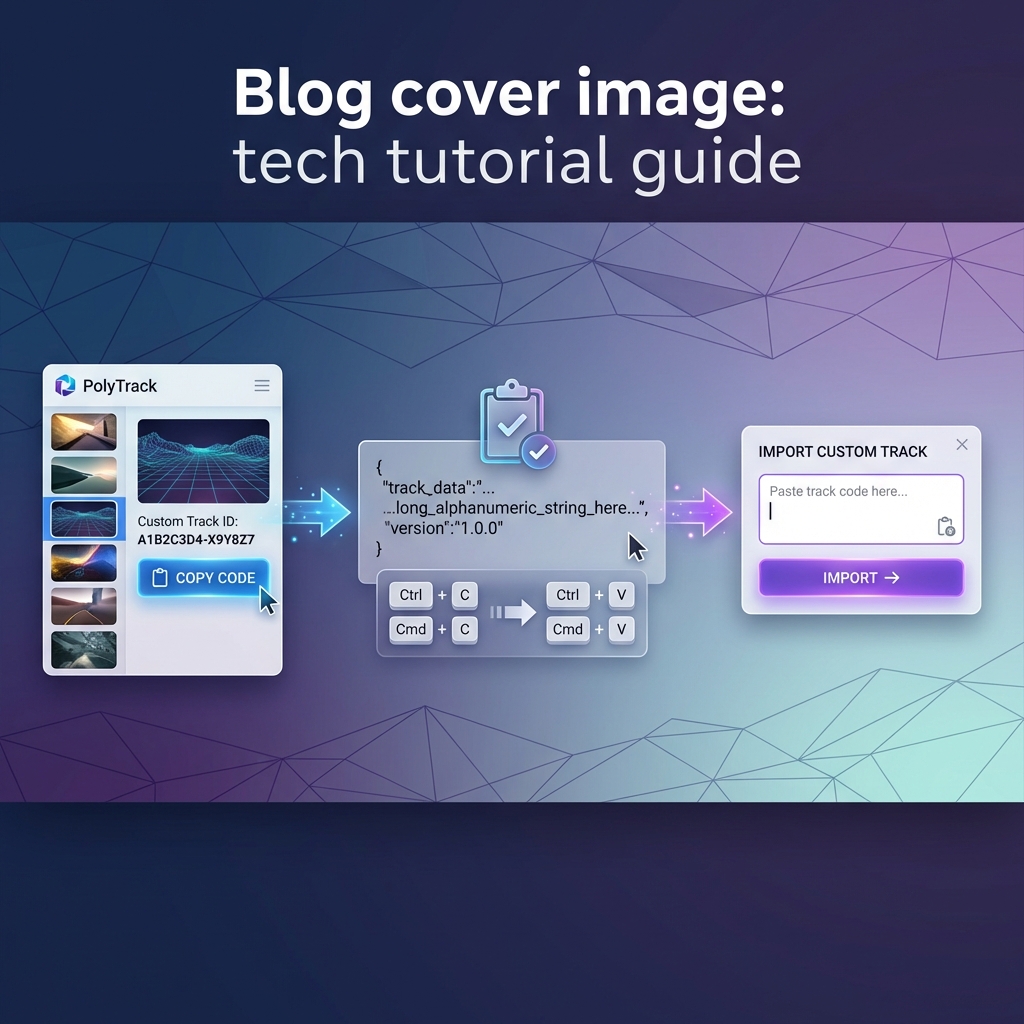
- Fixed Track: Everyone copies the same track code from PolyTrackCodes.
- Time Attack: Everyone runs on their own machine to see who reaches the Top 5% of the school leaderboard first.
- Technical Review: Watch each other's replays to study whether the opponent took the apex or initiated an early drift at the second corner.