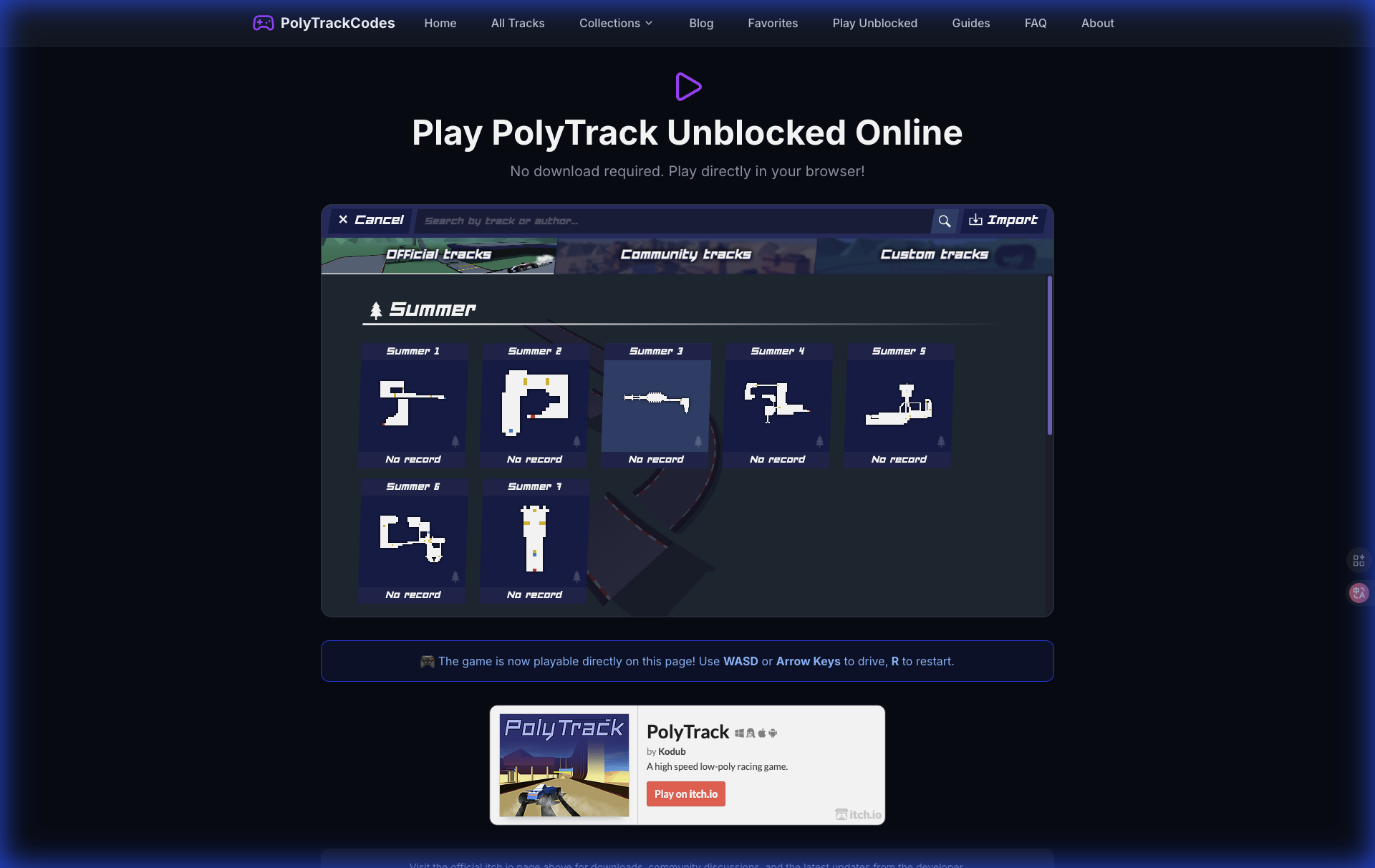
The short answer
The safest place to play PolyTrack is the official PolyTrack itch.io page. That page is maintained by Kodub, the creator of the game, and it currently lists browser play plus downloadable builds for Windows, macOS, Linux, and Android.
If itch.io does not load on your network, the next safest public option is PolyTrack on CrazyGames, which Kodub announced as an official supported platform in the PolyTrack devlog. Use fan mirrors only when you understand what they are: unofficial copies that may be outdated, modified, overloaded with ads, or missing important updates.
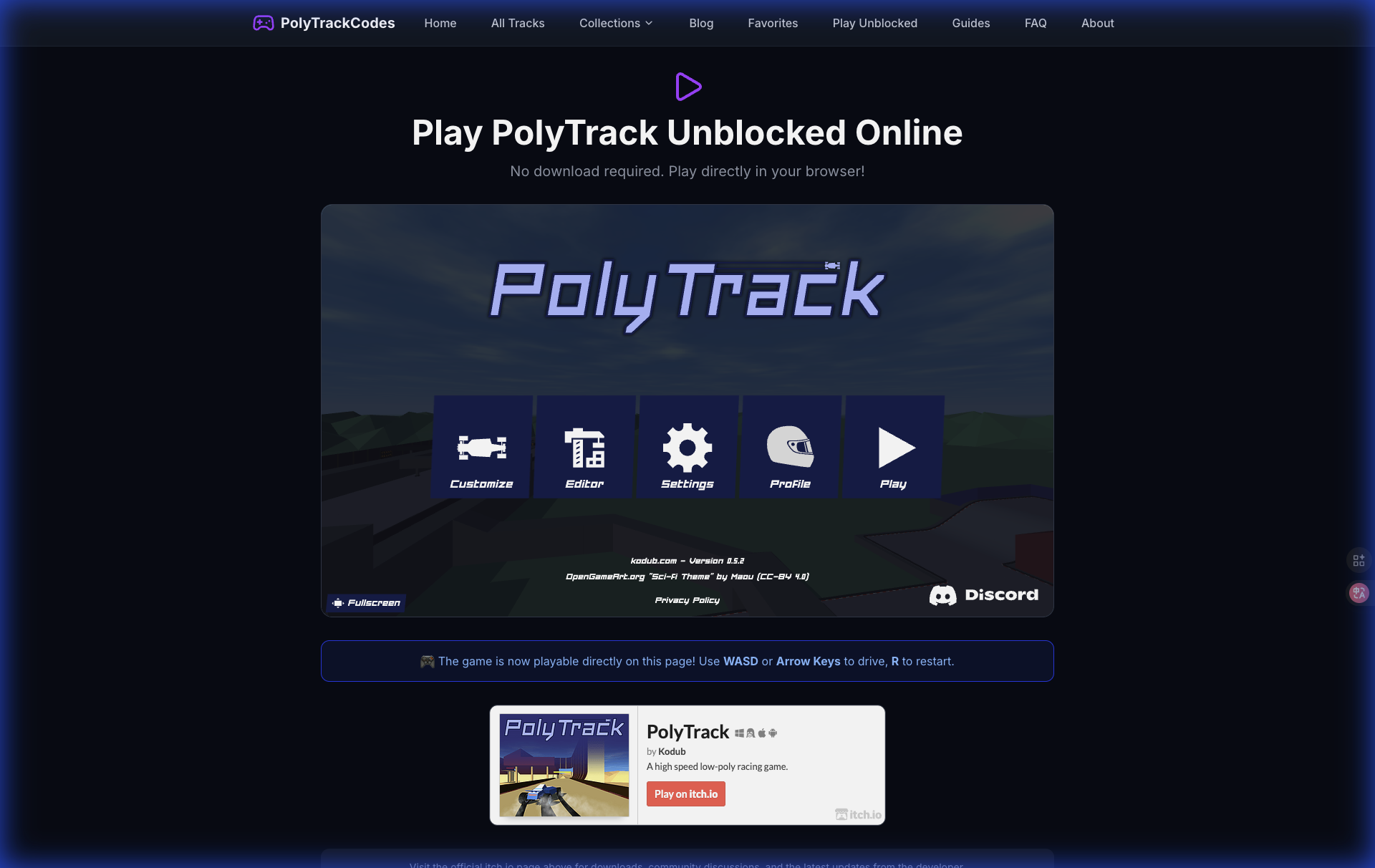
Start from a trusted PolyTrack page before copying codes, entering names, or downloading files.
Safe PolyTrack link checklist
Before you open a PolyTrack link from Google, Reddit, Discord, a school document, or a Google Sites page, check these signals.
| Signal | Safe sign | Risk sign |
|---|---|---|
| Source | Official itch.io, Kodub-linked page, or known game portal | Random mirror with no creator info |
| Download prompt | Optional download from the official itch.io page | Forced installer, browser extension, or unknown APK |
| Game version | Mentions recent PolyTrack versions such as 0.6.x | Old copy with no version context |
| Ads | Normal page ads around the game | Fake start buttons or popups blocking the game |
| Track codes | Plain text codes and clear instructions | Files, scripts, or login walls for basic codes |
| Community links | Discord, Reddit, itch.io community, or PolyTrackCodes | Spam pages promising cheats or hacks |
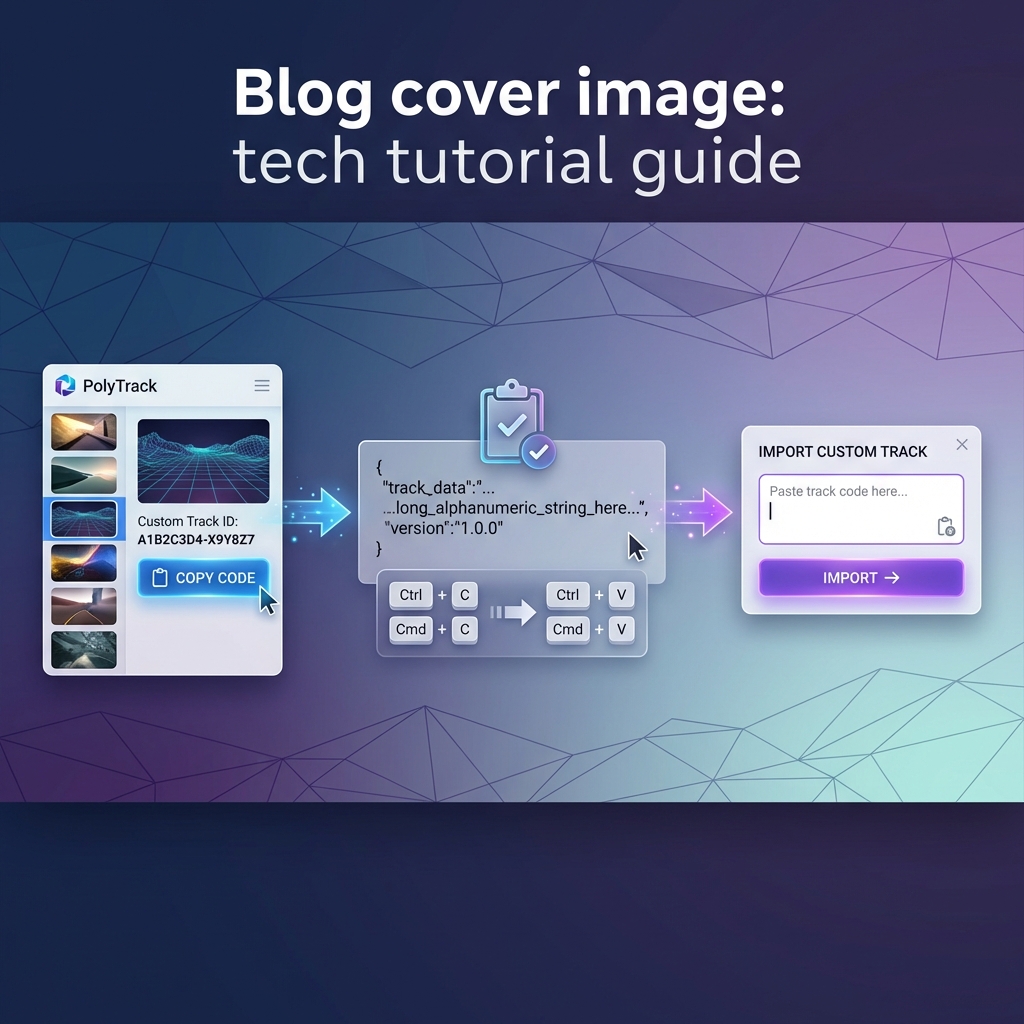
PolyTrack track codes are just text used to import custom maps. You should not need to install anything, give a password, or run a file just to use a track code.
Best places to play PolyTrack in 2026
1. Official itch.io page
Use the official itch.io page first whenever possible. It is the cleanest source for the current game, downloads, community posts, and devlogs. As of June 2026, the page lists v0.6.2 downloads for desktop platforms and Android, while the browser version still runs directly on the page.
Best for:
- Playing the official browser version.
- Checking the latest update notes.
- Downloading desktop or Android builds.
- Finding the official community and devlog links.
Potential issue: itch.io can be blocked on some school or work networks. If that happens, do not chase every mirror in search results. Use a known alternate platform or play later on a network where the official page is available.
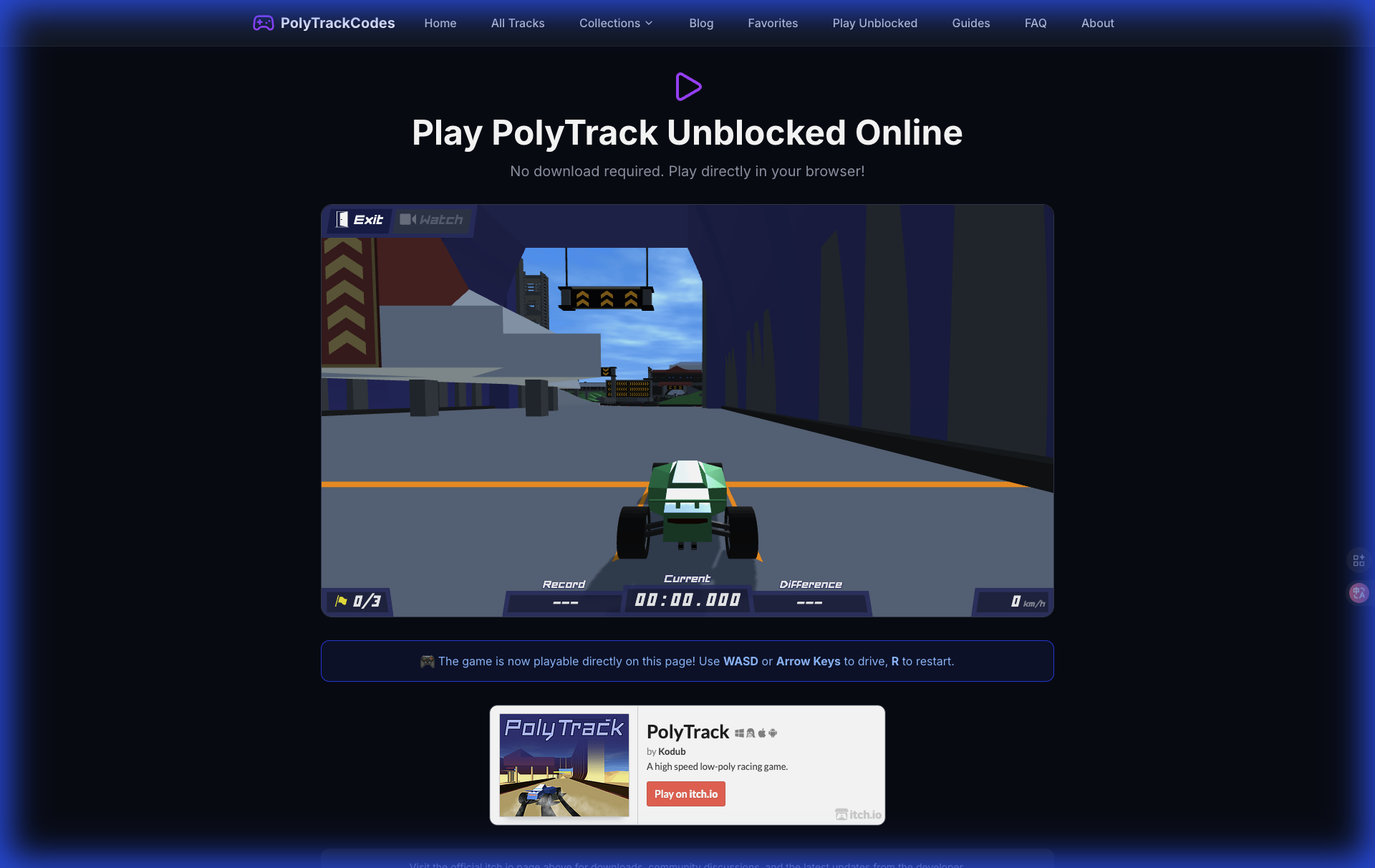
The official game is still the reference version for controls, physics, editor behavior, and updates.
2. CrazyGames
CrazyGames is a safer alternate because Kodub announced PolyTrack there in an official devlog. It is also useful for players who prefer game-portal hosting or cannot open itch.io on a given device.
Best for:
- Quick browser play.
- A familiar game-portal experience.
- Players who want a public alternate to itch.io.
Potential issue: the CrazyGames version may include ads around the experience because that was part of the official announcement. Ads are not automatically unsafe, but avoid fake download buttons or misleading popups on any site.
3. PolyTrackCodes play page
Our Play PolyTrack Online page points players toward the official game and helps connect the game with our track-code library. Use it when you want to open the game and then import community tracks from the same site.
Best for:
- Finding the game and custom tracks together.
- Moving from a track page to the playable game.
- New players who need guidance before importing codes.
Potential issue: PolyTrackCodes is a fan resource, not the official developer page. For the latest game build, patch notes, and downloads, the official itch.io page remains the source of truth.
What about Google Sites, GitHub, Classroom 6x, and unblocked mirrors?
Many players search for PolyTrack Google Sites, PolyTrack GitHub, Classroom 6x PolyTrack, or PolyTrack unblocked mirrors because the official page may be blocked on school networks. These pages can be convenient, but they are usually unofficial.
That does not mean every mirror is malicious. It does mean you should treat mirrors as convenience copies, not as trusted sources. A mirror can be behind on updates, have broken storage, remove official links, add extra ads, or host a modified game without explaining what changed.
Use this rule: play mirrors only for casual browser access, never for downloads or account information.
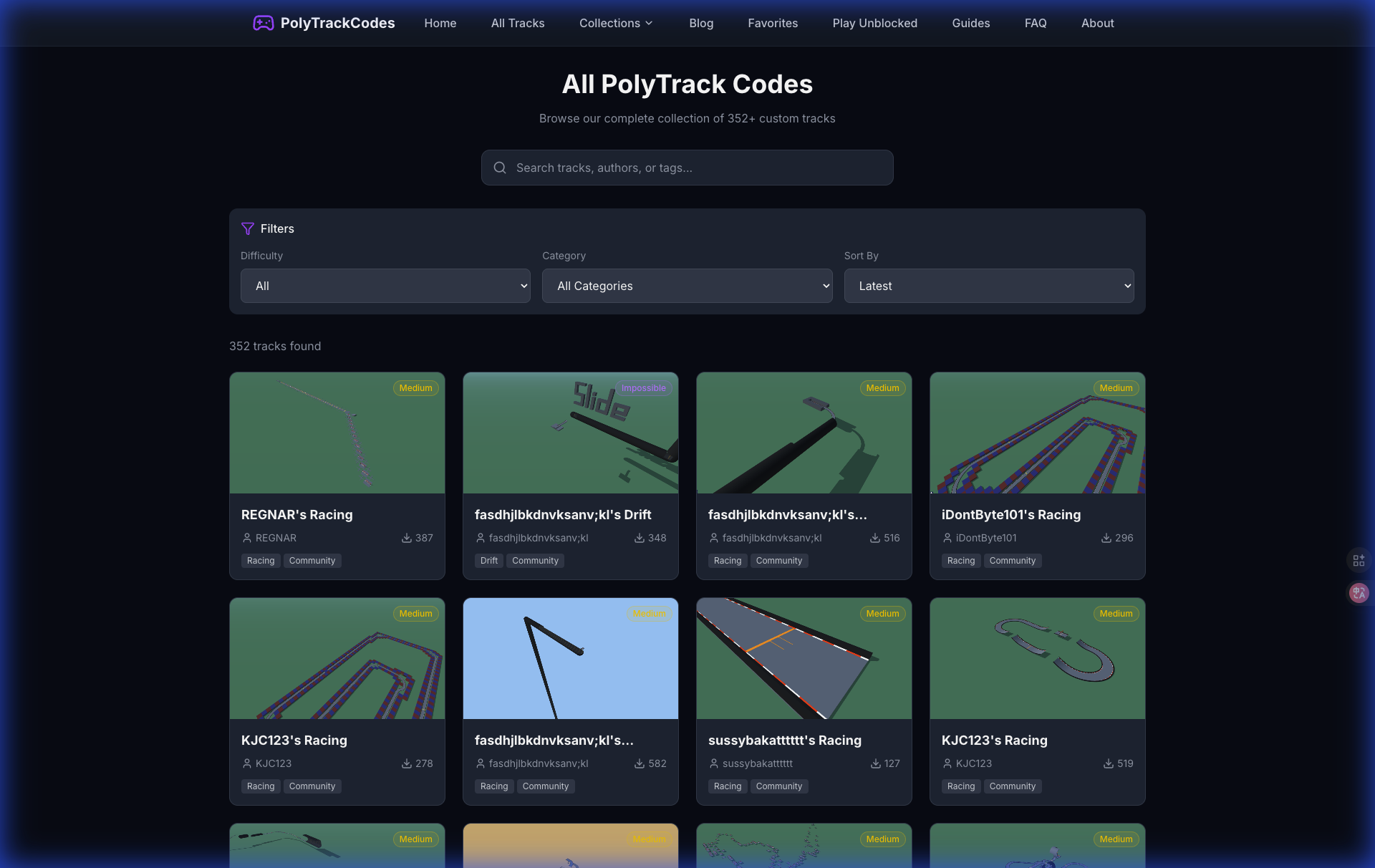
A safer route is to use mirrors only for playing, then rely on a dedicated track library for finding and saving good maps.